Most SME teams do not have a work problem. They have a handoff problem. Enquiries arrive in WhatsApp, email, forms, and calls, then a person has to decide what matters first. An AI operations layer removes that sorting work so the right next action happens faster, every time.
How SMEs can use one AI operations layer to triage incoming work, assign ownership faster, and keep leads and requests from getting lost.
- Use AI to triage, not to replace your team.
- Start with one queue: leads, requests, or internal tasks.
- Route urgent items instantly and log everything else automatically.
- The win is fewer delays, cleaner ownership, and less context switching.
Why an AI operations layer matters
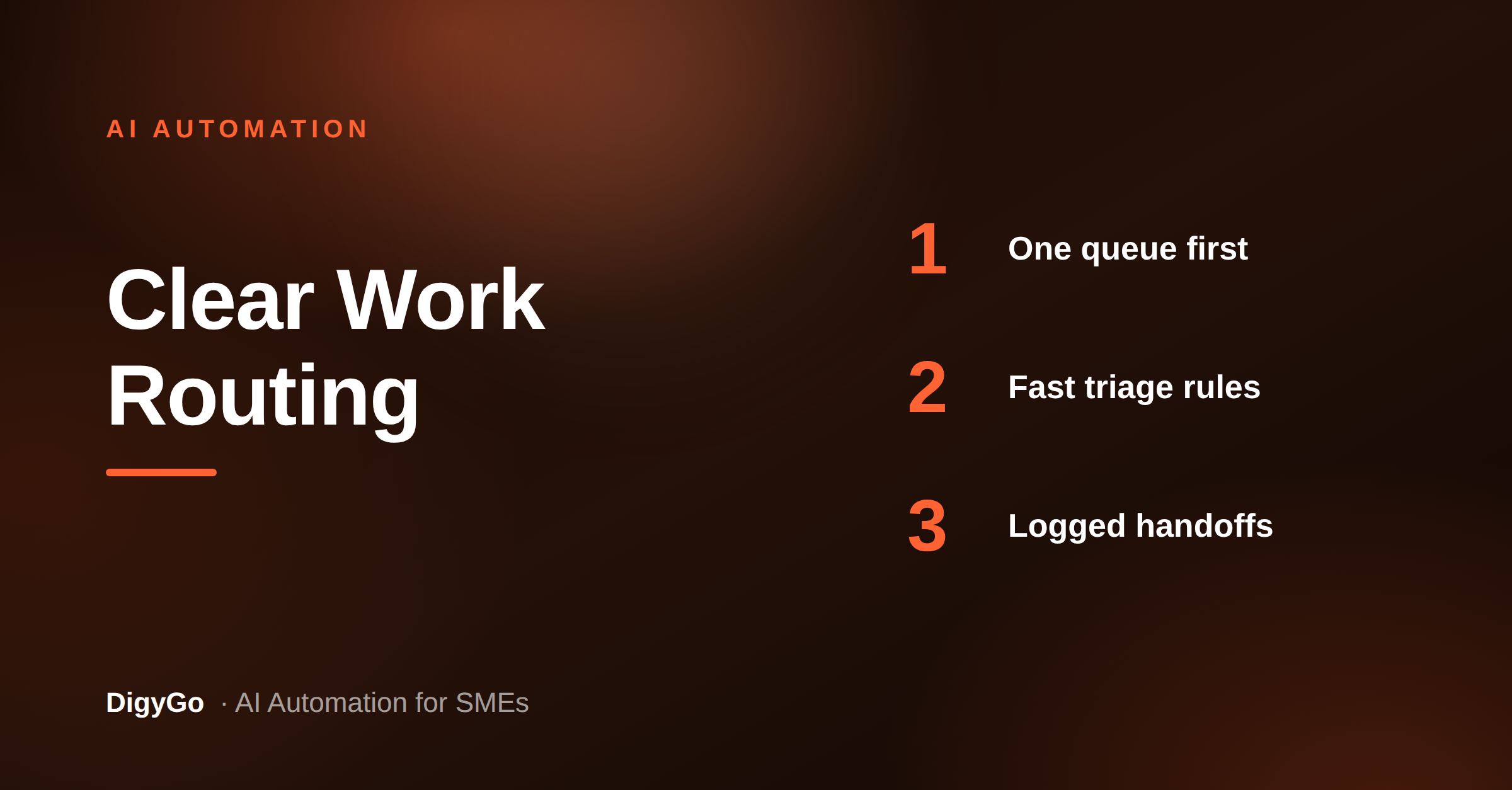
When every enquiry lands in a different place, teams waste time deciding where to look first. The result is slow replies, missed follow-ups, and work that slips between channels. An AI operations layer fixes that by reading incoming items, tagging intent, and sending each item to the right person or workflow.
For SMEs, this is not about building a complicated system. It is about creating one reliable front door for work. Once that front door exists, the team stops acting like a manual router and starts acting like a real operations unit.
Start with one queue, not five automations
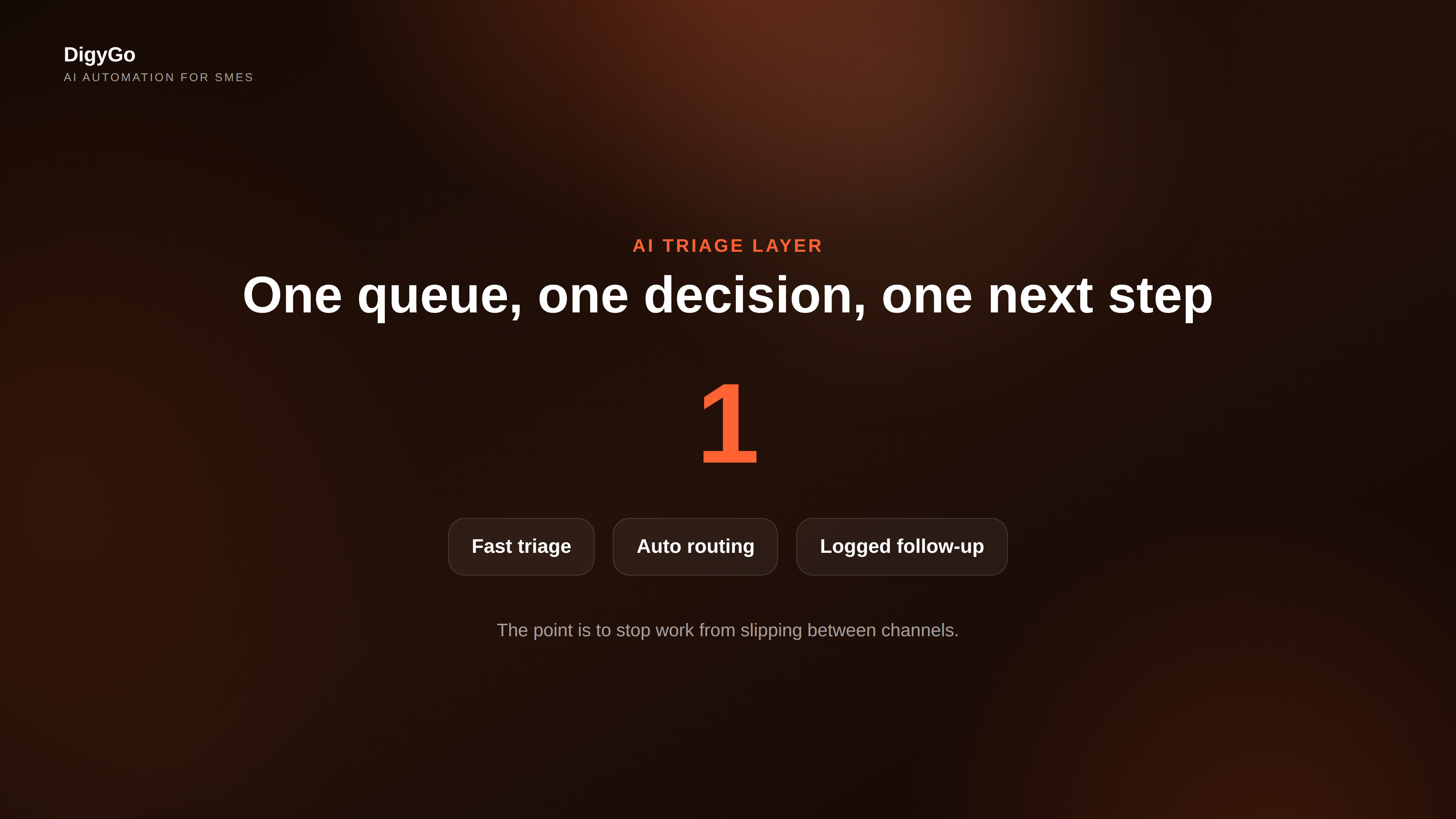
The biggest mistake is trying to automate everything at once. Begin with the one queue that causes the most friction. For many SMEs, that is lead follow-up. For others, it is customer requests or internal task handoffs. The pattern is the same: one inbox, one decision rule, one action path.
- Leads: qualify, score, and route by intent.
- Requests: tag urgency and assign ownership.
- Tasks: turn messages into tracked actions.
Once that first queue works, the rest of the system becomes easier to trust. You are no longer asking people to remember every detail. The system remembers for them.
What the AI layer should do
A good AI layer handles the repetitive thinking before a human needs to step in. It should classify the message, extract the useful details, and decide whether the item needs an instant response, a scheduled follow-up, or a handoff.
That means the system should answer questions like these:
- Is this urgent or routine?
- Which team owns it?
- What details are missing?
- What is the next best action?
When those decisions happen automatically, your team spends more time closing, serving, and delivering instead of sorting and chasing.
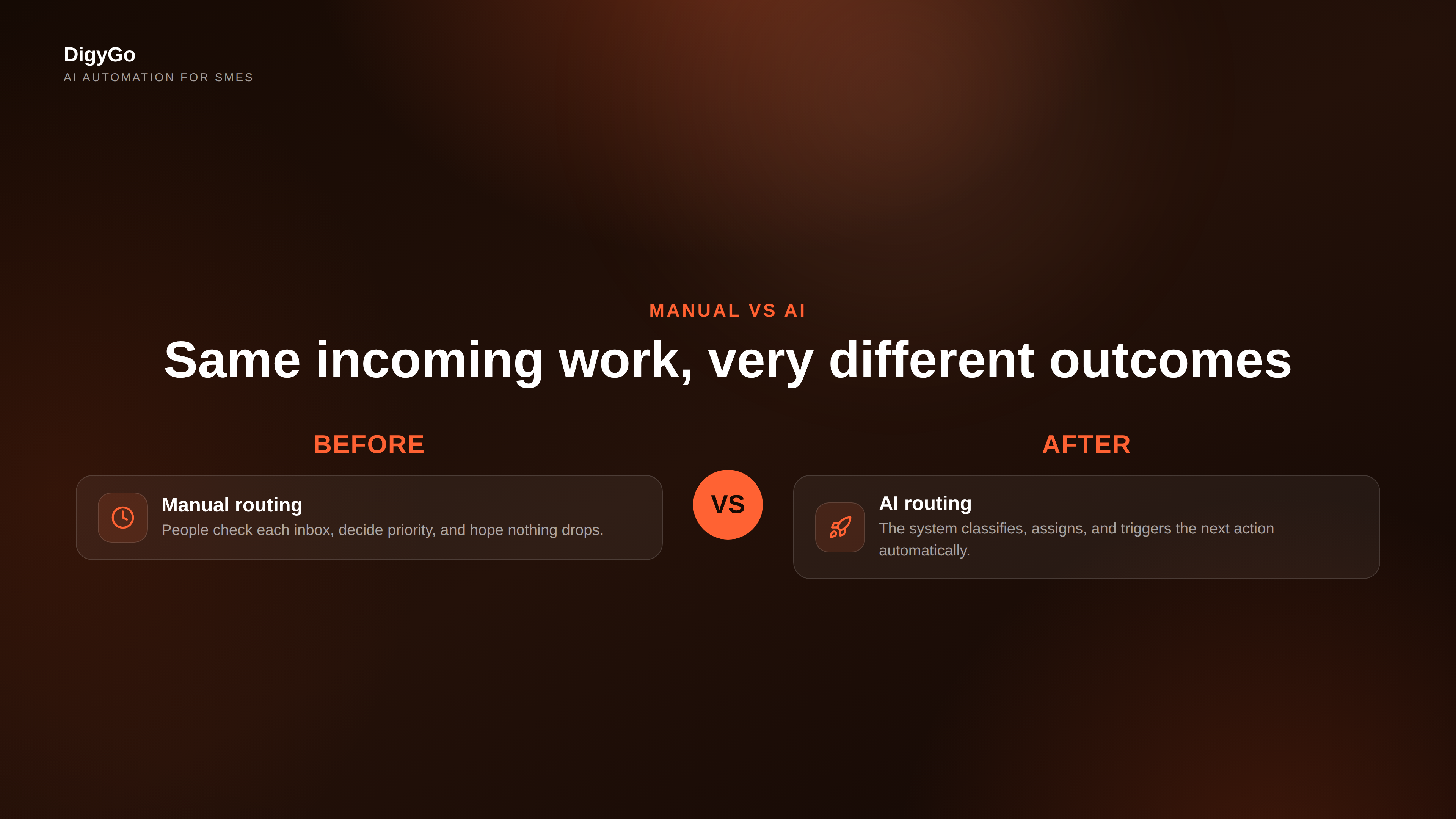
Manual routing vs AI routing
The difference is not just speed. It is consistency.
| Manual routing | AI routing |
|---|---|
| Someone checks every inbox | One system watches every channel |
| Priority depends on memory | Priority follows rules |
| Replies depend on availability | Urgent items trigger instantly |
| Follow-up gets forgotten | Follow-up is logged and scheduled |
| Handoffs are inconsistent | Ownership is assigned automatically |
How to implement it cleanly
- Pick one incoming source: form, WhatsApp, email, or call log.
- Define simple labels: lead, support, urgent, and follow-up.
- Set one response rule for each label.
- Connect the rule to a person, a calendar, or a CRM record.
- Review edge cases weekly and tighten the logic.
That is enough to create momentum. The goal is not perfection. The goal is to reduce friction so the business can move faster with the same team.
The business result
When the AI layer is working, the benefits show up quickly: faster response times, fewer missed handoffs, and cleaner visibility across the team. Founders also get a calmer operation because every message has a path instead of living as an open loop.
This is why AI systems matter more than isolated AI tools. A tool helps with one task. A system changes how the work moves.
FAQ
Is this only for larger teams?
No. SMEs often benefit the most because they have less spare time and fewer people to absorb missed work.
Do we need a full CRM before starting?
No. You can start with one queue and add the CRM connection after the routing rules are stable.
What should we automate first?
Start with the highest-friction queue, usually leads or customer requests, then expand from there.
Want help designing an AI operations layer for your business? Talk to DigyGo.