When a customer asks "has my order arrived?" or "when will the technician come?" they are not making a complaint — they are looking for a quick answer. But for most SME service teams, those quick answers arrive in the middle of a busy workday, breaking focus, slowing delivery, and creating a constant stream of interruption that adds up to hours of lost time every week.
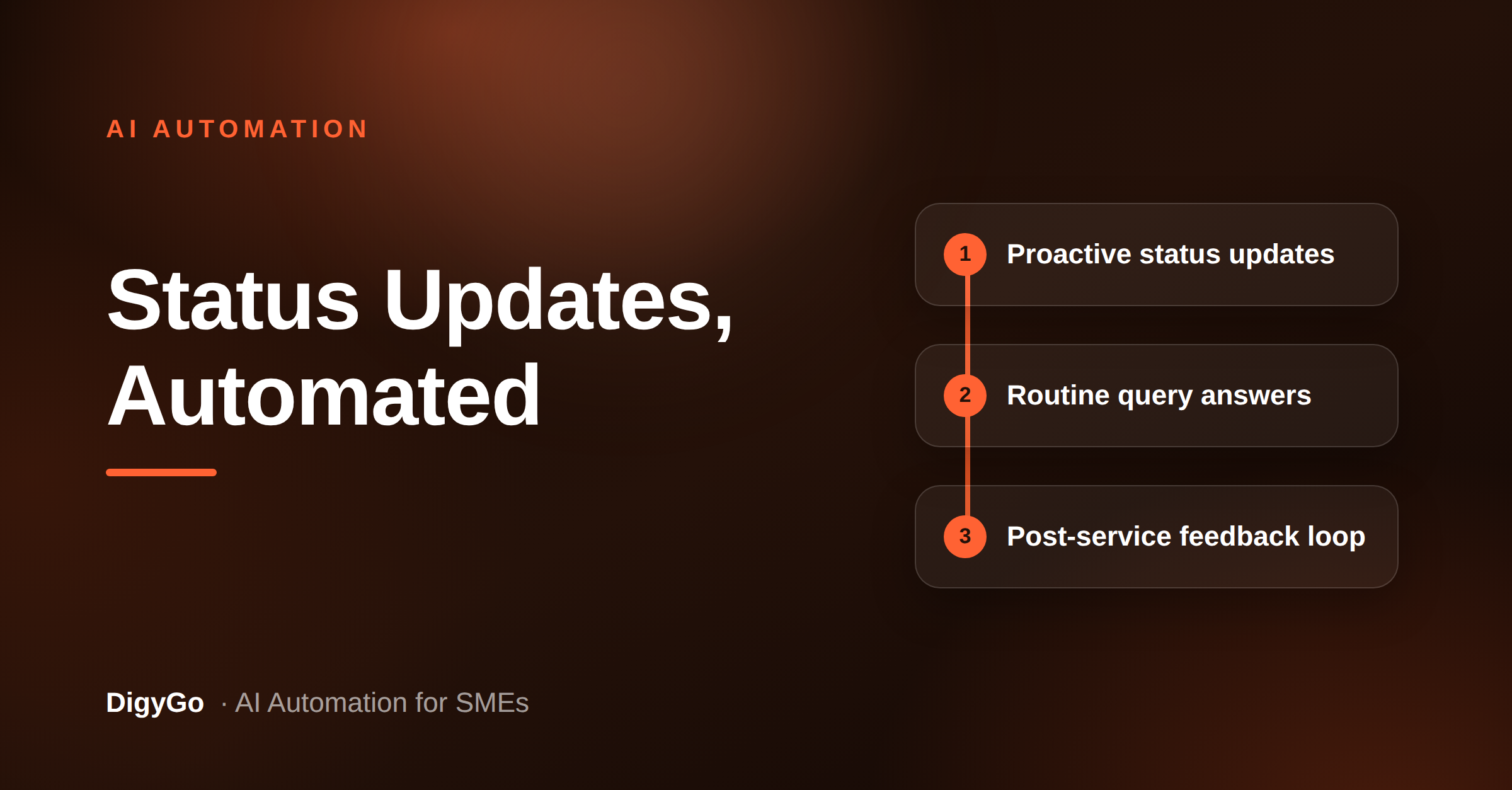
An AI service update agent automatically sends status updates, answers routine queries, and collects feedback so the team can focus on the job while customers stay informed.
Service SMEs — AC repair, salon, auto garage, plumbing, pest control, catering — share the same operational pain: the team is either doing the work or answering questions about the work, rarely both at the same time. When one person is on a job site, calls pile up. When the office person is out sick, updates stop flowing. And every time a customer has to ask twice, trust erodes a little.
An AI service update agent changes this. It sits between the team's work and the customer's phone, automatically sending status updates, answering routine queries, and collecting feedback — so the team can focus on the job while customers stay informed without anyone having to stop what they are doing.
Where the interruptions come from
To understand why an AI agent helps, look at a typical service day. A technician finishes a job and heads to the next site. Between jobs, three customers message: one asking when their slot opens, one who wants to reschedule, one asking for a bill copy. The technician is driving. The office person is on another call. By the time anyone replies, an hour has passed and one of those customers has called twice.
These interruptions are not emergencies. They are routine — and that is exactly the kind of work AI handles best. A well-designed service update agent recognises the intent behind each message (status check, reschedule, bill request) and responds with the right answer using data the business already has.
What an AI service update agent handles
A capable agent manages three categories of customer communication without requiring a human to touch the conversation.
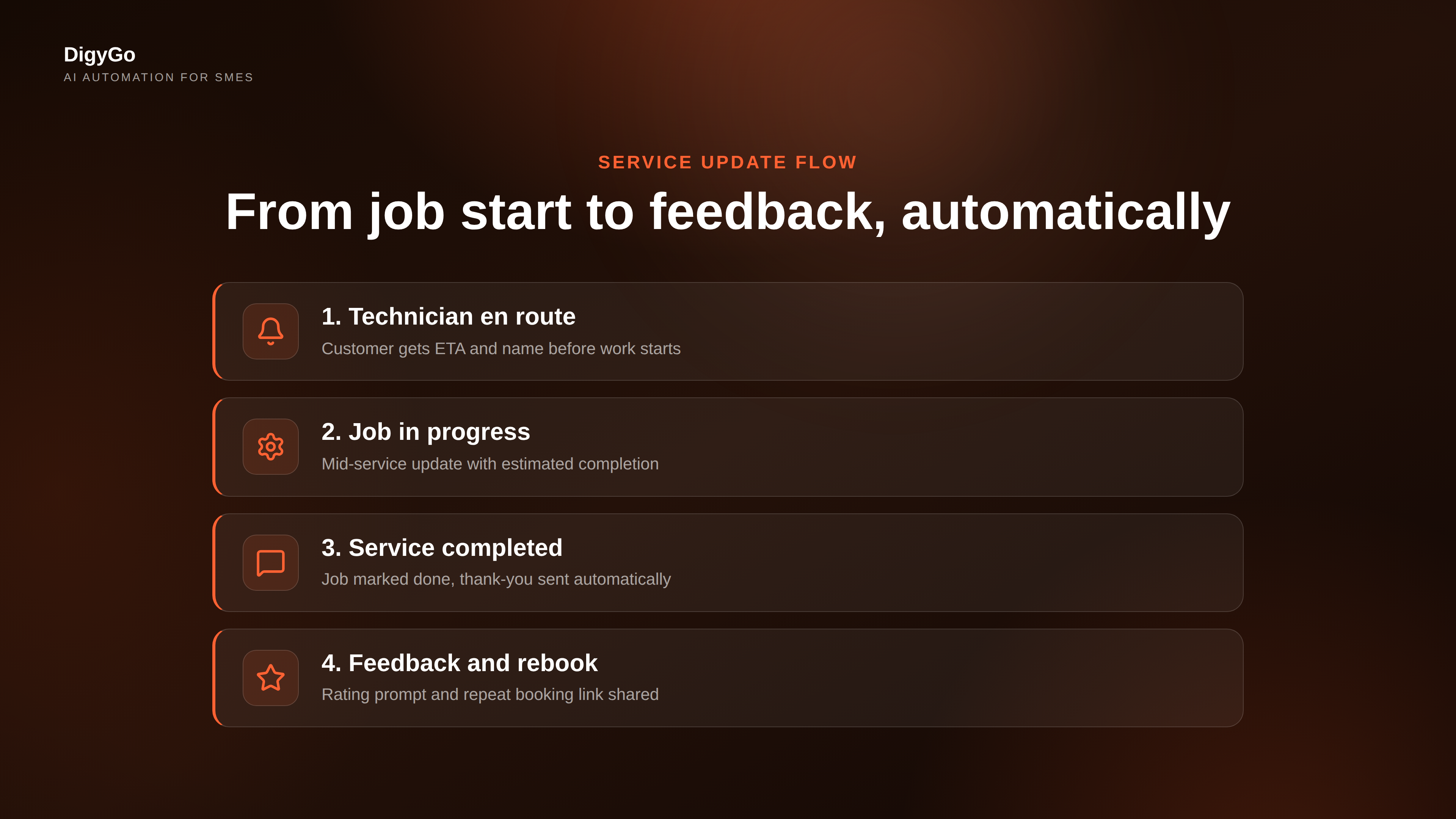
1. Proactive status updates
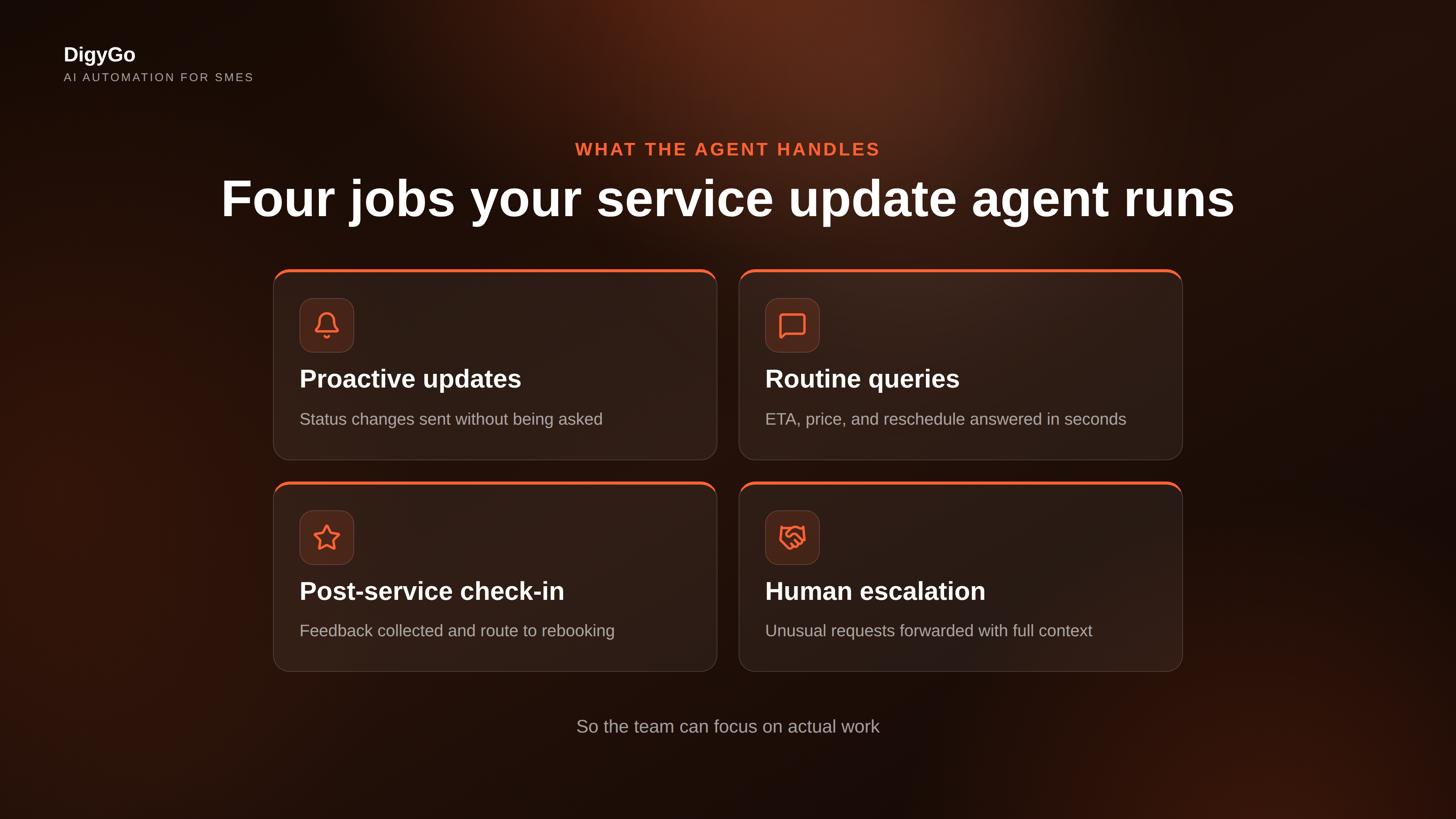
The strongest use case. When a job moves through stages — assigned, en route, started, completed — the agent sends a short update to the customer automatically. No one has to remember to text after each milestone. The customer never has to ask "any update?" because the update arrives before they can type the question.
2. Routine query answering
For the most common customer messages — "when will you arrive", "how much does [service] cost", "can I change my time slot" — the agent answers from the booking data and predefined business rules. It knows the technician's ETA from the schedule, it knows the price list, and it knows the cancellation policy. The customer gets a response in seconds, not minutes or hours.
3. Post-service check-ins and feedback
After the job is marked complete, the agent sends a thank-you message, asks for a quick rating, and offers a repeat booking link. This turns every completed job into the start of a retention and referral loop — but only if it happens automatically, because no one has time to follow up manually after every service.
Three pieces of data the agent needs
An AI service update agent does not need a complex CRM or months of setup. It needs three things the business already has:
- The schedule — which jobs are assigned to whom, at what time, and at what address. This comes from the booking system or even a shared calendar.
- The status feed — when a job transitions (assigned → en route → in progress → complete), the agent knows because someone updates it in the same system.
- The customer contact — phone number or WhatsApp chat ID, collected at the time of booking.
With these three inputs, the agent can send the right message at the right time without needing a single new tool. The team just keeps doing what it already does — the agent watches and communicates.
What the agent frees up
Track the time a service SME spends on status-update calls and messages over a week. For a business that runs five to eight jobs a day, the math works out to roughly 45 to 90 minutes of cumulative interruption time — broken into small chunks that prevent anyone from getting into a flow state on actual work.
An AI service update agent reclaims that time. The team works without being interrupted by routine questions. The customer gets faster, more consistent replies. And the business gets a side benefit: customers who receive proactive updates are measurably less likely to call for a follow-up, which reduces the interruption volume even further over time.
Designing the agent so it does not feel robotic
The fear most SME founders have is that automation will sound cold. The fix is simple: write the agent's messages in the same informal, helpful tone the team uses. Use the business name. Offer a real-person escape hatch — "reply CALL if you need to speak to someone" — so customers never feel trapped in an automated loop.
When the agent cannot answer (an unusual request, a complaint, a billing dispute), it hands off to a human with the full conversation history. No lost context, no asking the customer to repeat themselves. The customer feels heard, and the human receives a clean brief instead of a forwarded screenshot.
When to start
The best time to introduce an AI service update agent is when the team is already feeling the strain of constant interruptions — when someone is juggling the phone while trying to complete a job, or when the office person is spending the first hour of every morning sending status texts instead of doing anything else.
Start small. Pick one status update — "technician is en route" — and automate just that message for one week. Measure how many follow-up calls it eliminates. Then add the next layer: the post-service check-in, then the routine query handling, then the rebooking trigger. Each layer compounds the time savings of the one before it.
Frequently asked questions
Do I need a CRM or specialised software to run an AI service update agent?
Not at first. Many SMEs start with a shared calendar or spreadsheet as the source of truth for the schedule and status. The agent reads from that single source and sends updates via WhatsApp or SMS. A dedicated tool helps as you scale, but it is not a prerequisite.
Will the agent send messages at the wrong time or wake customers up?
No. The agent respects a defined quiet-hours window (for example, no messages after 8 PM). It also only sends updates when a status actually changes, so customers receive fewer, more meaningful messages — not a stream of noise.
What happens when the agent cannot answer a query?
The agent forwards the conversation to a human with the entire chat history attached. The human picks up with full context, and the customer never needs to repeat themselves or explain the situation from scratch.
Can the agent handle multiple languages?
Yes. Because the agent uses language models to understand and compose messages, it works in Tamil, Hindi, English, and most Indian languages used in customer communication. The team can write the initial response templates in their preferred language and the agent matches the customer's language.
Your service team is already doing the work. Let an AI agent handle the updates so they can focus on the job. Talk to DigyGo about setting up a service update agent for your business →