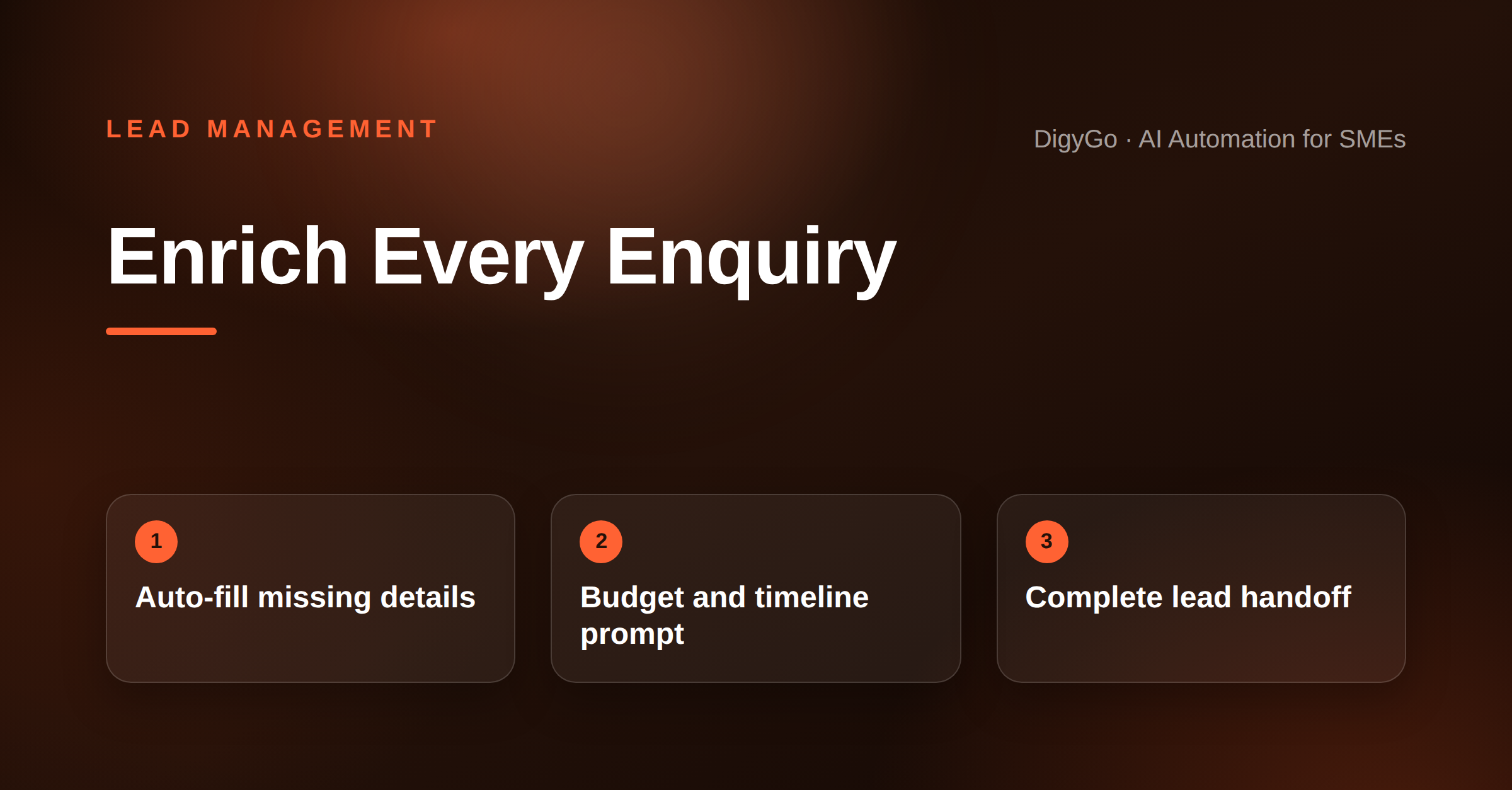
Most SME teams lose their fastest response advantage on leads that arrive as half-baked enquiries. A name and a vague "interested" cannot be priced, scheduled, or handed off — and chasing those missing details one message at a time is what turns a fast first reply into a slow, frustrating ping-pong conversation. Lead enrichment automation closes every gap before a human touches the lead.
A practical guide for SMEs on building a lead enrichment flow that auto-collects missing details (budget, timeline, requirement) before the first human reply — so the team can respond with a quote, not a question.
Key takeaways
- Enrichment automation collects missing lead details (budget, timeline, requirement) before the first human reply.
- An auto-qualification prompt after the first touch recovers 40–60% of missing information within minutes.
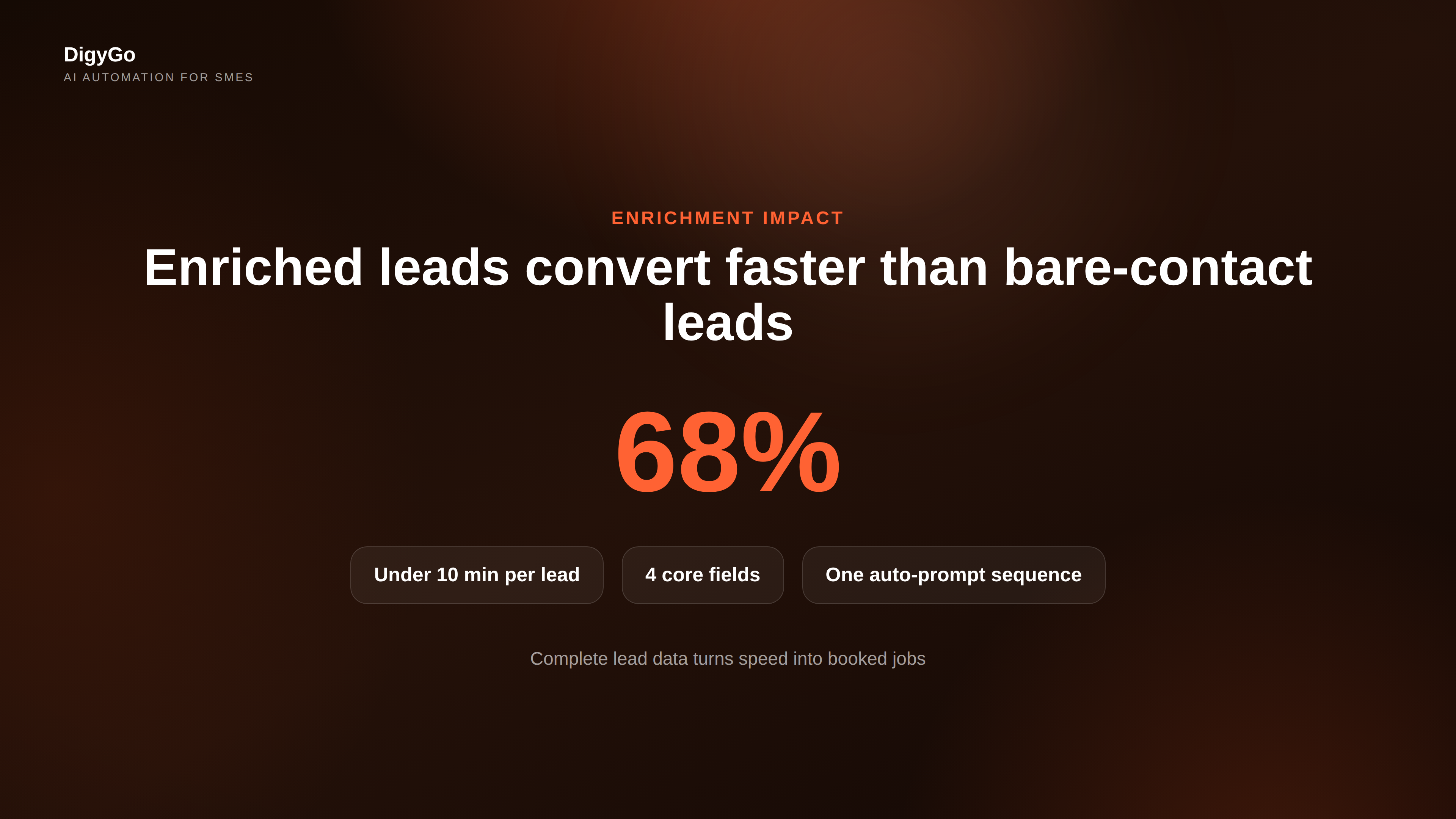
- Enriched leads convert at a significantly higher rate than bare-contact leads — because the team can act immediately instead of asking six follow-up questions.
- Four enrichment types to automate first: contact details, budget, timeline, and requirement specifics.
Why Half-Baked Enquiries Cost You Sales Time
A lead lands from a Google Ads form, a WhatsApp DM, or an Instagram message. You open it: name only. No phone number, no budget, no timeline. The clock starts ticking, but instead of replying with a useful quote or a booking link, your team sends a "Thanks for reaching out — could you share a few more details?" message. And then they wait.
That waiting period — from the first reply to the moment you actually understand the lead — is where most hot enquiries go cold. Every back-and-forth message adds minutes or hours, and in a small team, that delay compounds across every open lead. The problem is not response speed; the problem is that the response has nothing useful to act on.
Lead enrichment automation solves this by collecting the missing information before the first human reply. It does not replace your team's judgment — it makes sure the judgment arrives at a table that is already set.
What a Lead Enrichment Flow Looks Like
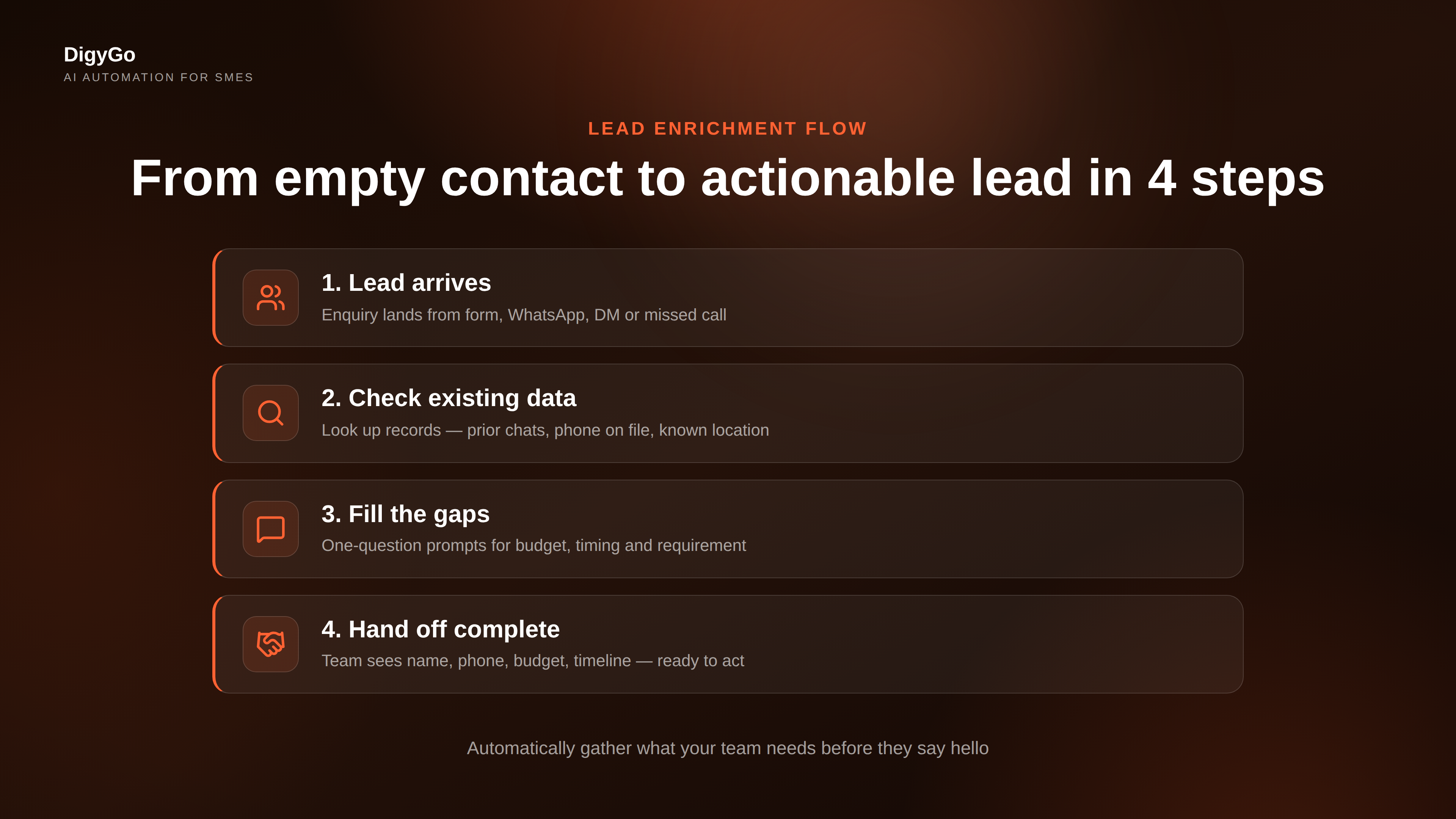
A simple enrichment flow runs in four stages. Each stage is automated, and each stage adds one piece of the puzzle so the person who finally picks up the lead can act — not ask.
1. Capture and Acknowledge
The moment a lead enters — from a web form, WhatsApp, Instagram DM, or missed call — the enrichment system sends a fast acknowledgment. This is not a chatbot sales pitch. It is a one-line confirmation: "Thanks, we got your enquiry. While we prepare a response, could you let us know your preferred timeline and budget range?"
The key is that the acknowledgement does all the qualification asking up front, so the human response can skip straight to the offer.
2. Enrich From Existing Data
Before asking the lead for anything the business already knows, the enrichment flow checks existing records. Has this person enquired before? Is their phone number associated with a prior conversation? Do they follow the business on Instagram or WhatsApp? Any context that already exists gets attached to the lead automatically — no manual lookup required.
3. Fill the Gaps With an Auto-Prompt
For details the system cannot find — budget range, preferred appointment time, specific service interest — it sends a short, single-question prompt. Not a form with ten fields. One question per message, with clear options the lead can tap or reply to. A three-question sequence (budget → timing → requirement) recovers usable info from most leads within 5–10 minutes without feeling like an interrogation.
4. Hand Off a Complete Lead
Once enrichment is done, the lead lands in the team queue with every field pre-filled. The assigned person sees: name, contact, service requested, budget bracket, preferred timeline, and source channel. They do not need to introduce themselves and ask six questions. They can say: "We can fit your project in next week starting at ₹X. Here is a link to book a slot." That speed is what closes deals.
Four Enrichment Types to Automate First
Not every missing detail is equally valuable. Focus on the four fields that determine whether a lead can be priced, scheduled, or handed off:
- Contact details — Phone number, email, and location. Without these, no follow-up is possible. Auto-extract from WhatsApp profile, form metadata, or caller ID.
- Budget range — A rough bracket (₹5K–10K, ₹10K–25K, ₹25K+) is enough to qualify the lead without a call. An auto-prompt with three options works well here.
- Timeline or urgency — "This week," "This month," or "Just researching" tells the team whether to prioritise now or nurture over time. A simple tap-to-answer question after the first reply captures this within seconds.
- Requirement specifics — Two or three words about what the lead actually needs. "Website redesign," "AC service," "Packers and movers for 2-BHK." Auto-suggest from the source form or channel context.
Together, these four fields turn a bare contact record into a lead that can be quoted, scheduled, or routed to the right person without a single back-and-forth message.
When Chasing More Details Hurts
Enrichment automation has a limit. If a lead has already sent a clear message — "I need a plumber, my budget is ₹8K, I need it done this Friday" — sending an auto-prompt asking for their timeline is insulting, not helpful. The system should detect when the lead has already provided what is needed and skip enrichment for that field.
Similarly, some leads will not respond to prompts at all. After two gentle attempts with no reply, the enrichment flow should pass the lead to a human with whatever information is available instead of continuing to ask. A partially enriched lead with name and phone is still more useful than a lead stuck in an endless qualification loop.
How Enrichment Affects Team Workflow
The team side of the equation matters just as much. When every lead arrives fully enriched, the person responding can shift from detective mode — "let me figure out what they need" — to solution mode: "Here is exactly what fits your requirement and budget." That shift reduces average reply time, improves the quality of the response, and makes the sales conversation feel professional instead of probing.
It also protects the team's energy. Asking the same five questions on every new lead is draining. Once enrichment automation handles the repetitive information-gathering, the human part of the job becomes the interesting part — matching a solution to a real need.
Measuring Whether Enrichment Is Working
Track two numbers to know whether your enrichment flow is pulling its weight:
- Enrichment rate — What percentage of leads that passed through the enrichment flow come out with all four core fields filled? If it is below 60%, the prompts may be too many, too slow, or in the wrong channel.
- Time from first touch to complete lead — How long passes between the lead arriving and the enriched record being available to the team? The goal is under 10 minutes for Web forms, under 2 minutes for WhatsApp and Instagram DMs.
If both numbers are healthy, your team will naturally convert more leads — not because they are working harder, but because they are working on leads that are ready to be converted.
Frequently Asked Questions
Does enrichment automation annoy leads?
Only when it is poorly timed or too aggressive. A single question after the acknowledgment message — asked before the lead expects a full response — feels like a natural part of the conversation. Asking five questions in a row before saying anything useful is what annoys people.
Can enrichment work for leads from multiple channels?
Yes, and it should. Whether a lead arrives via Google Ads, a WhatsApp click-to-chat button, an Instagram DM, or a Facebook lead form, the same enrichment flow can apply — adapted to the channel. WhatsApp leads tolerate a quick back-and-forth. Web form leads may prefer to fill a few more fields at the point of entry.
What happens when enrichment fails?
If the lead does not respond to prompts, the system passes whatever it has to the team. A partially enriched lead with a name and phone is still actionable. The fallback is always human follow-up — enrichment automation adds speed but never blocks the lead.
Do I need a CRM to run enrichment?
A CRM makes enrichment easier because it stores the existing data the flow needs. But a simple Google Sheet or WhatsApp-based workflow can handle basic enrichment (budget bracket + timeline) without any CRM at all. The principle matters more than the tool.
If your team is still chasing basic information on every new lead, an enrichment flow pays for itself in the first week — by turning every fast reply into a reply that can actually close. Talk to DigyGo about setting up lead enrichment automation for your SME →