Most SME teams do not need another dashboard. They need a reliable way to surface what matters, route the work, and follow up before the day gets messy. That is where a daily AI operations desk helps: one small system that keeps enquiries, tasks, reminders, and handoffs moving without adding another coordinator.
A practical guide to building a daily AI operations desk that captures work, routes tasks, and keeps SME teams moving without adding headcount.
Why a daily AI ops desk is useful
In many SMEs, the bottleneck is not the number of tools. It is the time between an event happening and the right person acting on it. A missed lead sits in the inbox. A customer request waits in WhatsApp. A renewal reminder gets buried. By the time someone notices, the day has already moved on.
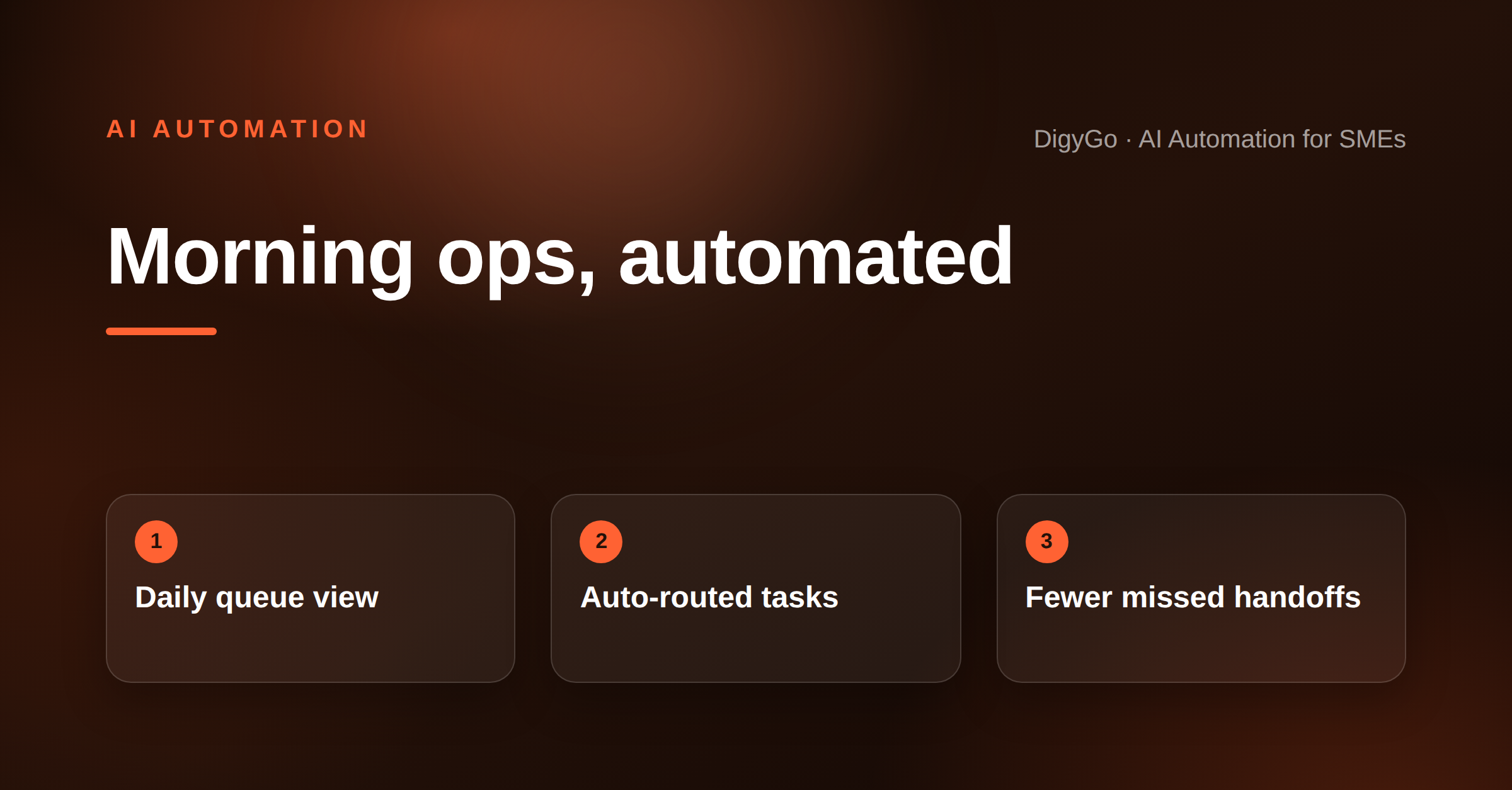
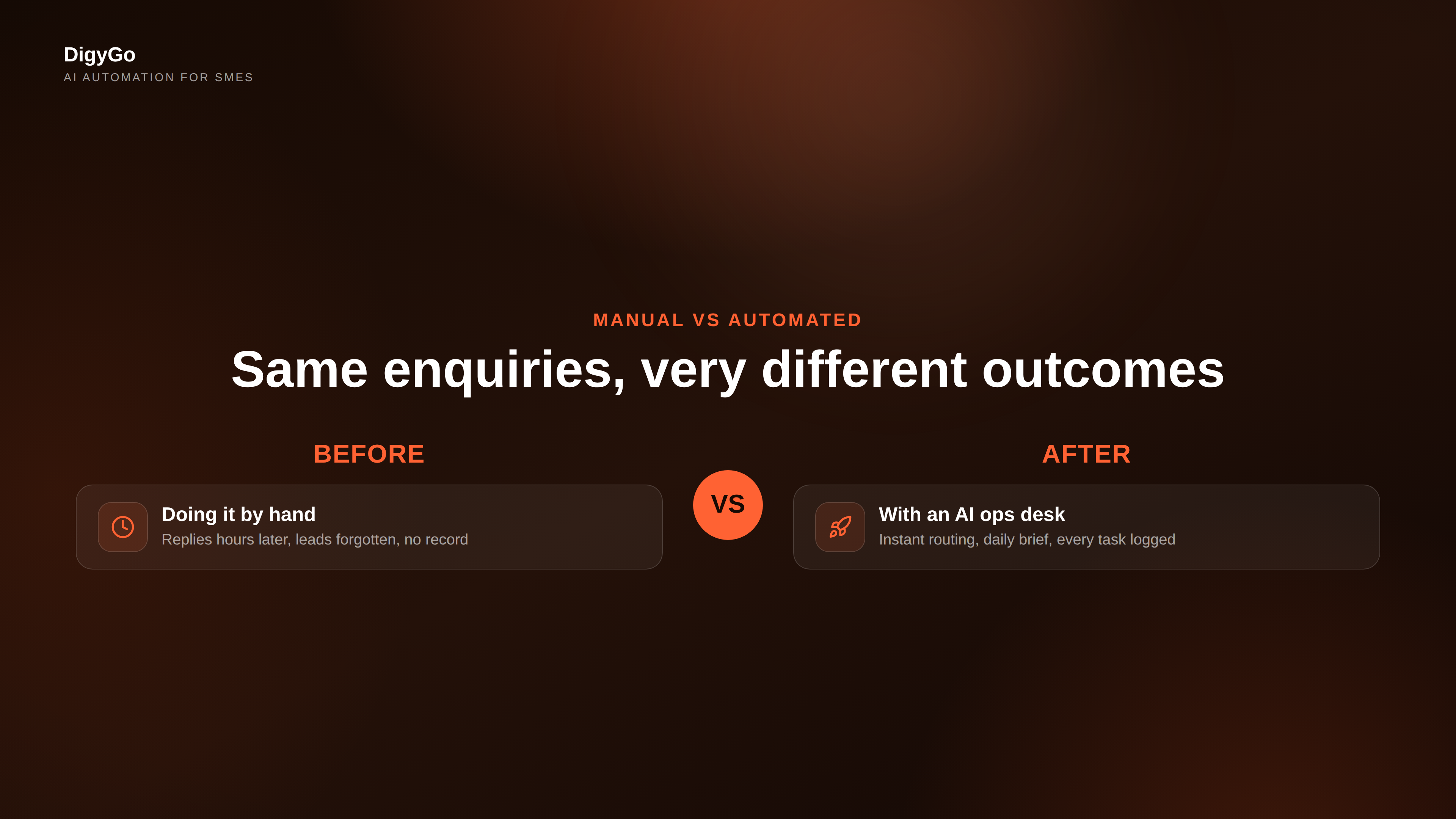
An AI operations desk solves that by running a repeatable morning workflow. It pulls in the new items from your channels, classifies them, flags the ones that need human attention, and sends the right reminders to the right people. Instead of asking, "What did we miss?", the team starts with a clear queue.
What the system should handle every morning
The best version of this workflow is simple enough to trust and specific enough to use daily. It should not try to replace your team. It should remove the repeat work that slows them down.
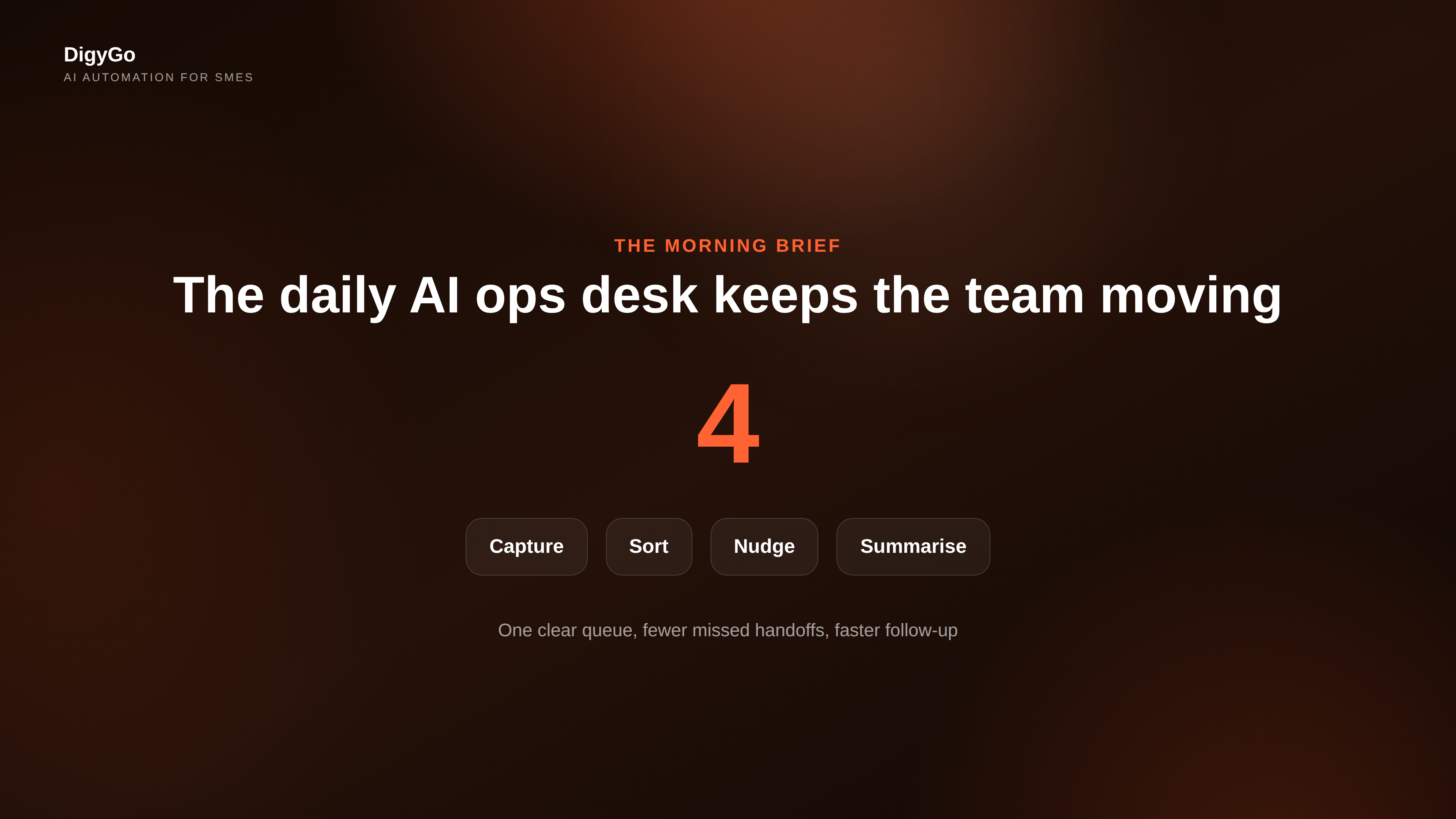
- Capture: collect leads, replies, missed calls, and customer requests in one place.
- Sort: label each item by urgency, owner, and type of action needed.
- Nudge: remind the right person when a follow-up is due or a task is blocked.
- Summarise: show a short morning brief with the top priorities for the day.
That morning brief is the most valuable part. It turns scattered inputs into a short operating view. Founders can see what needs decisions. Sales can see which leads need a reply. Operations can see which tasks are waiting on approval. Everyone starts from the same source of truth.
How to design the workflow
Start with the highest-friction handoffs. For most SMEs, those are enquiry handling, internal task routing, and missed follow-ups. Then design the automation around the question: what should happen, who should be informed, and what should be escalated if nobody acts?
A practical setup looks like this:
- Ingest: bring messages and form fills into one workflow.
- Classify: tag items as hot lead, support issue, renewal, or internal task.
- Route: assign ownership based on the tag and source.
- Escalate: send a reminder if the item sits untouched for too long.
The goal is not perfect intelligence. The goal is predictable movement. Even a basic AI workflow can save time if it consistently removes sorting, chasing, and re-checking from your team’s daily routine.
What to avoid
Do not build an overcomplicated system that needs constant maintenance. If the workflow is too clever, people stop trusting it. If it is too broad, it becomes noise. Keep the first version narrow and useful.
- Do not automate every edge case on day one.
- Do not hide the source of the alert or task.
- Do not send long summaries that nobody reads.
- Do not make the team check three places for one answer.
The strongest operations desks feel boring in the best possible way. They quietly make the next action obvious. That is what keeps small teams fast as work grows.
Where DigyGo usually starts
We usually begin by mapping the daily flow around sales follow-up, enquiry triage, and internal reminders. Once those are stable, we layer in summary reports, task escalations, and channel-specific alerts. That sequence gives founders quick wins without forcing a full process rebuild.
For SMEs, the win is not "more AI". It is fewer dropped balls, fewer delays, and a team that starts the day with clarity.
Talk to DigyGo about building a daily AI operations desk for your team