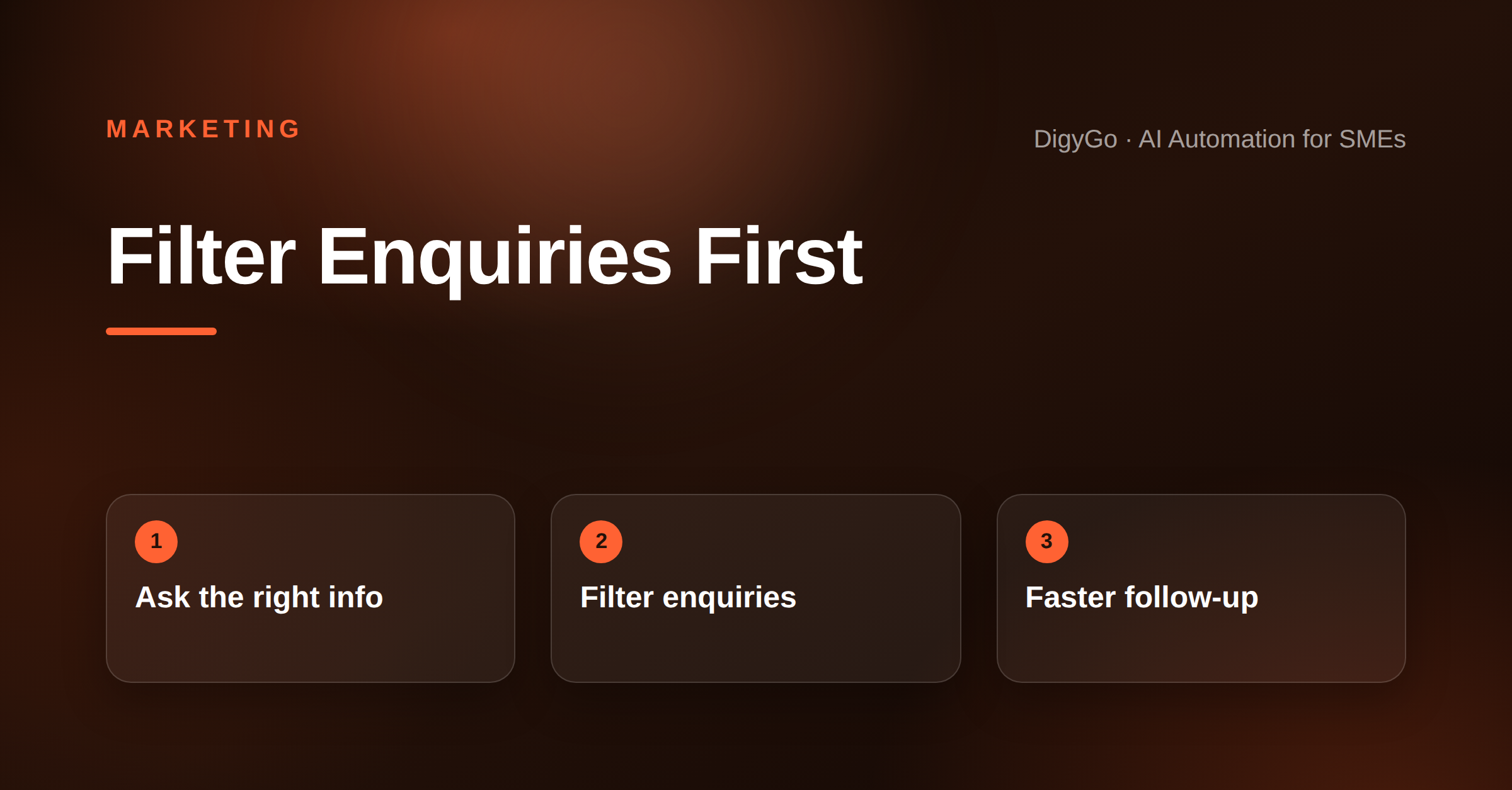
Most contact pages are built like dead ends. They give people an email address, maybe a phone number, and then hand the rest to the prospect. A better contact page acts like a quiet filter: it helps serious buyers reach you faster and keeps low-fit enquiries from taking up sales time.
A contact page should do more than list an email address. Learn how SMEs can qualify enquiries early, reduce sales friction, and get better leads.
If your team is getting inquiries that are too vague, too small, or simply not a fit, the problem may not be your ads or landing pages. It may be the page that receives the handoff. For SMEs, the contact page is often the last place to qualify intent before a real conversation starts.
In this guide
- Why the contact page matters more than most founders think
- What to ask before someone clicks submit
- How to reduce sales friction without sounding pushy
- A simple template you can apply today
Why the contact page matters
Think of the contact page as the final decision point in your enquiry journey. By the time someone reaches it, they have already shown interest. Your job is not to impress them with another pitch. Your job is to make the next step clear, fast, and useful.
For SMEs, that matters because every unqualified call has a cost: founder time, sales time, and follow-up time. A strong contact page can reduce that waste by setting expectations early.
What to ask before someone submits
A good form should collect enough context to help you reply well, but not so much that it feels like homework. Ask only for the details that change the quality of the conversation.
- What service or outcome do they need?
- How soon are they planning to start?
- What is their budget range or project size?
- Are they looking for information, a quote, or a proposal?
If you need one rule, use this: every field should improve follow-up quality. If it doesn't, remove it.
How to build a contact page that qualifies leads
1. Give buyers a reason to self-select
Add short context above the form so visitors know who the page is for. A single line like "Best for SMEs that want lead generation, automation, or a redesign that converts" can save everyone time.
2. Offer two paths
One path can be a fast enquiry form. The other can be a direct scheduling or WhatsApp option for high-intent buyers. When people can choose their preferred route, conversion usually improves.
3. Set expectations on response time
Tell people when they can expect a reply. This increases trust and reduces duplicate chasing.
4. Keep the design simple
No one comes to a contact page to admire a layout. Use clean spacing, one clear headline, and a form that is easy to complete on mobile.
Examples that work better than a plain email link
Better: "Tell us about your project, timeline, and current challenge."
Better: "Choose what you need help with: lead generation, website conversion, automation, or branding."
Better: "We reply within one business day."
These lines do something important. They pre-qualify the lead, reduce uncertainty, and make the next step feel structured instead of awkward.
FAQ
Should every SME contact page ask for budget?
Not always, but if budget has a real effect on scope, asking for a range is usually better than guessing later.
Will a longer form reduce leads?
Sometimes, yes. But it often improves lead quality. The goal is not the highest form count. The goal is the right conversations.
What is the fastest improvement I can make today?
Add a short qualifying sentence above the form, remove unnecessary fields, and make your response time clear.
If you want DigyGo to improve your lead flow, contact us here.