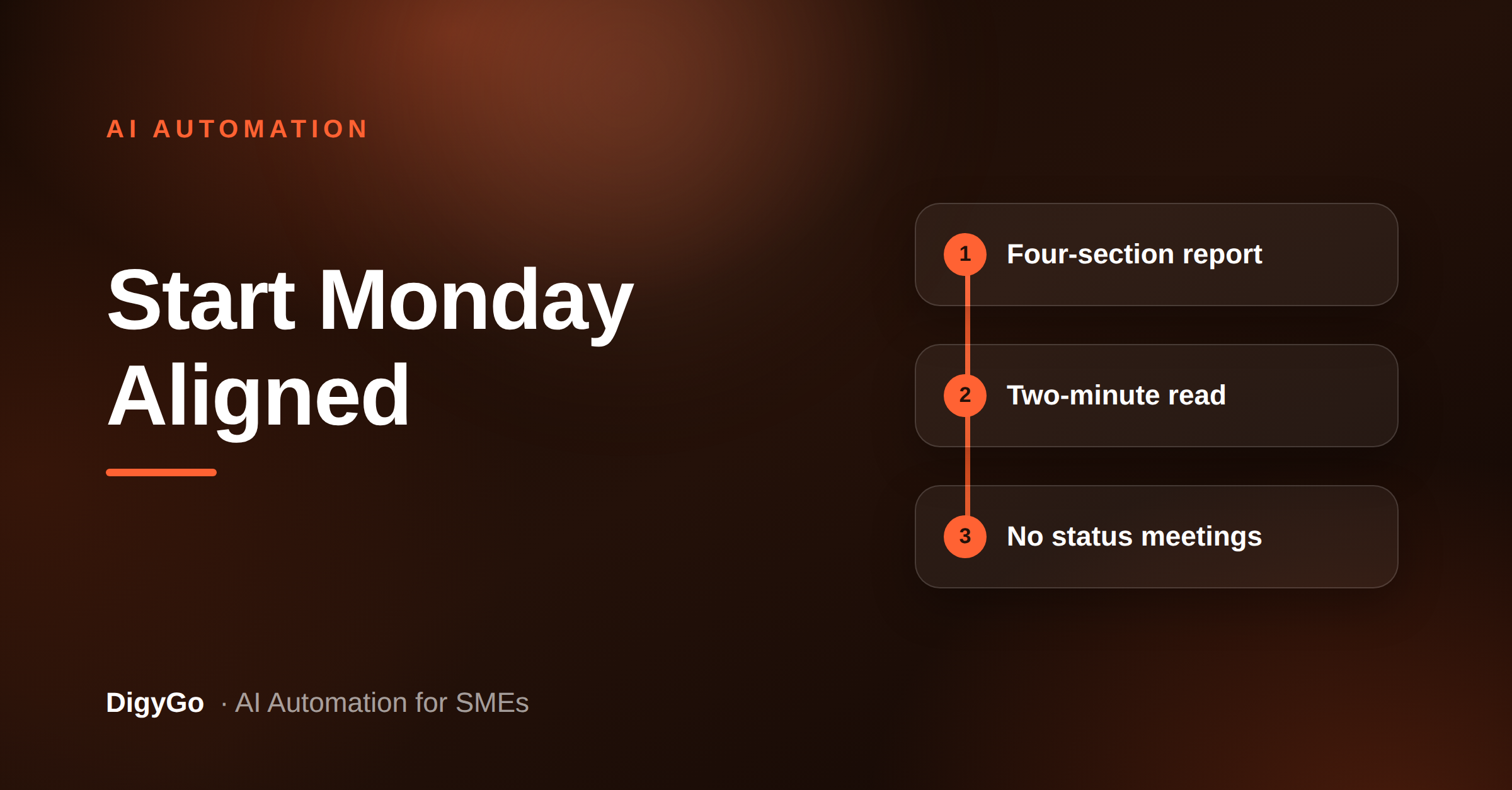
Most SME teams spend Monday mornings catching up — pulling updates from WhatsApp, scrolling through email, and trying to remember where last week's work was left. The information exists but it is scattered across channels, and no one has time to assemble it into a single view. An AI-generated weekly operations report can collect, summarise, and deliver that view automatically, so the team starts the week aligned without a single status meeting.
A practical AI automation guide for SME founders on building a weekly operations report that collects leads, delivery, follow-ups, and exceptions into one concise document — so teams start the week aligned without a single status meeting.
Operations reports feel like something only large organisations with BI teams produce. But the data an SME needs — leads in, jobs done, pending follow-ups, overdue tasks — is already scattered across the tools the team uses every day. The gap is not missing data; it is the effort of pulling it together. AI automation can bridge that gap with almost no daily work.
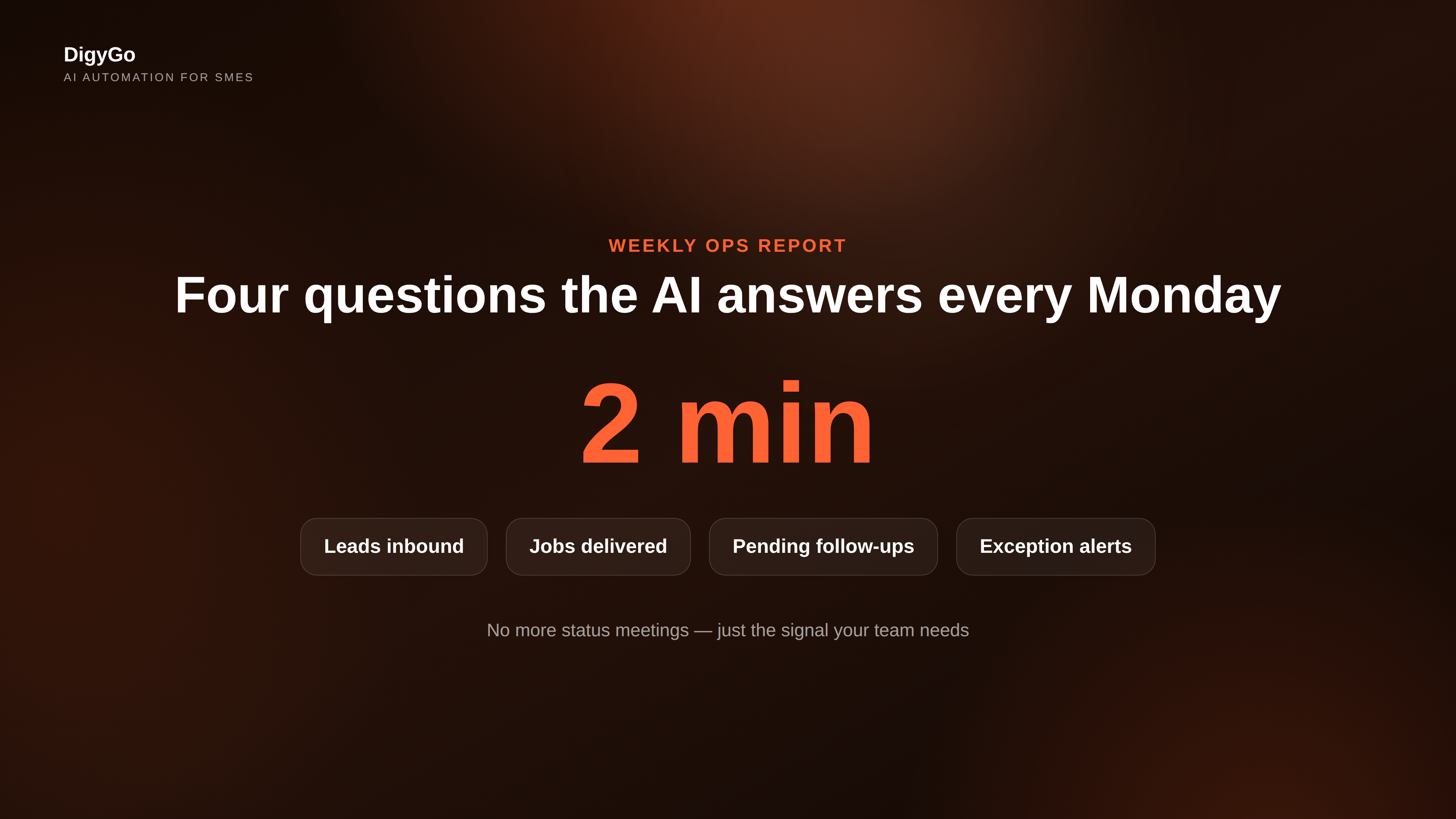
What a weekly ops report should cover
The goal is not a dashboard with every metric. It is a concise document — one to two pages — that answers the same four questions every Monday:
- How many leads came in? New enquiries by source (website, WhatsApp, referral, call).
- What work was delivered? Jobs completed, services rendered, or milestones hit.
- What is still pending? Follow-ups past their due time, quotes awaiting a reply, task handoffs that did not move.
- What broke or needs attention? Exceptions, customer complaints, or tasks that slipped their deadline.
Every section feeds into one action: what the team should focus on this week. No charts, no slide decks — just the signal the team needs to start the week moving in the same direction.
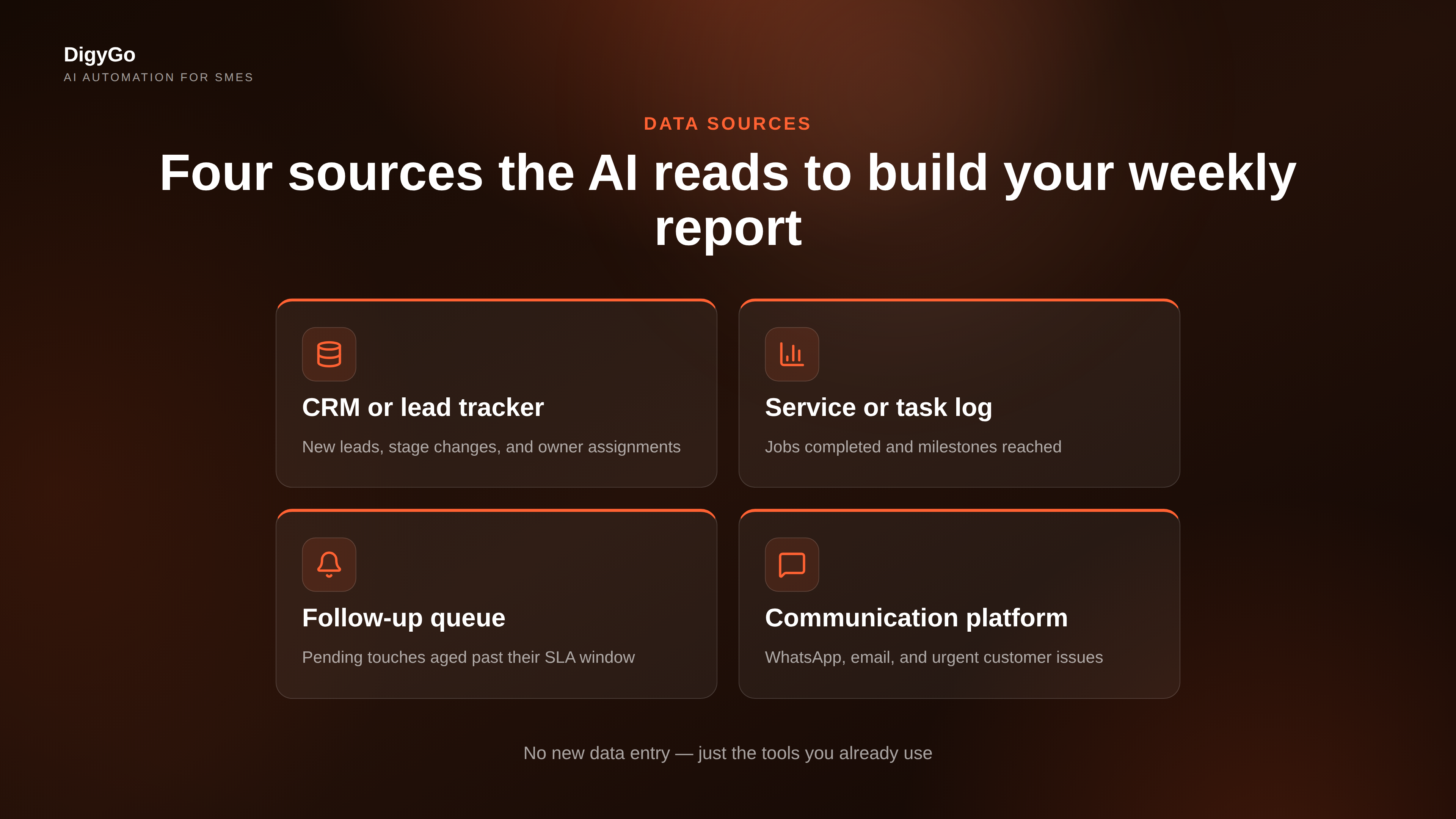
Where the AI pulls the data
An AI operations agent does not invent numbers. It reads from the same sources your team already updates:
- The CRM or lead tracker — new leads, stage changes, and owner assignments.
- The service or task log — jobs marked complete, tasks moved to done, or milestones updated.
- The follow-up queue — pending touches that have aged beyond their SLA window.
- The communication platform — WhatsApp, email, or shared inbox messages that surfaced a customer issue or urgent request.
The AI connects to each source via a simple integration (a spreadsheet export, a shared API, or a webhook) and pulls the latest records. It does not need real-time sync — a snapshot taken Sunday night or Monday morning is enough to produce a useful report.
How the report gets generated
The generation follows three steps, all handled by the automation layer:
1. Collect
The AI queries each source for the previous week's records. It looks for new records created, statuses changed, and items that crossed a time threshold without an update. For a CRM, this might be leads that entered the pipeline. For a task log, it is jobs that moved to "complete" or that stayed in "in progress" past their expected date.
2. Summarise
The AI structures the raw data into the four sections above. It counts, groups, and highlights anomalies — for example, "5 leads came in from Google (up from 3 the previous week)" or "2 follow-ups aged past 72 hours without a reply." This is where the raw numbers turn into a story the team can act on.
3. Deliver
The finished report is sent to a shared channel — a WhatsApp group, a team email, a pinned document in the CRM, or all three. The team sees the report before the first Monday meeting and can skip the 30-minute status round if nothing is urgent.
What a sample report looks like
Here is a real example of what the team reads on Monday morning:
Operations report — Week of 28 Sep
▸ Leads: 8 new (3 WhatsApp, 3 website form, 1 referral, 1 call). 6 qualified and assigned. 2 still unassigned — needs owner by 10 AM.
▸ Delivered: 5 jobs completed on time. 1 rescheduled to this week.
▸ Pending: 2 quotes await client reply (sent 5+ days ago). 3 follow-ups overdue by 48 hours.
▸ Exceptions: 1 customer escalation from WhatsApp — assigned to senior team member.
→ Focus: Assign the unassigned leads, follow up on overdue quotes, clear the escalation.
A report this concise takes a team of three about two minutes to read. They can decide in that same two minutes whether they need a meeting or whether the report itself is enough to start the week.
How to start building this today
You do not need a complex automation platform. The simplest path has three parts:
- Choose one source. Pick the tool your team updates most consistently — probably the CRM or the task log. Connect the AI to that single source first.
- Define the template. Write out the four sections above in a shared doc. Tell the AI exactly which fields to pull and how to label them.
- Review and iterate. Let the AI generate the first report, have one person review it, and adjust the template until the output is useful. Then schedule it to run every Sunday night.
Once one source works, add a second. The compound effect is real: each new source fills a blind spot, and within a month the Monday report covers leads, delivery, and follow-up without anyone spending time on status updates.
Frequently asked questions
Will this replace our Monday standup?
That depends on the team. For many SMEs, the report replaces the first 20 minutes of the Monday meeting — the "what happened last week" round. The meeting itself can then focus on decisions and blockers, not updates.
What if our data is messy or incomplete?
The report is only as good as the source. Start with one clean source and ignore the rest. A partial report that covers leads is better than no report at all. Over time, cleaner data habits follow because the report makes missing data visible.
Do we need an API or technical setup?
Not necessarily. A weekly export from a Google Sheet, a CRM report, or even a task manager CSV can serve as the data source. The AI reads the export, not the live database. The setup is a scheduled export + a script, not a full integration.
How long does it take to set up?
The first version — one source, a basic template, manual review — can be ready in half a day. Automating the delivery and adding sources takes another week of iteration.
Who should review the report before it is shared?
The team lead or operations manager. The AI drafts the report; a human checks for context the AI missed. Review time falls as the template improves — usually from 15 minutes to under 5 within two weeks.
"A one-page ops report saved us from having to ask 'what is happening' every Monday — we just read it and started working." — SME founder, DigyGo client
Let the report do the catching up
Weekly status meetings consume time without producing decisions because the information arrives verbally, one person at a time. An AI-generated ops report flips the model: the data arrives first, and the team responds to it together. The result is a shorter Monday, clearer priorities, and fewer meetings that could have been an email.
DigyGo helps SMEs build the AI automation layer that connects your existing tools and generates the weekly report your team needs. If your Monday mornings still start with "who did what," the report is the first automation to build.
Talk to DigyGo about your ops report →