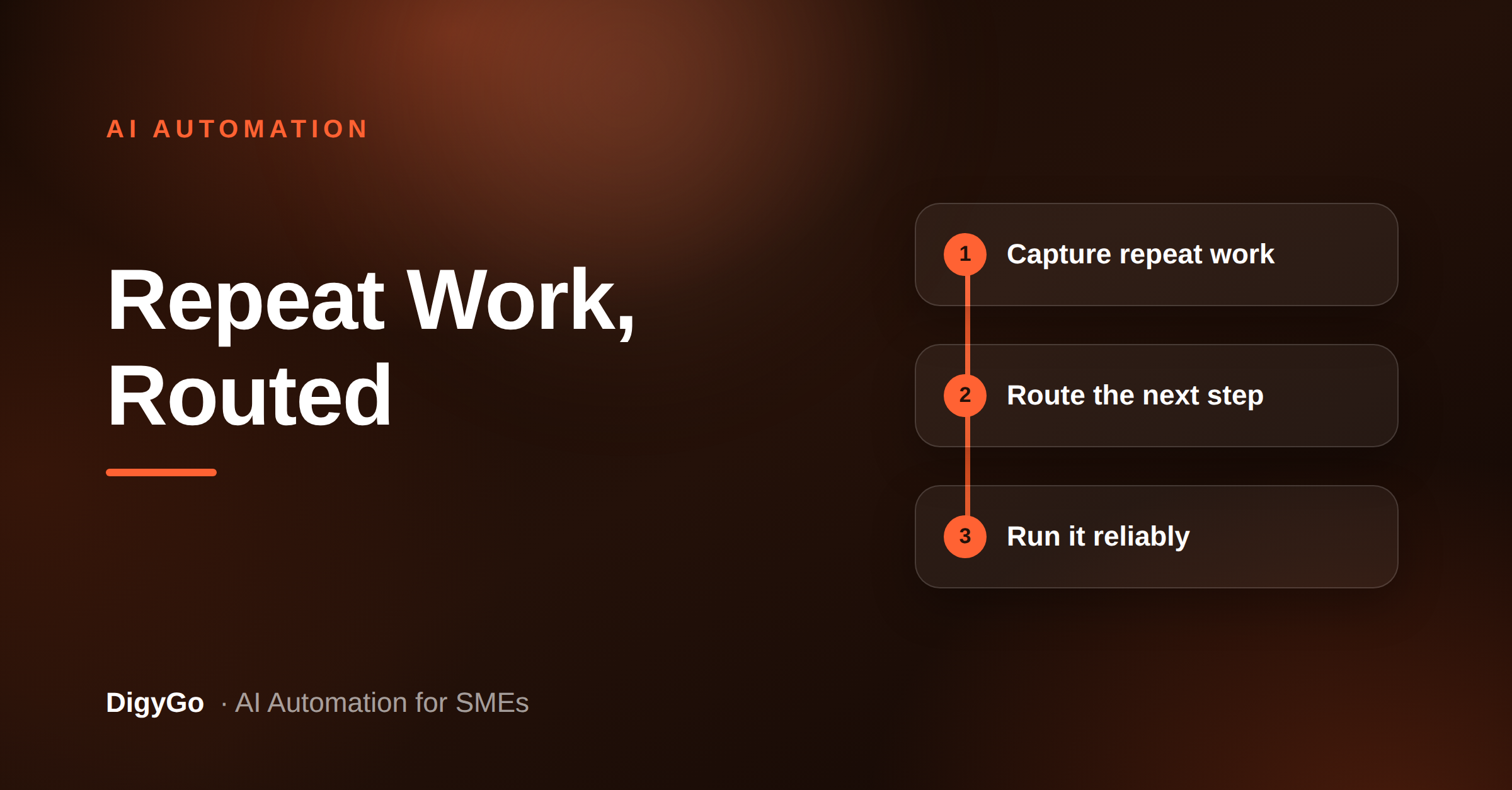
Most SMEs do not have a strategy problem; they have a repeat-work problem. The same questions, reminders, handoffs, and status updates keep coming back, and they quietly steal the team’s best hours. An AI SOP agent gives those tasks a standard path so the work moves even when the founder is busy.
A practical guide for SME founders on using an AI SOP agent to capture recurring tasks, route the right actions, and keep operations moving without manual chasing.
Why an AI SOP agent matters now
AI automation is no longer just about chatbots or one-off productivity tricks. For SMEs, the bigger win is consistency: every repeatable task should follow the same rules, trigger the same next step, and produce the same outcome. That is what a good SOP agent does. It turns tribal knowledge into a system that can capture, decide, and route action without waiting for someone to remember.
- Capture the repeat work before it disappears into chats and notebooks.
- Standardize decisions so the same request always follows the same path.
- Handoff faster to the right person, with context already attached.
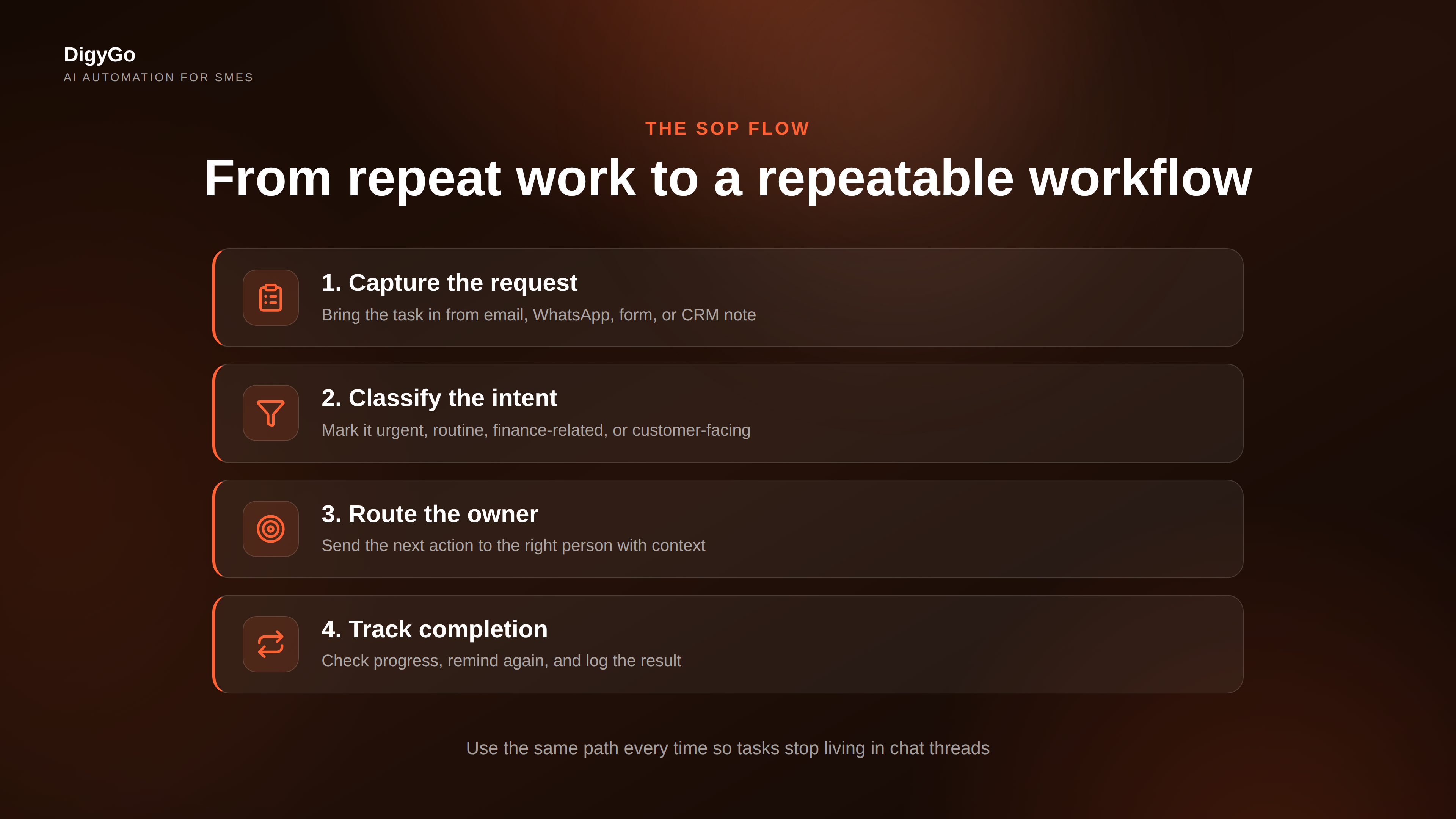
The 4-step workflow an AI SOP agent should run
Do not start by asking what model to use. Start by mapping the actual work. The best place to begin is a recurring process your team already understands: lead handling, invoice follow-up, internal approvals, or support triage. Then define what the agent must do at each step.
1. Capture the request
Bring the task in from forms, WhatsApp, email, or a CRM note. The agent should collect the minimum useful context: who sent it, what they need, when it is due, and what type of task it is.
2. Classify the intent
Next, the agent should decide whether the request is urgent, routine, finance-related, customer-facing, or needs escalation. This is where SMEs save time, because the same routing logic can be reused across many workflows.
3. Route to the right owner
Once the task is classified, the agent should assign the next action: send a reminder, create a CRM task, notify a team member, or ask one clarifying question. The goal is to reduce manual sorting, not to add another dashboard to check.
4. Track completion and follow up
A strong SOP agent does not stop at assignment. It checks whether the task was completed, sends a follow-up if it was not, and logs the result so the next time is easier. That is how the workflow becomes repeatable instead of fragile.
Where SMEs get the fastest return
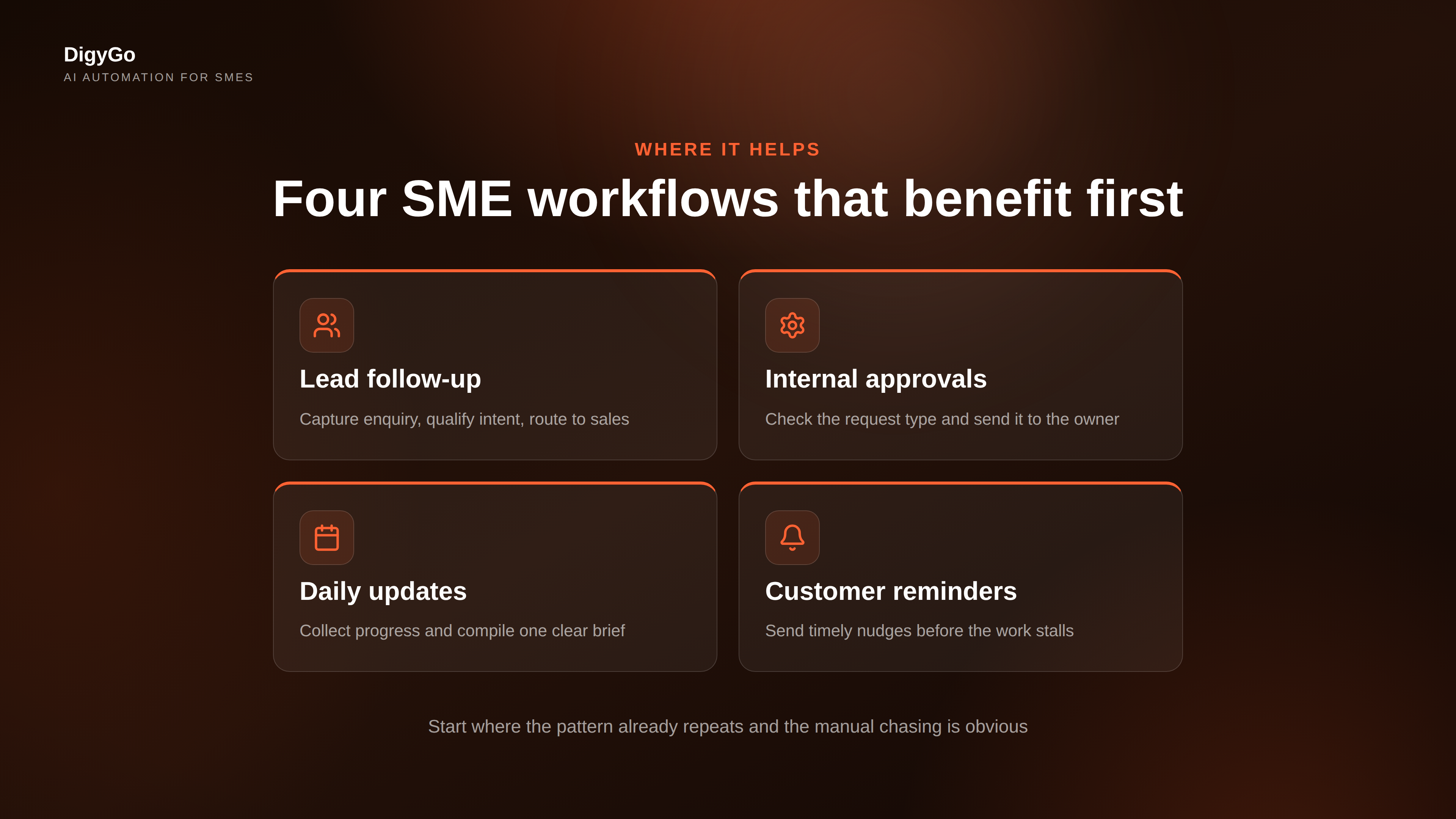
Founders usually see the quickest payoff in the tasks that already have a pattern. If your team keeps answering the same questions or reminding the same people, those are the right candidates for automation.
| Workflow | What the agent does | Business gain |
|---|---|---|
| Lead follow-up | Captures enquiry, qualifies intent, routes to sales | Faster response, fewer lost leads |
| Internal approvals | Checks the request type and sends it to the owner | Less chasing, fewer bottlenecks |
| Daily updates | Collects progress from team members and compiles a brief | Cleaner visibility for the founder |
| Customer reminders | Sends timely nudges before work stalls | Better completion rates |
What to automate first, and what to keep human
Not every part of a workflow should be automated. The best AI SOP agents handle the repeating, rule-based parts first and leave judgment-heavy decisions to people. That balance is what makes the system reliable instead of annoying.
If a workflow happens more than once a week and follows the same pattern, it is a candidate for an AI SOP agent.
A simple rollout plan for founders
- Pick one repetitive workflow that already hurts the team.
- Write the decision rules in plain language before building anything.
- Connect the inputs and outputs — form, inbox, CRM, task list, reminder.
- Test with real examples and fix edge cases before scaling.
- Review weekly so the agent improves instead of drifting.
Common mistakes to avoid
- Trying to automate every task at once.
- Using vague rules like “handle this quickly” instead of clear conditions.
- Skipping owner assignment and expecting the team to self-sort.
- Building the workflow without a follow-up step.
FAQ
Is an AI SOP agent the same as a chatbot?
No. A chatbot answers questions. An AI SOP agent runs a process: it captures the task, applies rules, routes the next step, and keeps the work moving.
Which SME departments benefit most?
Sales, operations, customer support, and admin teams usually benefit first because they have the most repeatable workflows and the highest volume of manual chasing.
Do I need a complex stack to start?
No. Start with one workflow, one owner, and one clear outcome. A simple, reliable system is better than a complicated one that nobody trusts.
Want DigyGo to map your first AI SOP workflow? Talk to us about turning repeat work into a system.