Most SME teams do not lose speed because they lack people. They lose speed because every request arrives in a different place, gets read by a different person, and waits for a human to decide what happens next. An AI request triage layer fixes that bottleneck by sorting work the moment it lands.
A practical look at how SMEs can use AI to classify incoming requests, assign ownership, and trigger the next action before work slows down.
What an AI triage layer does
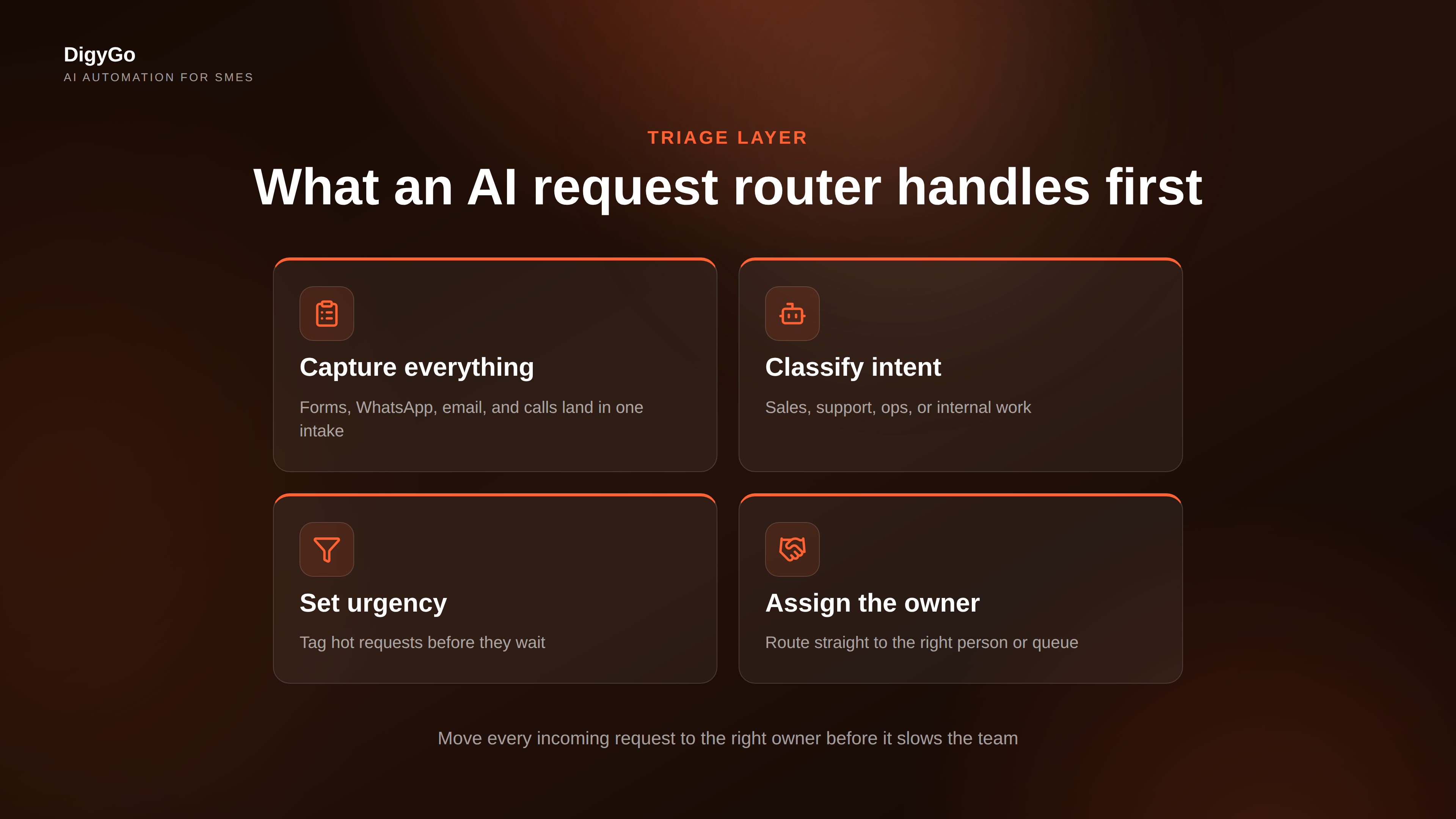
An AI triage layer is the decision point between incoming work and the team that handles it. Instead of forcing one person to read every message, it uses rules and AI to identify the request type, the urgency, the owner, and the next action.
For an SME, that can mean one system handling website inquiries, WhatsApp messages, missed calls, internal task requests, and support escalations with the same logic. The goal is simple: every request should move forward immediately, not sit in a shared inbox waiting for attention.
Why manual handoffs slow teams down
Manual handoffs create hidden delay at every step. Someone receives the request, reads the details, checks who should own it, asks a colleague, forwards it, and maybe follows up later if no one has replied. That chain is slow even when the team is motivated.
The problem is not just speed. Manual handoffs also create inconsistency. Two similar requests can be handled differently depending on who saw them first. That leads to missed leads, duplicate replies, incomplete context, and avoidable frustration for both customers and staff.
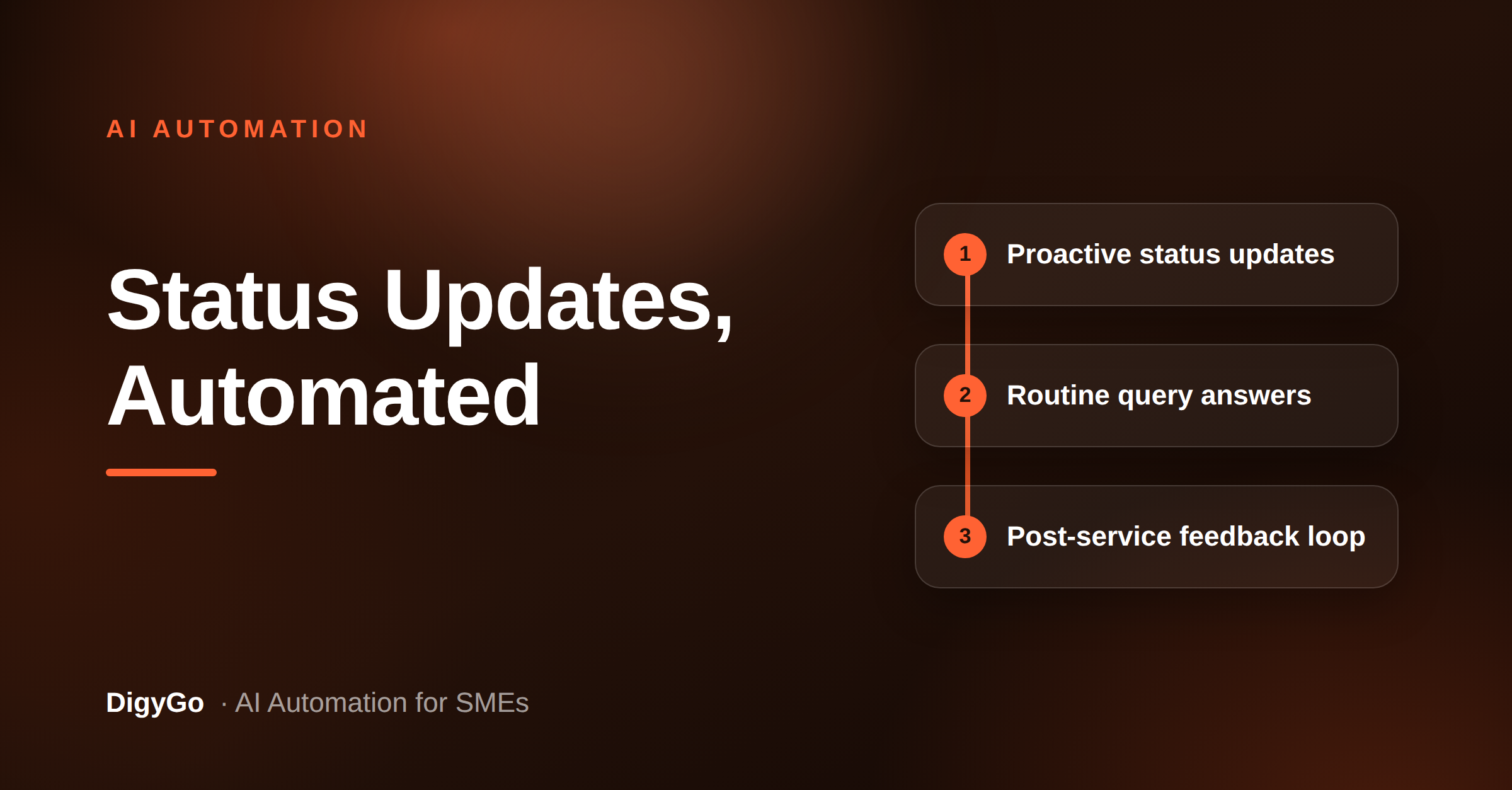
- Response time drops. The first reply waits on a human inbox check.
- Ownership gets fuzzy. No one is clearly responsible until the request is forwarded.
- Context gets lost. Important details disappear between messages and spreadsheets.
- Follow-up becomes random. Some requests get chased, others quietly fade away.
The practical impact
For founders, the issue shows up as inconsistent service quality. For sales teams, it shows up as leads going cold. For operations teams, it shows up as time spent sorting instead of doing. The fix is not more discipline. The fix is a system that makes the right next step obvious.
What to automate first
Do not start by trying to automate everything. Start with the most repetitive, high-volume, and easy-to-classify requests. That gives you quick wins without making the workflow fragile.
Good first candidates include:
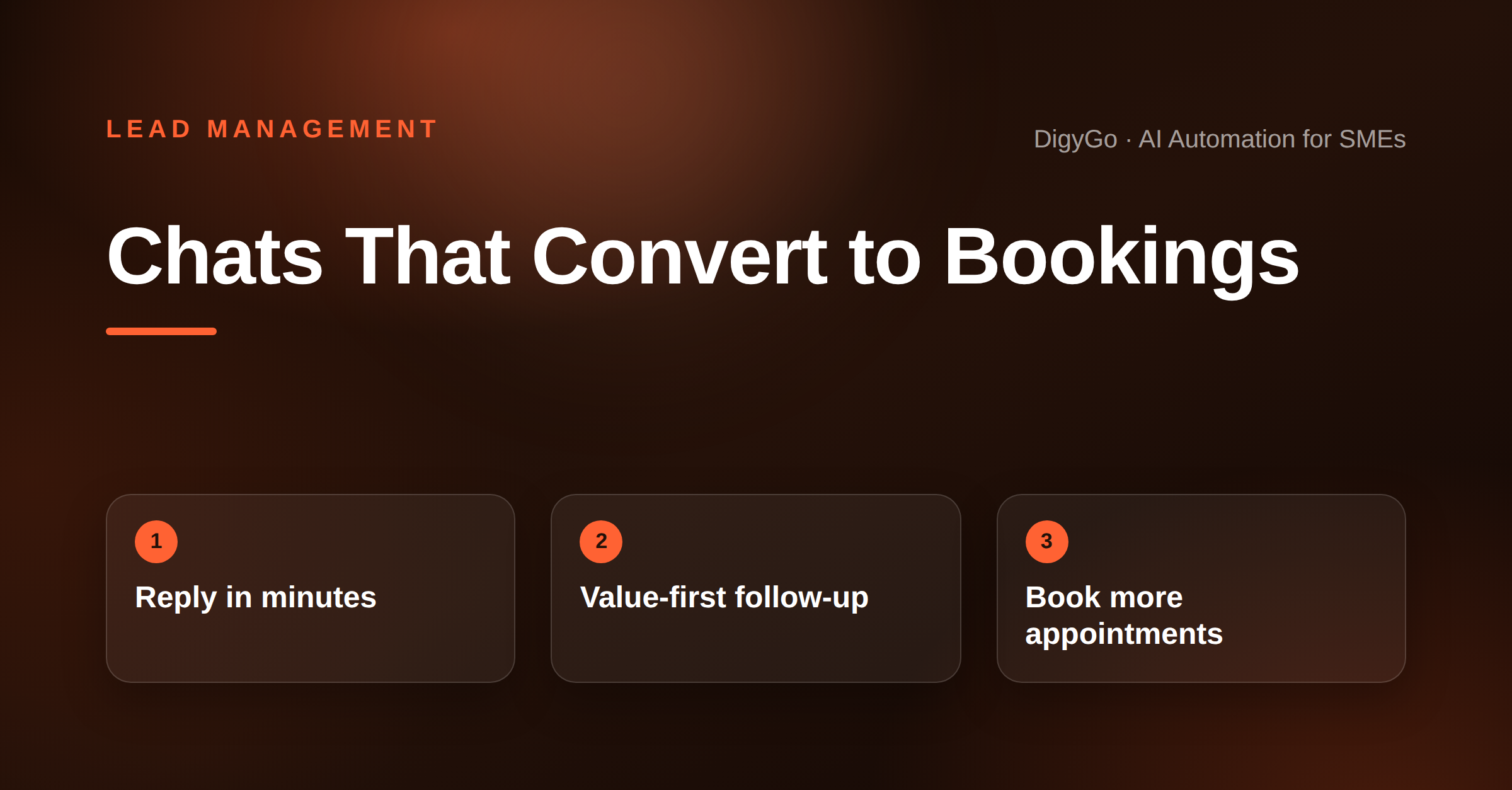
- New lead enquiries from ads, forms, or WhatsApp
- Service requests that always need the same routing logic
- Missed call callbacks
- Internal requests that should reach one owner immediately
- Follow-up reminders for leads that have gone quiet
Each of these is predictable. If the request has a clear pattern, an AI system can classify it, enrich it, and move it to the right place faster than a person can.
A simple SME workflow
A reliable AI triage workflow does not need to be complicated. A lean setup can do the job in four steps.
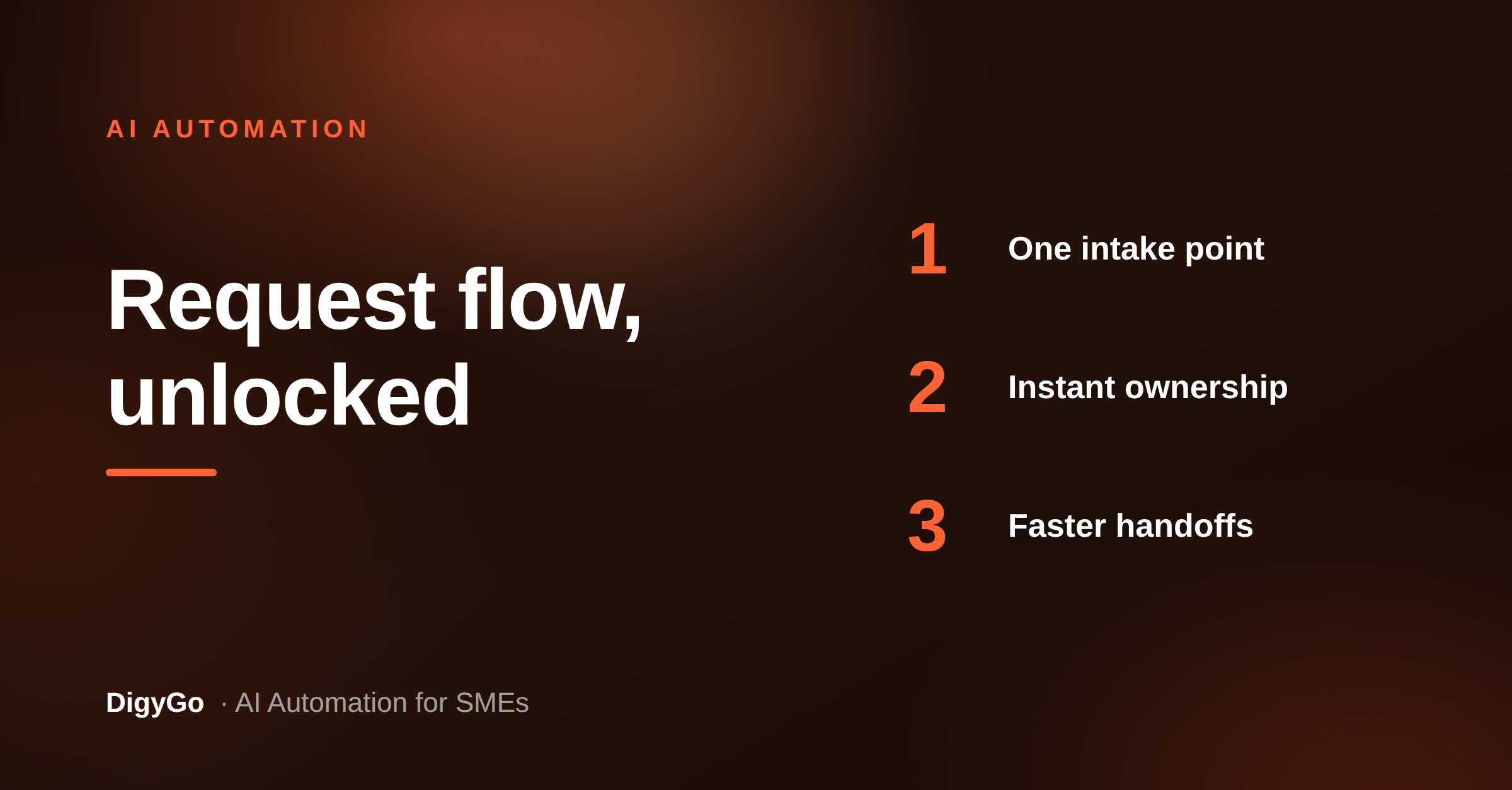
- Capture the request. Pull messages from forms, chat, email, or call logs into one intake point.
- Classify the intent. Decide whether it is sales, support, operations, or an internal task.
- Assign the owner. Route it to the right person or queue based on location, urgency, or type.
- Trigger the next action. Send a reply, create a task, or start follow-up automatically.
When this workflow is in place, the team no longer spends its day deciding where things belong. The system does that first. People only touch the request when they can actually add value.
What good routing looks like
A good routing layer should answer three questions instantly: who owns this, how urgent is it, and what happens next? If the system cannot answer those clearly, the workflow is not ready yet.
How to roll it out safely
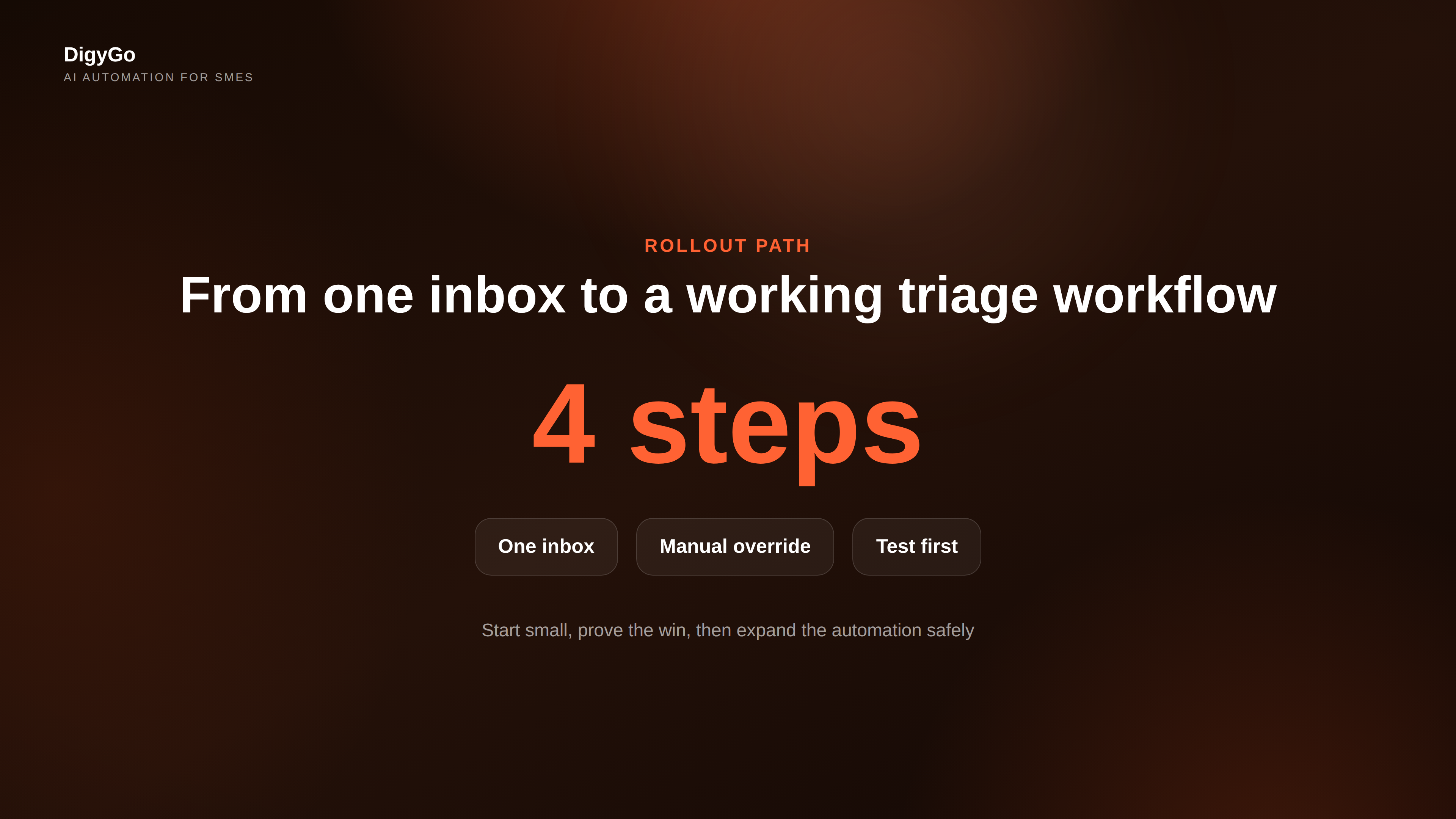
SMEs get the best results when they roll out AI triage in stages. Start with one request type, measure the improvement, then expand. That keeps risk low and makes the ROI visible.
Use this rollout order:
- Choose one inbox or request channel
- Define the routing rules in plain language
- Test with a small set of real requests
- Check that ownership and follow-up are correct
- Expand only after the team trusts the output
It also helps to keep a manual override. AI should accelerate the decision, not block the team if a request needs special handling.
Quick rule: if the same kind of request appears three times a week, it probably belongs in the triage layer.
Frequently Asked Questions
Is an AI triage layer only for sales leads?
No. It works for sales, support, operations, and internal handoffs. Any repeated request that needs routing can benefit.
Do we need a complex CRM setup first?
No. The best rollout usually starts with a simple intake source, a few routing rules, and one clear owner per request type.
Will AI replace the team?
No. It removes the sorting work so the team can focus on decisions, service, and follow-through. Talk to DigyGo about building an AI triage workflow for your team