When a customer books a service, most SMEs focus on getting someone to the job. But the period between "yes, I want the service" and the technician's arrival is where first impressions are built — and where most teams leak time chasing basic information that should have been collected automatically.
A practical AI systems guide for SME service founders on using automation to handle booking confirmations, pre-service info gathering, reminders, and job briefs so the team arrives prepared without manual chasing.
- Automate the pre-service window: confirmation, info gathering, reminders, and job briefs.
- An AI workflow captures everything the team needs before the technician leaves the workshop.
- Pre-service automation reduces no-shows, cuts phone-tag, and helps every job start on time.
The pre-service gap that costs time and trust
Think about what happens after a customer books a service call today. Someone sends a confirmation message. Maybe a reminder the night before. The technician calls in the morning to ask for the address again, and arrives to find the customer was expecting a different time slot. The job starts late, and both sides feel the friction.
This is the pre-service gap — the hours or days between booking and arrival that most SMEs leave to memory, WhatsApp notes, and luck. The fix is not a bigger team. It is an AI workflow that handles every step of the pre-service window automatically, so the human team only gets involved when it is time to do the work.
What AI should handle before the job starts
A complete pre-service workflow covers five things. Each one is a simple automation that replaces a manual follow-up.
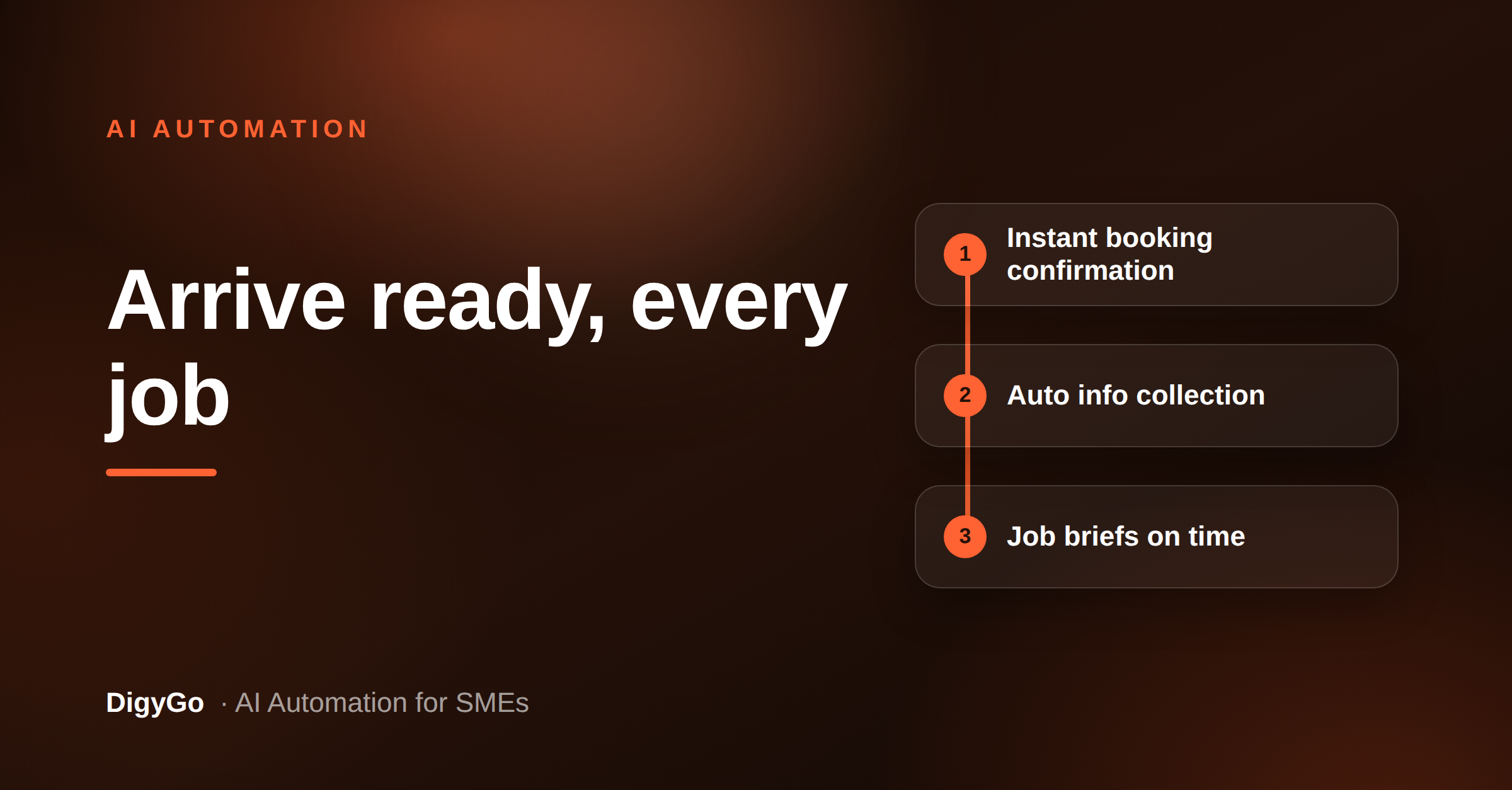
- Instant booking confirmation — As soon as the customer books, they receive a branded confirmation with the service date, time window, and what to expect.
- Pre-service info collection — The AI asks the customer for everything the team needs: site address, access instructions, photos of the issue, and any special requirements.
- Smart reminders — A 24-hour reminder and a 2-hour heads-up, sent on the customer's preferred channel (WhatsApp or SMS).
- Job brief assembly — The AI compiles a one-page brief for the service team: customer details, access notes, issue description, photos, and the scheduled time window.
- Reschedule and cancellation handling — If the customer needs to move the slot, the AI offers available alternatives and updates the schedule without a phone call.
These five tasks are simple to build as an AI workflow because they follow a predictable sequence. No complex decision-making is required — just the right message at the right time.
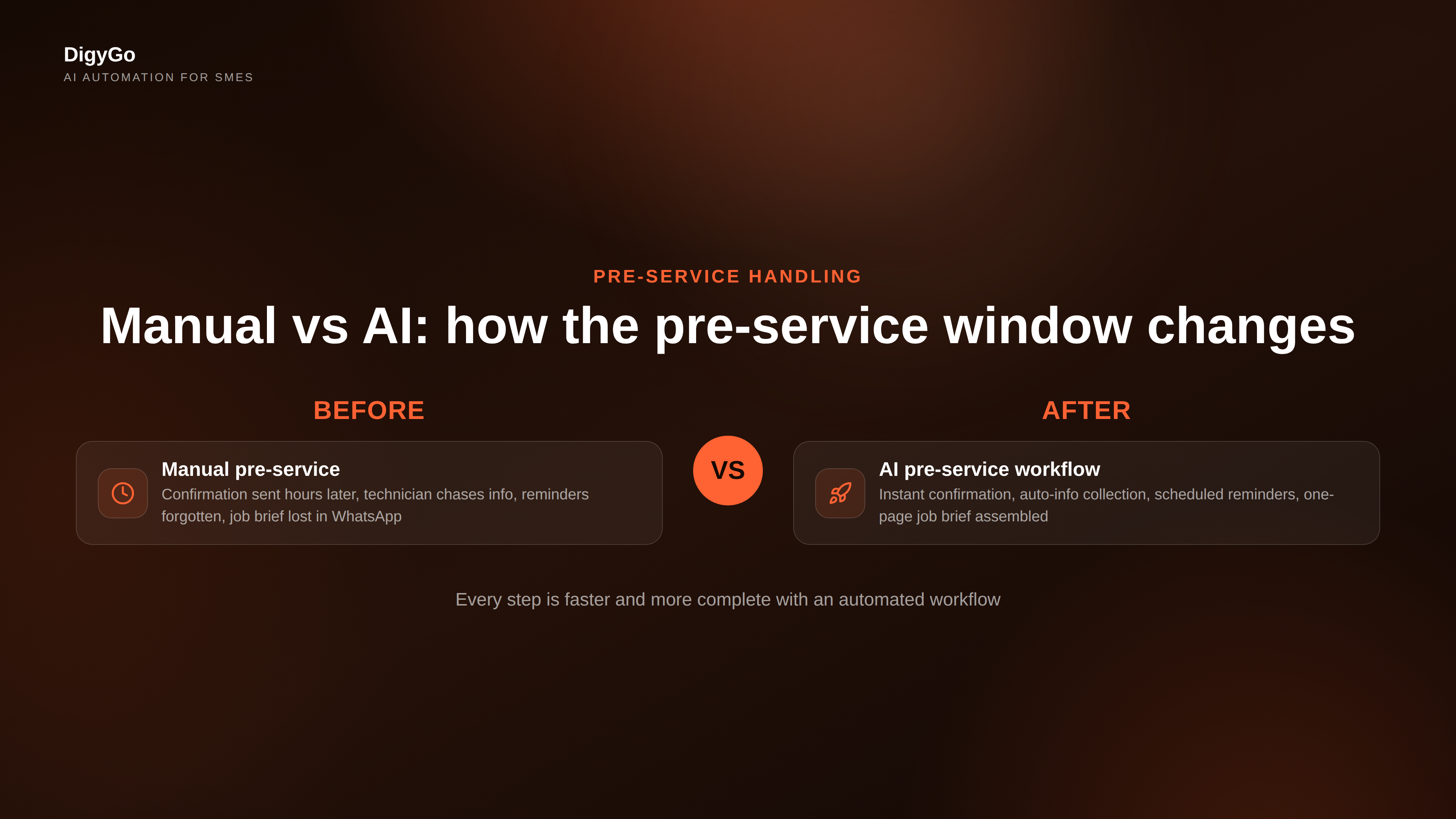
Manual versus automated pre-service handling
The difference shows up in three places: speed, completeness, and team time.
| Manual pre-service | AI pre-service workflow |
|---|---|
| Confirmation sent hours later, if at all | Confirmation lands within seconds of booking |
| Technician calls to chase address and instructions | AI collects everything before the technician leaves |
| Reminders depend on someone remembering | Reminders fire automatically on schedule |
| Job details live in WhatsApp messages and sticky notes | Job brief is assembled and shared in one place |
| Reschedules require a phone call and manual calendar edits | Reschedules are handled by the AI, calendar updated automatically |
Building the pre-service workflow step by step
You do not need a full-stack engineering team to build this. The pattern is a simple chain of automated actions triggered by the booking event.
- Capture the booking. Whether the customer books through a form, a WhatsApp message, or a phone call, the booking event triggers the workflow. The AI records the customer name, contact number, service type, and preferred time slot.
- Send confirmation + info request. Within five seconds of booking, the AI sends a confirmation message and a structured request for additional details: "Please share a photo of the issue, the exact site address, and any access instructions."
- Store responses and compile the brief. As the customer responds, the AI stores each piece of information and builds a running job brief that the service team can access at any time.
- Schedule and send reminders. The AI sets two reminders: one 24 hours before the slot (with instructions to confirm or reschedule) and one two hours before (with the job brief attached).
- Handle exceptions. If the customer does not respond to the info request within two hours, the AI sends a gentle nudge. If there is no response after 24 hours, it flags the booking to the team as a potential no-show risk.
- Deliver the final job brief. One hour before the job, the AI pushes the completed brief to the service team — customer name, address, issue description, photos, and any special notes — so they arrive fully informed.
What this means for your team
The practical outcome is simple: your team stops spending the first 30 minutes of every job chasing information that should have been collected before they left. The technician arrives knowing the address, the issue, and the access instructions. The customer feels taken care of because they received clear communication without having to chase.
For the business owner, the quieter win is consistency. Every booking follows the same workflow. No more jobs where someone forgot to confirm, no more technicians arriving at a locked gate, and no more customers who say "I thought you were coming tomorrow."
Pre-service automation is one of those changes that does not look dramatic on paper but reshapes how the team feels about their day. Less friction, fewer errors, and a calmer start to every job.
FAQ
Do we need a booking system to use this?
You need a way to trigger the workflow when a booking happens. That could be a form submission, a tagged message in WhatsApp, or a calendar event. The AI listens for that trigger and starts the sequence.
What if the customer prefers a phone call over automated messages?
The workflow should offer a preference choice early. Some customers prefer WhatsApp, others want SMS. Let the AI ask once and respect the preference for all future communication.
Is this only for service businesses?
No. Any SME that books appointments, schedules deliveries, or arranges consultations can use the same pattern. The details change, but the sequence is the same.
How long does it take to set up?
A basic pre-service workflow can be running in a few hours with the right automation tools. The hardest part is deciding what information you need before the job — once that is clear, the workflow builds quickly.
Want help building an AI pre-service workflow for your business? Talk to DigyGo.