When enquiries arrive from WhatsApp, email, website forms, and calls, most SME teams do not need more tools. They need one queue that tells the team what matters first, who owns it, and what happens next. That is where an AI operations queue helps.
A practical AI systems playbook for SMEs that need one daily control point for incoming work, faster responses, and fewer missed follow-ups.
Why a queue beats scattered inboxes
Most delays happen because work is spread across channels. One person saw the WhatsApp message, another saw the form submission, and nobody knew which one was urgent. By the time the right person notices it, the lead is cold or the internal task is already late.
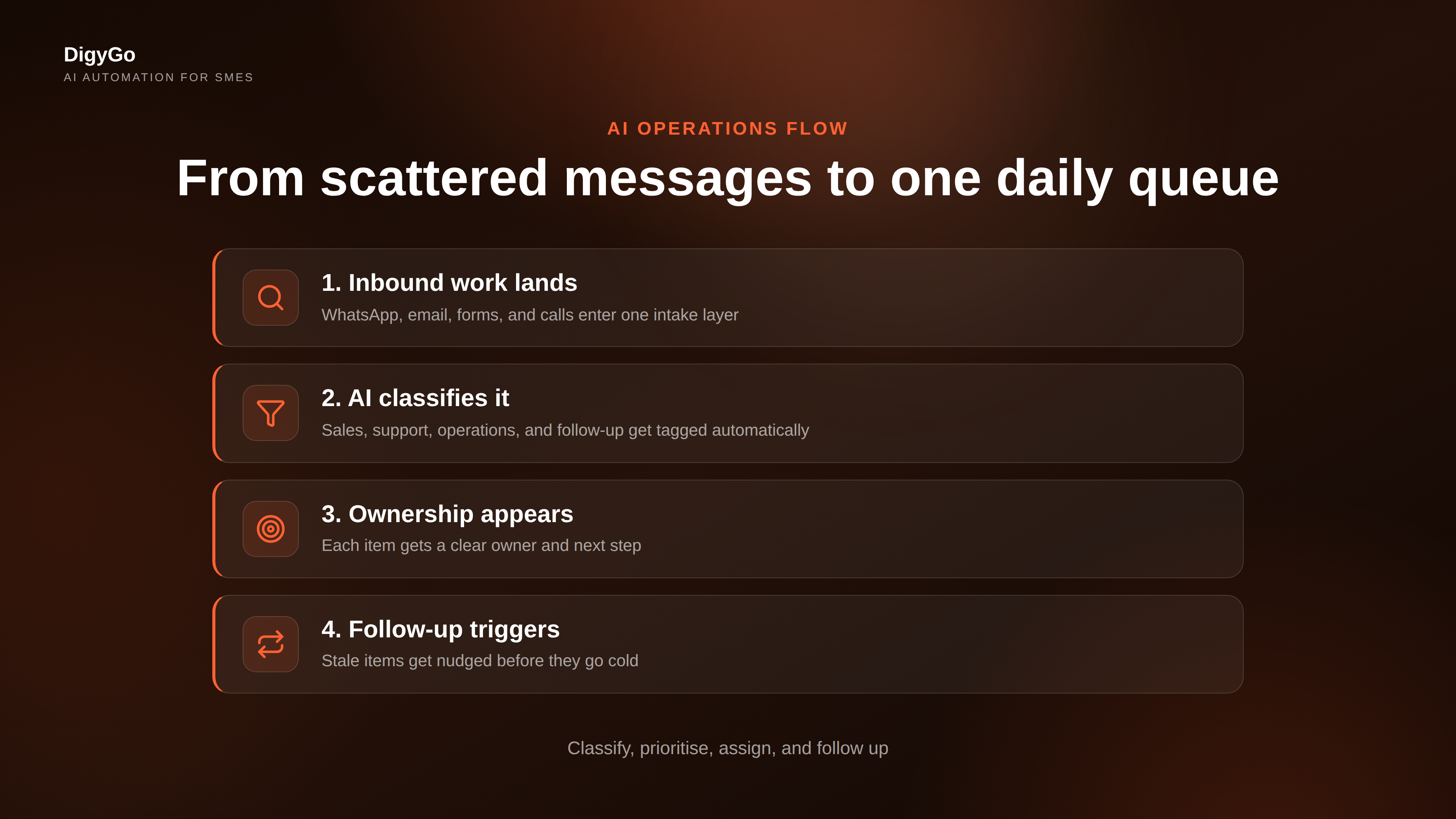
An AI operations queue solves that by turning every incoming message into a single ordered list. The system can label the source, detect urgency, assign an owner, and surface the next action. For founders, that means less mental juggling. For teams, it means fewer dropped balls.
What changes first
- The team stops asking where the message came from.
- Urgent requests rise to the top automatically.
- Every item gets an owner before it gets forgotten.
- Follow-up becomes a repeatable process, not a memory test.
How the AI queue works in practice
The best version is simple. New work lands in one intake layer. The AI sorts it into categories like sales, support, operations, and follow-up. It then creates a short summary, suggests priority, and routes the item to the right person or workflow.
That does not mean fully automating every decision. It means removing the first layer of chaos so humans can focus on judgment. In a small business, that first layer is usually the bottleneck.
Use AI for triage, not replacement. Let the system classify, prioritise, and route. Keep the final decision with the team when money, service quality, or customer trust is on the line.
Good routing rules are boring on purpose
The cleaner the rules, the better the queue works. For example, a quote request from a returning customer should not sit behind a general enquiry. A message mentioning "today" or "urgent" should not wait for a manual review. A lead who has already replied should not get the same generic follow-up as a cold prospect.
That is why AI systems perform best when they are tied to clear business rules. The model can read the message. The workflow decides the action.
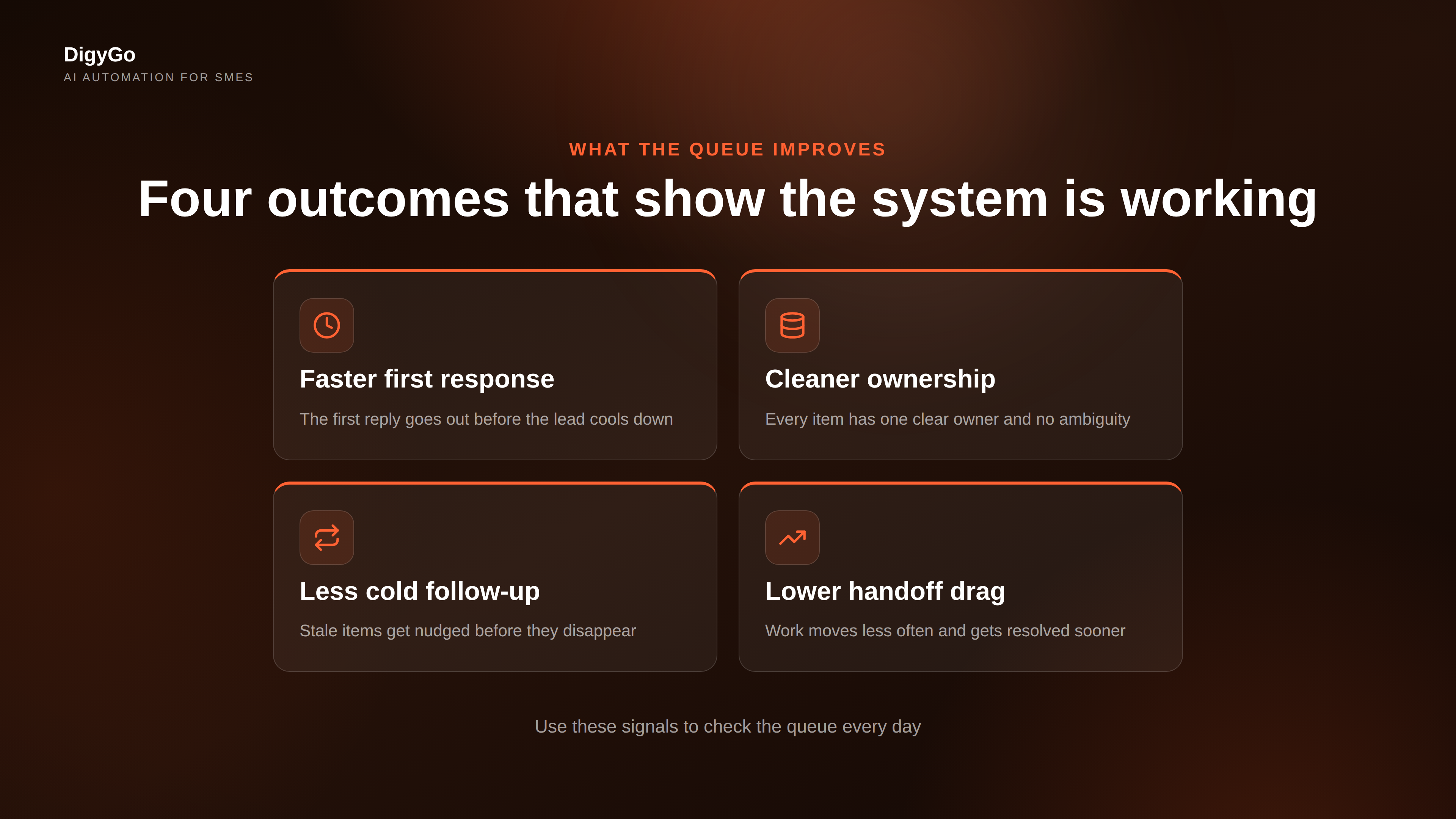
What to track every day
If you want this system to improve, do not track everything. Track the few numbers that tell you whether the queue is actually reducing friction.
These four metrics are enough to show whether your AI queue is doing what it should. If response speed improves but handoffs keep climbing, the routing is still too messy. If handoffs drop but leads are still going cold, the follow-up logic needs tightening.
Common mistakes to avoid
- Building a giant workflow first. Start with one queue and one type of work.
- Letting AI make every decision. Use it to sort, summarise, and recommend.
- Skipping ownership. Every item needs one clear owner.
- Ignoring follow-up. A queue without reminders is just a prettier inbox.
Many SMEs assume automation means more complexity. In reality, the right system removes the need to remember everything. That gives the team more space to sell, serve, and deliver.
FAQ
Is an AI operations queue only for lead management?
No. It works for sales enquiries, support requests, internal approvals, vendor messages, and any recurring task stream that arrives from multiple channels.
Do we need a full CRM to start?
No. You can begin with one intake form, one inbox, and one routing rule set. A CRM becomes useful when you need reporting, history, and follow-up at scale.
How do we keep it from becoming another tool no one uses?
Keep the queue visible, assign owners clearly, and review it daily. If the team cannot see the next action, the system will drift.
Talk to DigyGo about building an AI operations queue that keeps every enquiry moving.