Most SME teams do not lose leads because they never arrived. They lose them in the first 10 minutes after the form fill, WhatsApp ping, or inbound call, when nobody has yet cleaned the context, assigned the owner, or decided what matters.
A practical guide to using an AI intake agent as a front-door workflow that captures, enriches, routes, and summarizes enquiries before the team logs in.
Why intake breaks inside SMEs
In a small business, enquiries usually arrive from multiple places at once. A website form lands in email, a WhatsApp message sits on a phone, a missed call never gets logged, and a LinkedIn DM gets read but not routed. The result is not just delay. It is confusion.
When intake is manual, every new lead needs someone to answer three questions: who is this, what do they need, and who should own the next reply. That is useful work, but it is repetitive work. An AI intake agent removes the repetition so the team can focus on judgment, not data entry.
What the agent actually does
A good intake agent follows the same pattern every time:
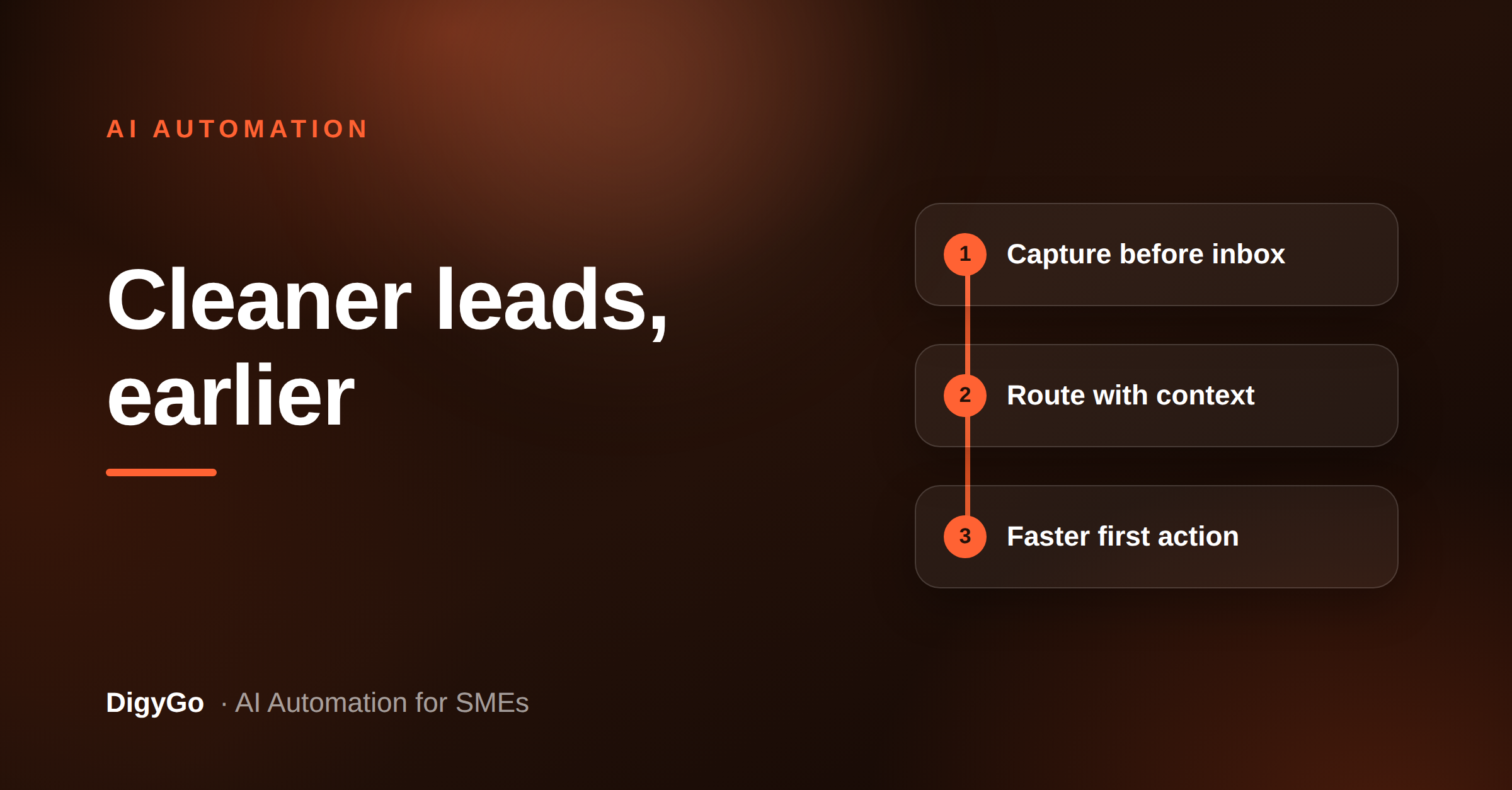
- Capture. Pull the enquiry from form, email, chat, or call transcript.
- Clean. Standardize name, company, phone, service need, and location.
- Enrich. Add useful context like source, priority, and duplicate history.
- Route. Send it to the right person or queue based on the rules you set.
- Summarize. Give the owner a short brief so they can reply faster.
That is the core value. The AI does not need to be clever for its own sake. It needs to be consistent. A consistent front door creates a cleaner pipeline, better response times, and fewer leads slipping through because nobody knew where to start.
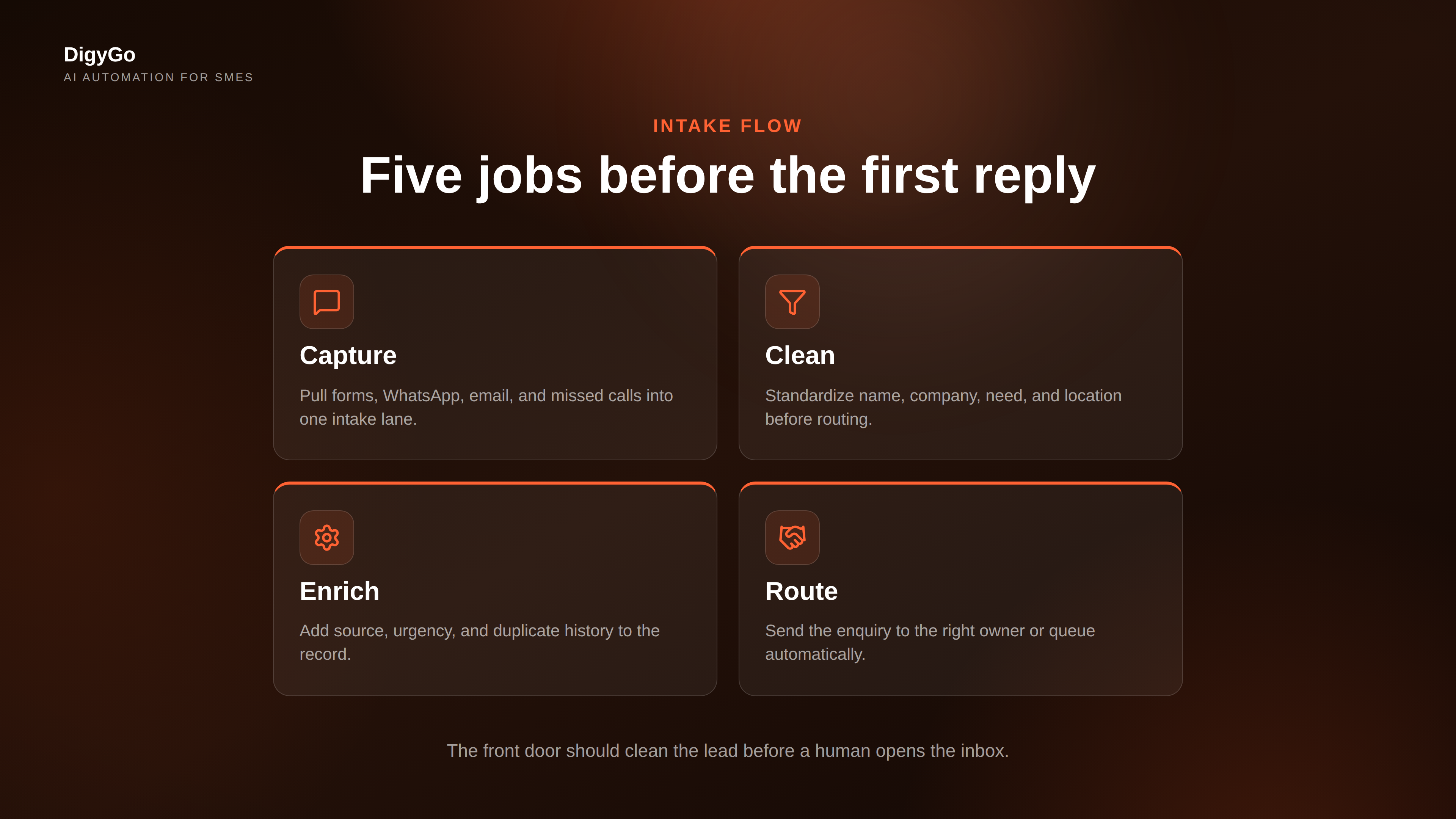
Image 1: parallel intake flow
The first workflow view should make the early-stage work obvious. A team member should be able to glance at it and see the five jobs that happen before a human reply is needed. If those jobs are visible, they are easier to automate and easier to audit.
How to build the workflow
You do not need to automate everything on day one. Start with the narrowest useful version of the workflow and expand it only after it proves itself.
- Choose one entry point. Start with your highest-volume source, such as website forms or WhatsApp leads.
- Define the fields that matter. Name, phone, need, budget band, service area, and urgency are usually enough.
- Write routing rules. Example: hot inbound demo requests go to sales; support-type enquiries go to operations.
- Add a human-safe summary. Keep the brief short so the owner can act immediately.
- Measure the lag. Track time from enquiry to first action, not just time to final sale.
Once the workflow is stable, connect it to your CRM, task board, or inbox. The goal is not to create another dashboard. The goal is to make sure the right person sees the right lead at the right time with enough context to respond well.
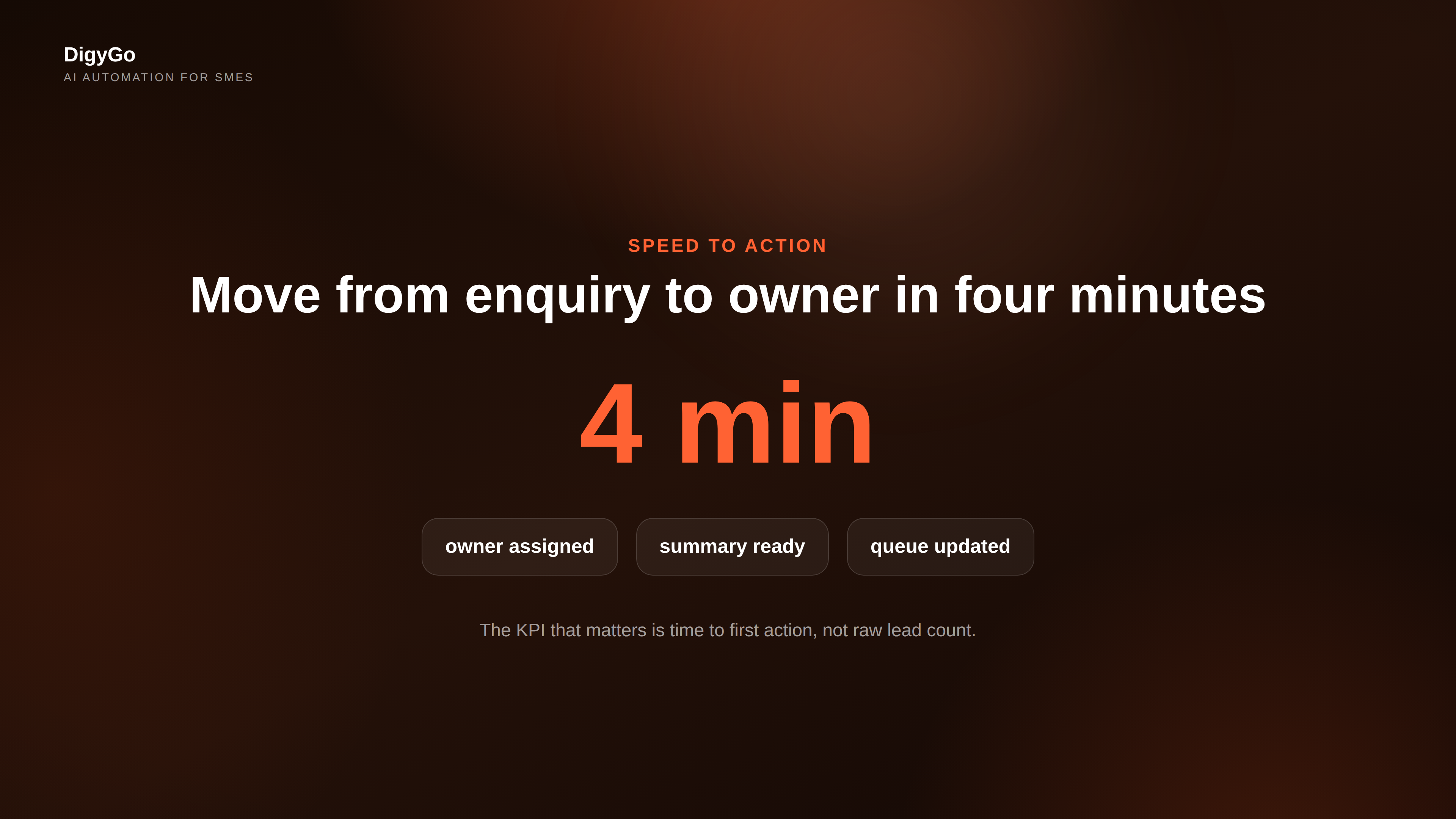
Image 2: speed to first action
The second visual should anchor the business result. For SMEs, the most important number is often not lead volume. It is speed to first action. If the workflow helps a team move from enquiry to owner assignment in minutes instead of hours, the sales team gets a better shot at the conversation while interest is still high.
Common mistakes to avoid
Three mistakes show up again and again:
- Automating the wrong layer. If your intake data is messy, a fancy agent will only move bad data faster.
- Using vague routing rules. If the agent cannot tell what qualifies as urgent, it will still create manual work.
- Skipping the summary. Owners need context, not just a forwarded message.
The fix is simple. Make the agent responsible for structure, not strategy. The team still makes the judgment call, but it starts from a clean brief instead of a pile of unread messages.
FAQ
Is an AI intake agent only for sales leads?
No. The same pattern works for demo requests, service enquiries, recruitment interest, partnership messages, and support triage. Anywhere a first response depends on clean context, an intake agent helps.
Do SMEs need a CRM before they automate intake?
Not necessarily. A shared inbox and a task queue can be enough to start. The important thing is to define the fields, the owner, and the next action.
What is the best first metric to track?
Track time to first action. That metric tells you whether the workflow is actually speeding up the front door or just creating more automation for its own sake.
Want DigyGo to help design your intake workflow? Talk to us.