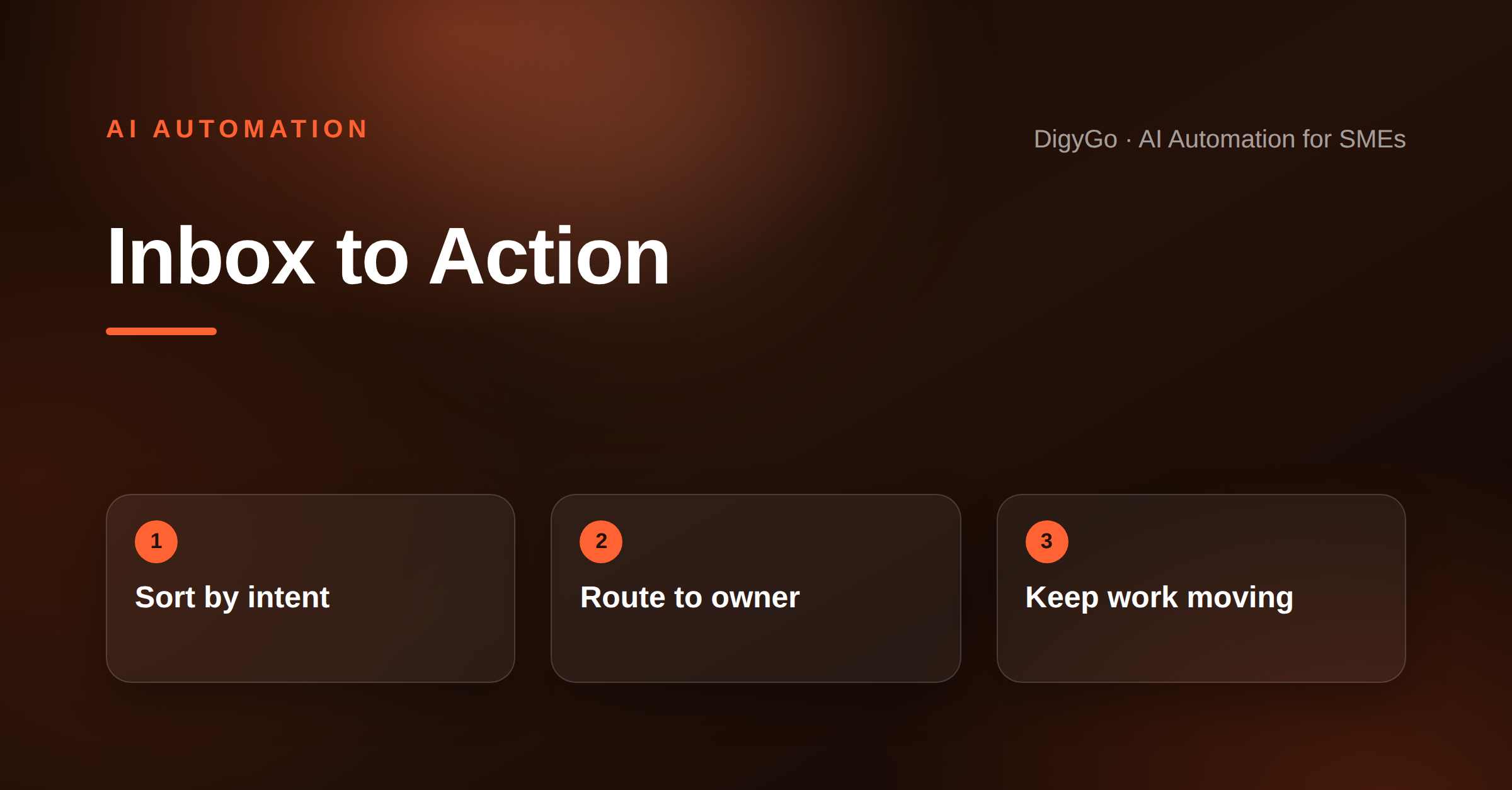
Most SME teams do not have a lead problem first. They have an inbox problem. Enquiries, customer replies, vendor requests, and internal pings all land in the same place, then the team spends the day sorting noise instead of moving work forward.
A practical guide for SME founders on using AI automation to sort incoming messages, assign owners, and keep daily work moving without manual chasing.
Key takeaway: AI should not “replace the inbox.” It should turn the inbox into a routing system that tags, prioritises, and assigns each message before a human steps in.
Why inbox triage breaks in growing SMEs
When a business is small, the founder can still read every message and decide what matters. Once enquiries start growing, that habit becomes a bottleneck. A single inbox ends up carrying sales leads, support issues, follow-ups, payment nudges, and internal coordination. The result is not just slower replies. It is missed ownership.
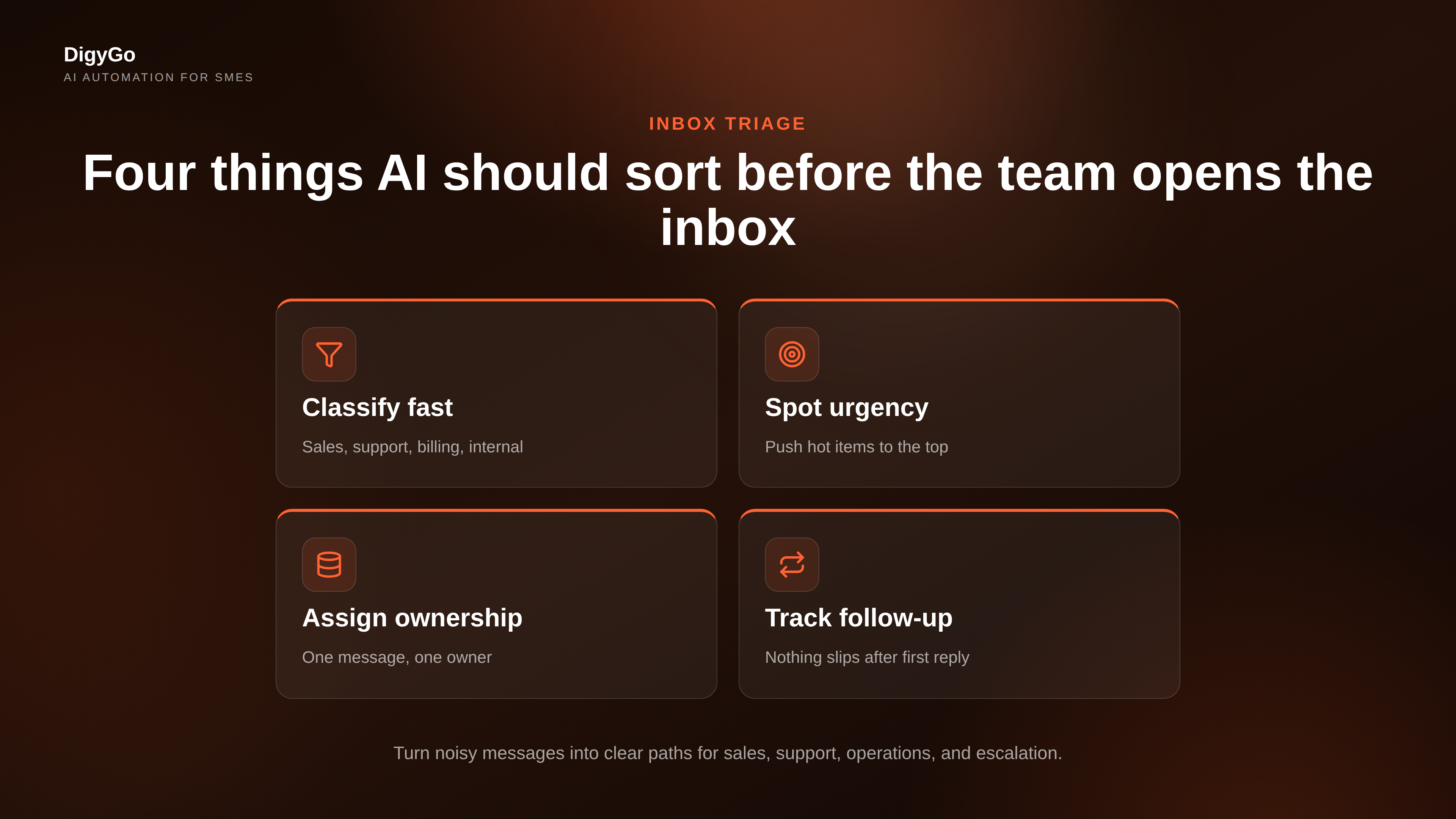
That is where AI automation becomes useful. The goal is not to let a model “handle everything.” The goal is to make sure each incoming message gets sorted into a clear path: sales, support, operations, or escalation. Once that path is clear, the right person can act faster.
What usually goes wrong
- No priority logic: urgent leads sit next to low-value updates.
- No owner assignment: messages are seen, but not claimed.
- No follow-up memory: promising conversations disappear after the first reply.
- No daily view: the team has no clean summary of what needs attention now.
What AI should do first in the workflow
The best use of AI in inbox triage is simple: classify, extract, and route. If a message is from a new lead, the system should identify the service, location, budget clues, urgency, and contact details. If it is a support message, it should detect the issue type and mark whether it needs an immediate human response.
This is where SMEs get real leverage. Even a basic workflow can reduce manual reading time and improve speed-to-response. The business does not need a perfect autonomous agent on day one. It needs a reliable first pass that makes the inbox easier to run every morning.
A daily workflow the team can actually follow
To make AI automation stick, the workflow must feel practical, not clever. A founder or operations head should be able to open the morning brief and know exactly what to do next. The sequence below keeps the system simple enough for small teams and strong enough to scale.
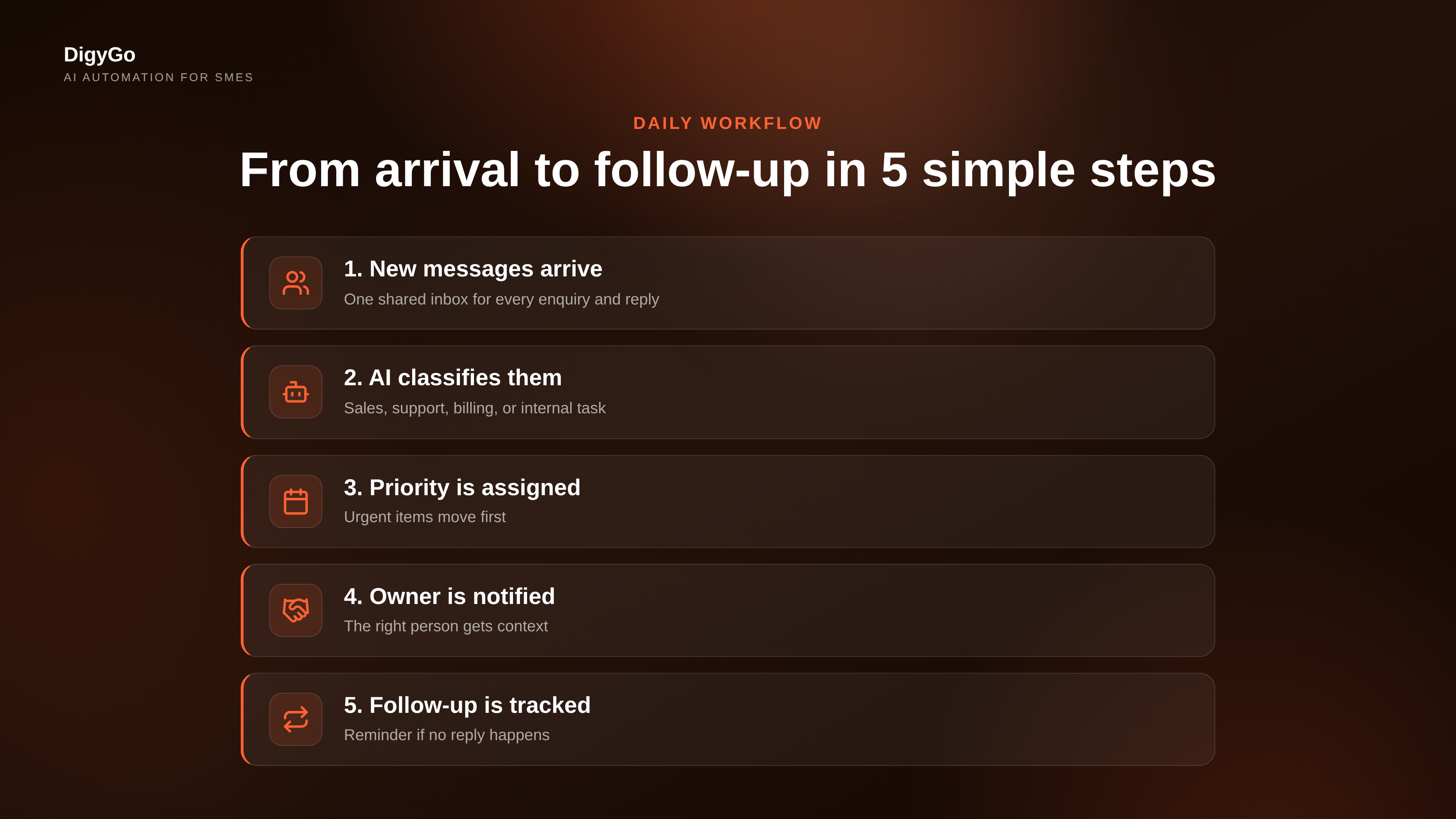
- New messages arrive: all enquiries and replies land in one place.
- AI classifies them: sales, support, billing, or internal task.
- Priority is assigned: urgent items move to the top of the queue.
- Owner gets notified: the right person receives the message with context.
- Follow-up is tracked: if no reply happens, the system reminds the team.
This sequence works because it reduces decision fatigue. Team members stop asking, “Who should handle this?” and start asking, “What should we do next?” That shift alone can save a surprising amount of time in a busy SME.
Mid-article CTA: If your team is still manually sorting leads and requests every morning, DigyGo can help you design the routing logic and message handoff flow.
How to set it up without making it complicated
Start with one inbox and one outcome. For many SMEs, the first useful version is a shared email or WhatsApp intake point that feeds into a simple automation. Add a rule set for common message types, then define what should happen next. A sales enquiry gets tagged and assigned. A support message gets logged and routed. A vendor question gets grouped into operations.
Once the system works on a small scale, add a summary layer. That summary should tell the team which messages matter most, which ones are waiting, and which ones need a follow-up today. At that point, the inbox stops being a pile of messages and becomes a workflow dashboard.
Good setup rules
- Use plain categories that your team understands immediately.
- Keep the first response path short.
- Escalate uncertain cases to a human instead of forcing automation.
- Review the workflow weekly and tighten the rules.
FAQ
Will AI automation replace our team’s inbox work?
No. It should remove repetitive sorting and handoff work so the team can focus on actual decisions and conversations.
What is the best first automation to build?
Start with message classification and owner assignment. Those two steps create the biggest day-to-day relief for most SMEs.
Do we need a complex AI agent to begin?
No. A simple routing workflow is often enough to get value quickly. Complexity can come later, after the process is stable.
Talk to DigyGo about building an AI inbox workflow for your team