Most SMEs do not lose momentum because people ignore work. They lose momentum because enquiries, internal requests, and follow-ups arrive in the same inbox, then sit there waiting for someone to sort them out.
A practical guide for SMEs on using AI inbox triage to separate urgent work, assign ownership, and stop routine messages from slowing the team down.
Why inbox triage matters
When every message looks urgent, the team starts doing manual sorting all day. Sales pings are mixed with operations queries, support issues, and supplier updates. The result is predictable: slow responses, repeated chasing, and work that keeps bouncing between people.
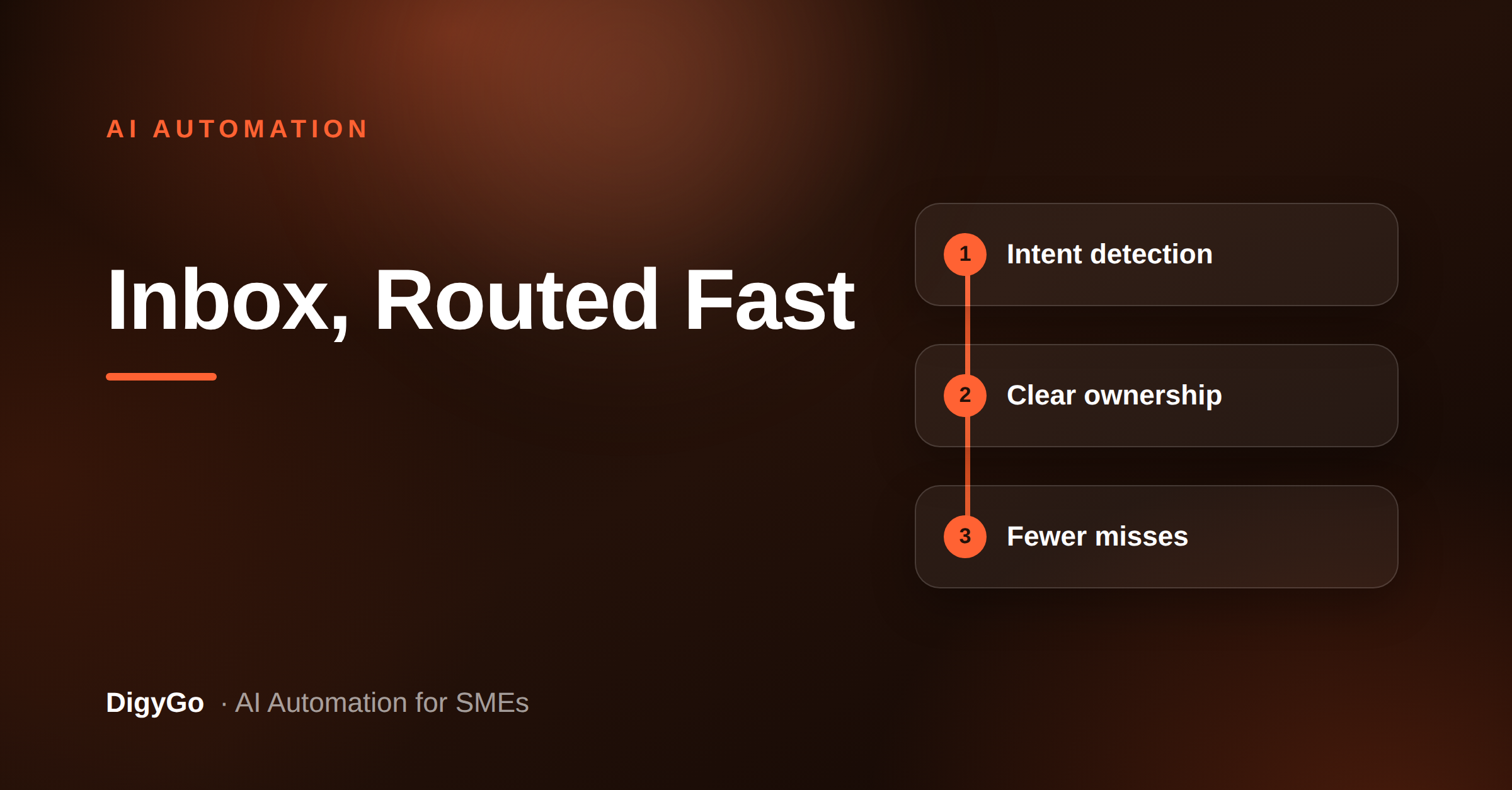
An AI inbox triage system fixes the first layer of that problem. It reads the message, identifies the intent, tags the request, and sends it to the right person or workflow. The goal is not to replace judgment. The goal is to make sure the right work gets to the right owner fast.
The manual way vs the AI way
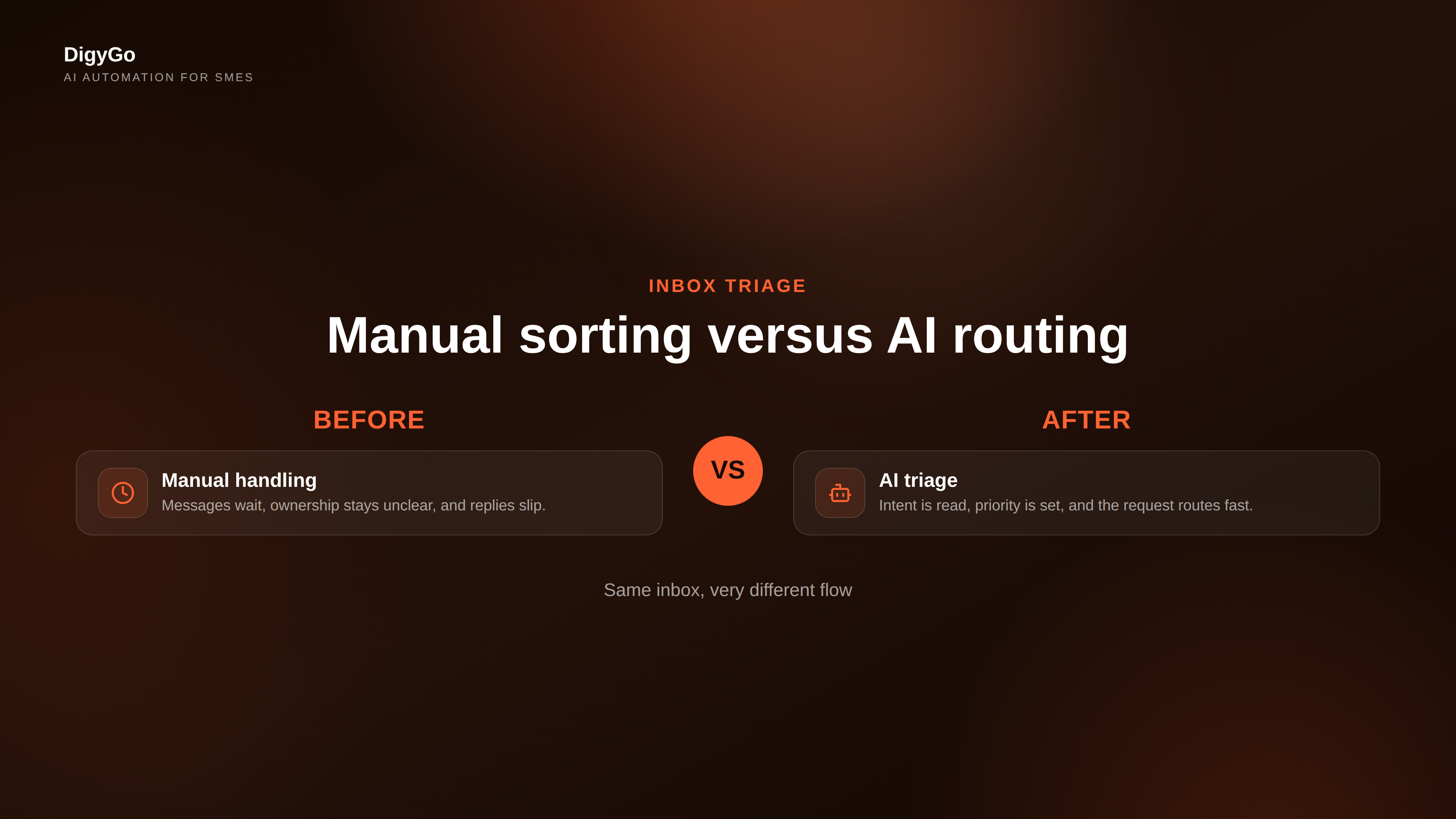
Manual inbox handling usually breaks in the same four places: messages get opened too late, owners are unclear, follow-up is inconsistent, and the sender receives a generic reply instead of a useful next step. AI triage changes that by adding structure at the point of entry.
- Manual: one person reads every message and decides where it belongs.
- AI: the system labels the request, checks intent, and suggests the next action.
- Manual: messages wait until someone is free.
- AI: routine requests move immediately into the right queue.
That difference sounds small, but it compounds quickly when your business gets repeat enquiries every day.
What the system should do
A practical triage system for SMEs does five things well:
- Detect intent — sales enquiry, support issue, invoice question, partner request, or internal task.
- Assign priority — urgent messages rise first, low-risk requests wait their turn.
- Route ownership — each message lands with one clear owner instead of a shared inbox.
- Trigger follow-up — if nobody replies, the system nudges the right person automatically.
- Log the outcome — the request is stored so the business can see what happened later.
If those steps are missing, AI becomes another layer of noise. If they are in place, the inbox starts behaving like a workflow engine instead of a storage bucket.
Where SMEs see the fastest wins
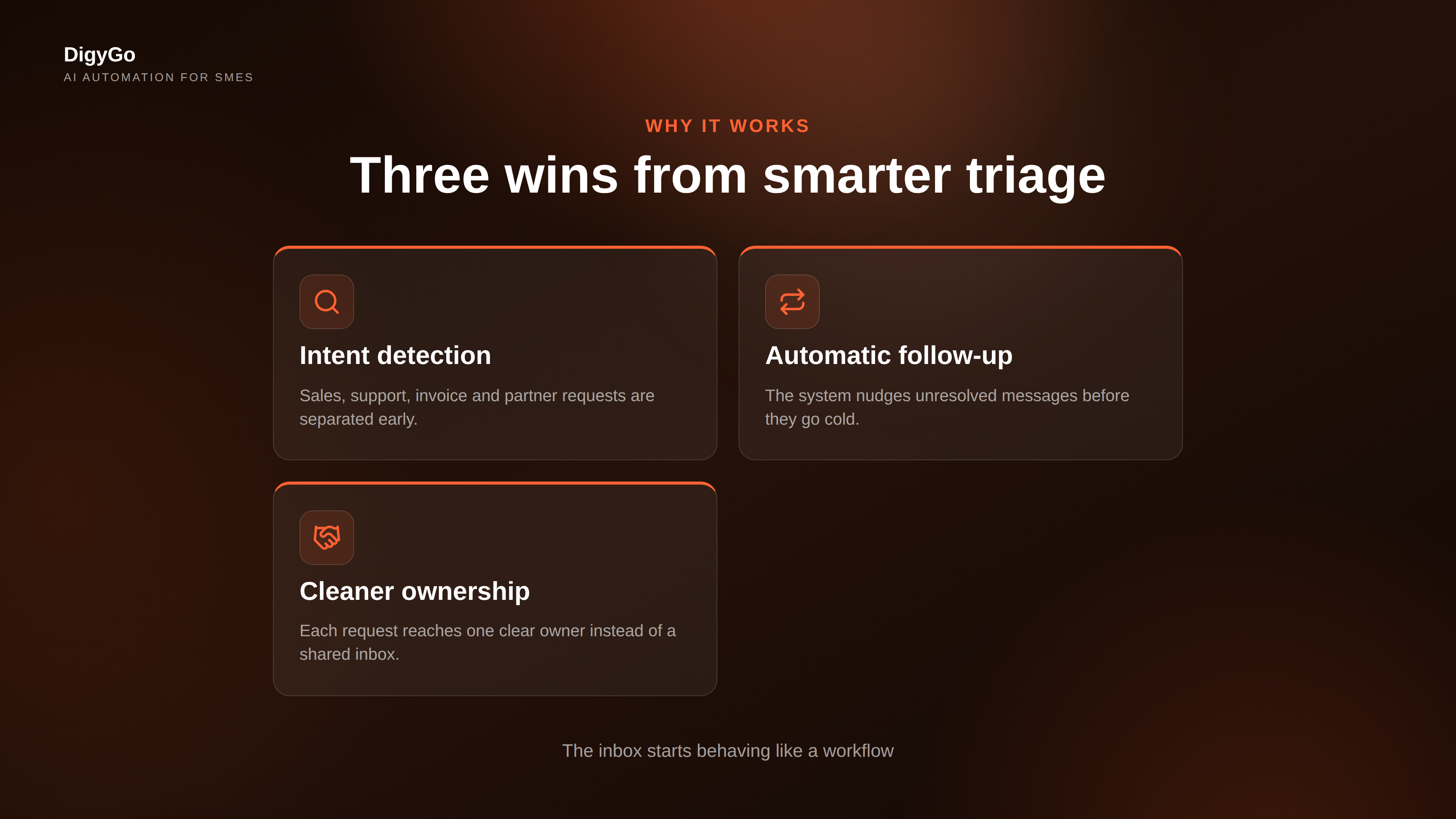
The fastest gains usually show up in three places:
That is why this use case works so well for SMEs. It is not a flashy AI demo. It is a practical fix for the daily friction that slows teams down.
How to start without overbuilding
You do not need a perfect enterprise rollout to begin. Start with one high-volume inbox and one or two message types that repeat often. Define the intent categories, decide who owns each route, and set a simple fallback rule when the system is uncertain.
From there, measure the basics: response time, number of handoffs, and how many messages were resolved without manual chasing. Those numbers tell you whether the system is reducing work or just moving it around.
What good looks like
Good inbox triage feels almost invisible. The right person sees the right message sooner. The sender gets a useful response faster. The team stops debating ownership and starts moving work forward. That is the kind of AI system SMEs should want: simple, dependable, and useful every day.
Talk to DigyGo about setting up AI inbox triage for your SME