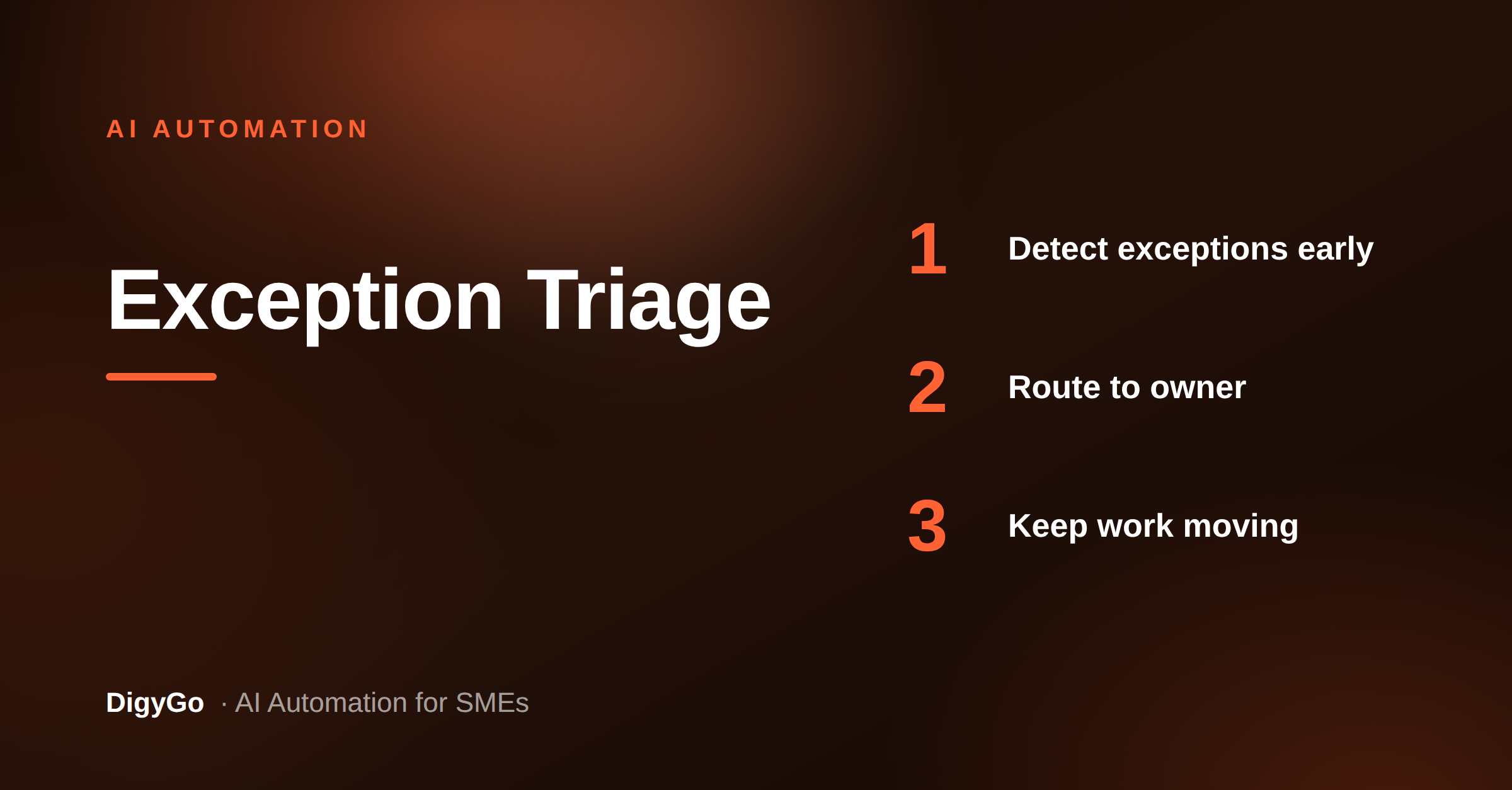
When teams say work is “stuck,” the real problem is usually not volume — it is exceptions. One missed form, one duplicate lead, one unclear owner, one waiting approval, and the whole flow slows down. An AI exception triage layer gives SMEs a simple way to detect, route, and resolve those edge cases before they turn into lost revenue.
A practical guide for SMEs on using AI to detect unusual requests, route exceptions quickly, and keep normal work moving without manual chasing.
Why exceptions are the real bottleneck
Most SME workflows work fine when every lead, request, or task looks the same. The slowdown starts when something falls outside the script. A lead arrives with missing details. A customer asks for a custom quote. A handoff lands in the wrong team. Without a clear triage layer, these items sit in chat threads, email chains, or shared inboxes until someone manually notices them.
An AI triage layer does not replace your process. It protects it. The goal is simple: identify what is standard, identify what is risky, and route the risky items to the right owner with context attached.
What the triage layer should do
For SMEs, the best setup is practical rather than fancy. The system should read incoming items, spot signals that need attention, and decide whether to auto-handle, escalate, or hold for review.
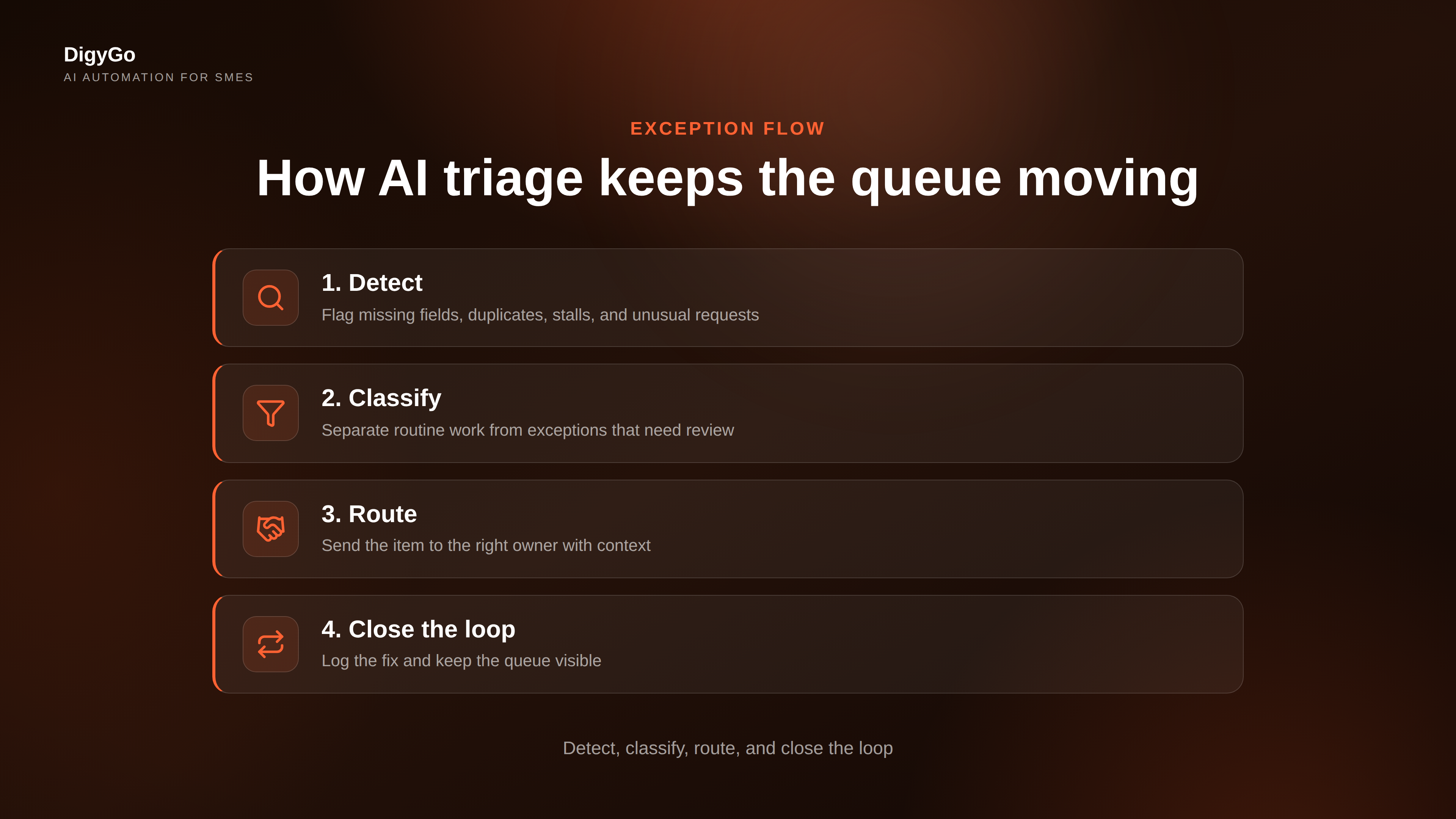
- Detect: flag missing fields, duplicate records, stalled follow-ups, and unusual requests.
- Classify: separate routine work from exceptions that need human approval.
- Route: assign the item to sales, operations, support, or finance based on the issue.
- Explain: add a short note so the owner knows why the item was escalated.
- Track: log the exception so you can see patterns instead of guessing.
Build the flow in 4 layers
The easiest way to roll this out is to think in layers rather than tools.
- Ingest leads and requests from forms, WhatsApp, email, and internal tasks into one intake point.
- Score the item against simple rules such as urgency, completeness, customer value, and ownership.
- Escalate only when the item breaks the normal path or risks a delay.
- Close the loop with a status update so the team sees progress and nothing disappears.
This structure keeps the system clean. The AI does the sorting, but your team still owns the final decision where needed.
What changes after implementation
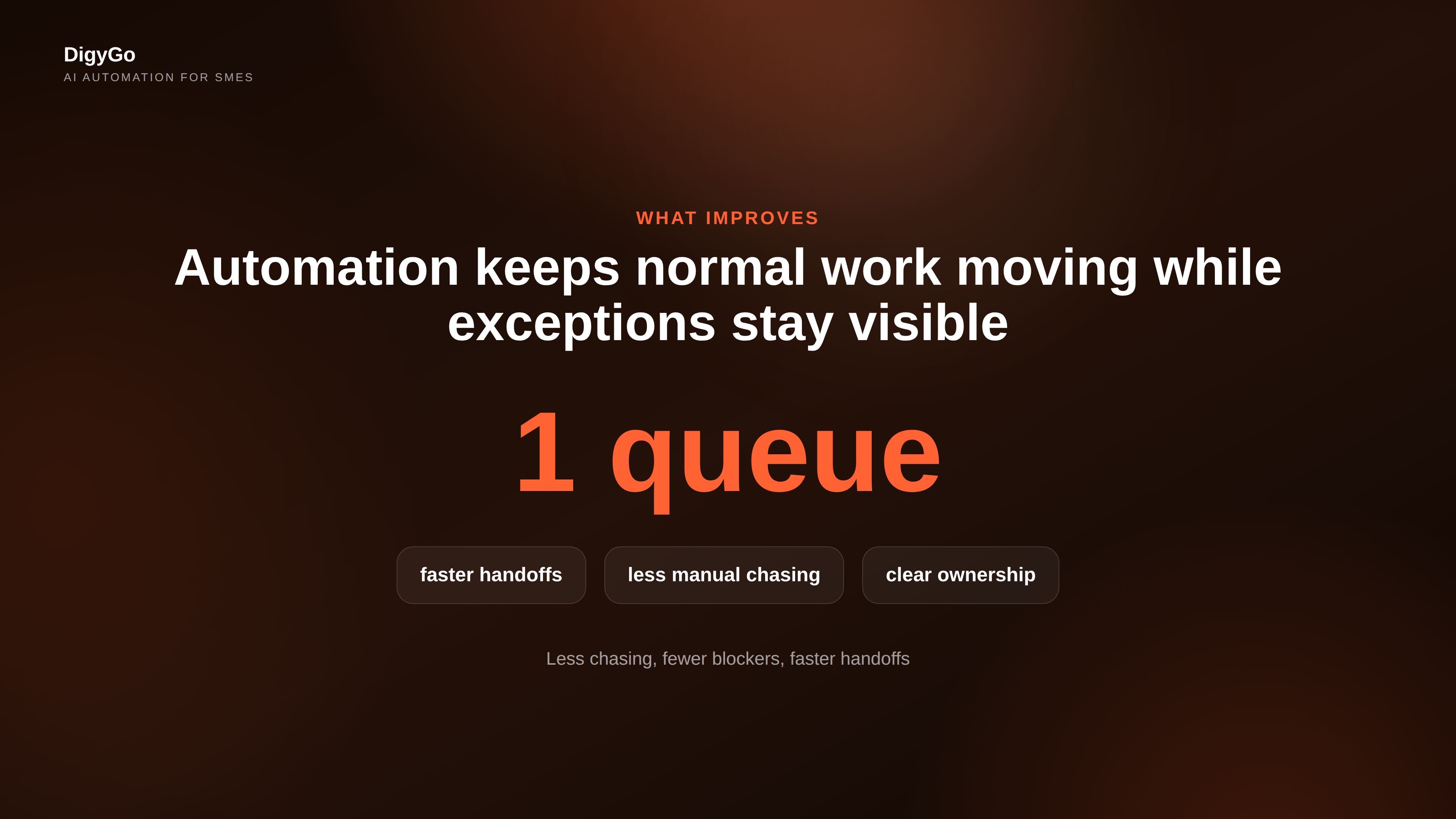
Once exception triage is working, teams stop wasting attention on every message. Managers spend less time asking “who owns this?” and more time solving the cases that actually matter. Sales responds faster because odd leads are tagged and handed off with context. Operations sees fewer hidden blockers. Customers get fewer silent delays.
That is the real value of AI automation for SMEs: not just speed, but clarity. You are building a system that makes normal work automatic and abnormal work visible.
Start small and expand from there
Do not try to automate every edge case on day one. Start with one process that regularly breaks: inbound lead routing, quote approvals, support escalations, or internal request handling. Define the exception rules, connect the intake sources, and test the escalation path until it is reliable.
Once that works, copy the pattern to the next process. Over time, the business becomes easier to run because exceptions no longer hide inside the noise.