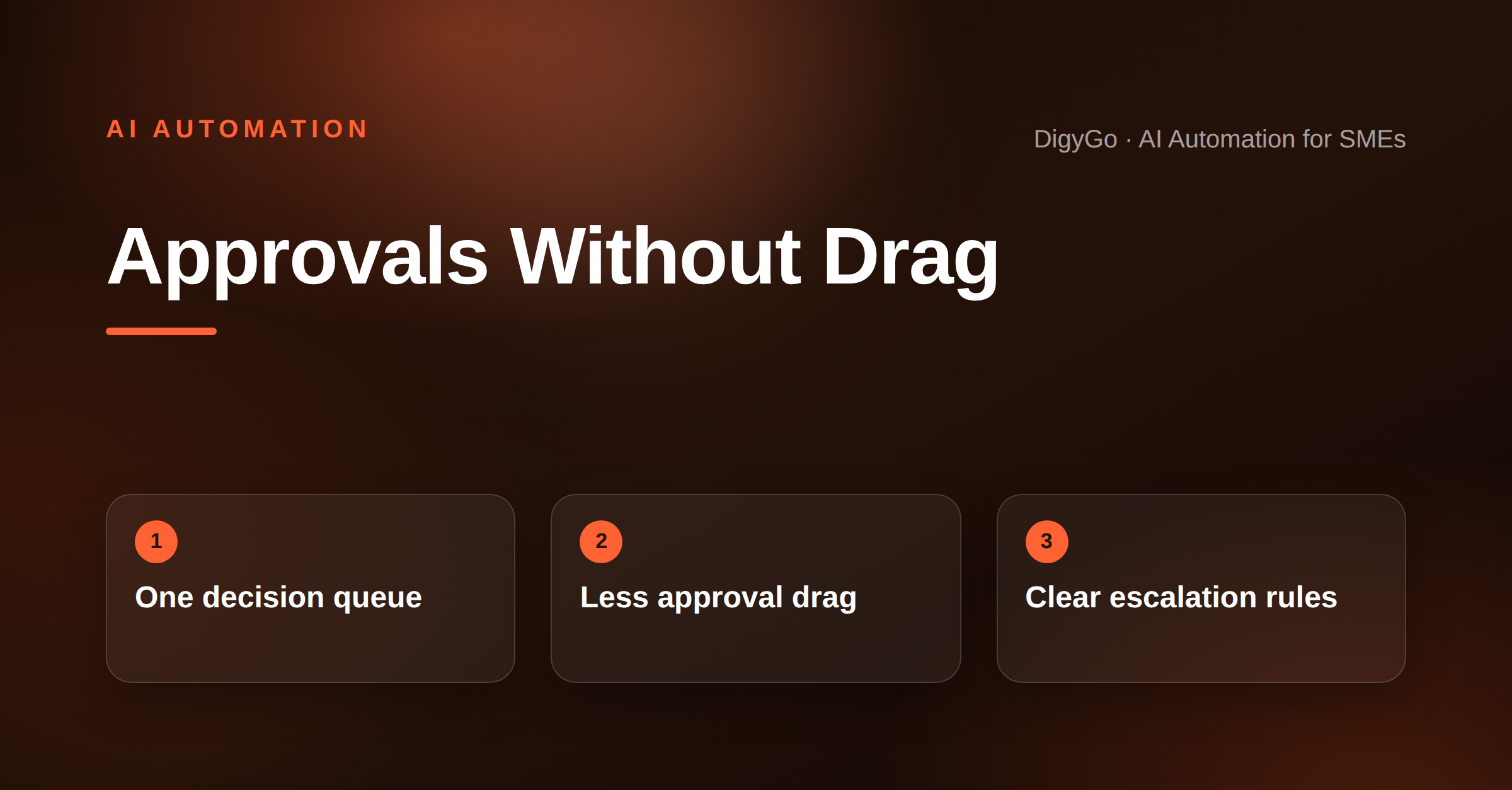
Most SME teams do not lose work because they lack effort. They lose it because every important task waits for a person to say yes. An AI approval queue keeps those requests moving by collecting, sorting, and routing approvals before they turn into bottlenecks.
A practical AI automation guide for SMEs on turning approval requests into a fast, visible queue so decisions do not get trapped in email and WhatsApp.
Why approval work gets stuck
Approvals look simple on paper: a quote needs sign-off, a discount needs review, a vendor invoice needs confirmation, or a customer exception needs a decision. In practice, those requests arrive from WhatsApp, email, CRM notes, and shared sheets. Nobody has one place to see them, so work pauses until someone chases the right person.
The real problem is not the approval itself. It is the delay between request, context, and response. When teams have to hunt for attachments, ask for missing details, or guess who owns the decision, every handoff adds friction.
What an AI approval queue actually does
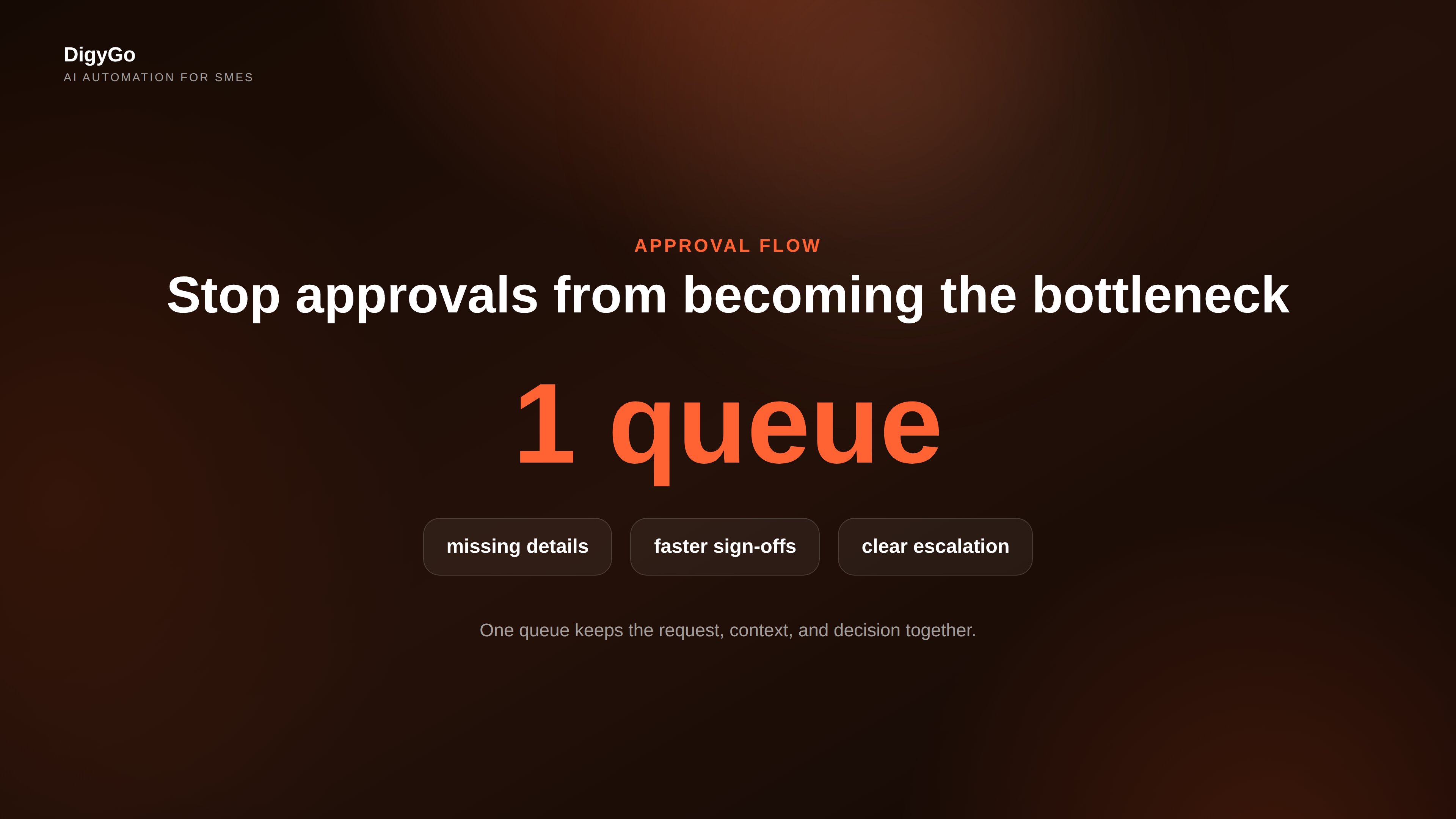
An AI approval queue is not a chatbot that says yes or no. It is a workflow layer that captures approval requests, checks the required details, prioritises them, and sends them to the right approver with context attached. If the request is incomplete, it can ask for the missing information before escalation.
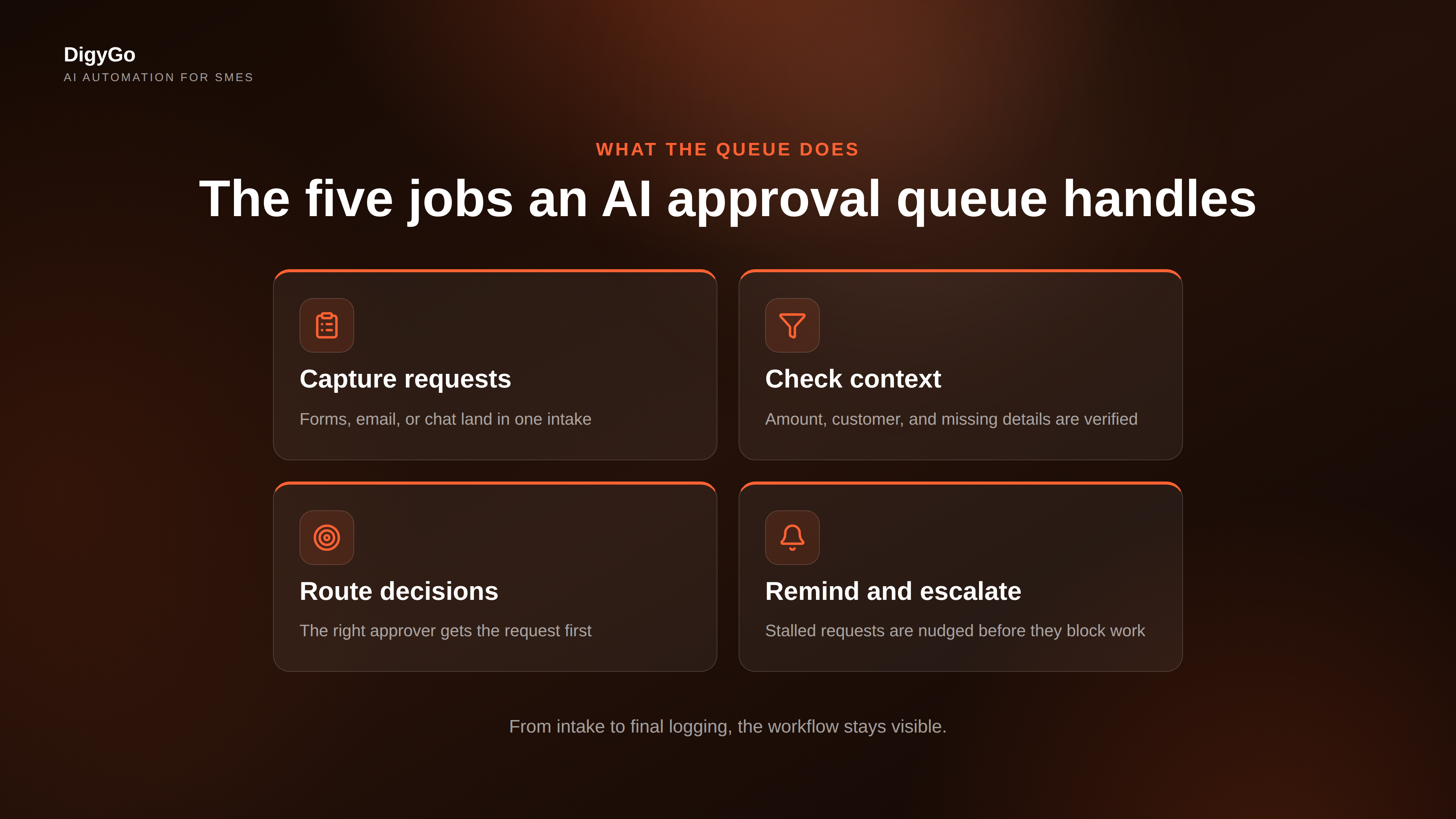
- Collects requests from forms, inboxes, and team channels.
- Checks context like amount, customer name, service type, or urgency.
- Routes decisions to the correct approver or department.
- Reminds and escalates when a request sits too long.
- Logs the outcome so the team knows what happened next.
That structure matters because approvals are rarely one-step decisions. Most need a short trail of context before someone can approve confidently. The AI layer keeps that trail organised.
The approval flow that SMEs should automate first
If you are choosing a starting point, automate the approval path that causes the most waiting and the most repeat questions. For many SMEs, that is one of these three:
- Discount approvals for sales teams.
- Invoice or expense approvals for operations and finance.
- Exception approvals for delivery, service, or customer support.
These are strong first candidates because they have clear rules, repeat often, and slow down visible work. Once the queue works for one approval type, the same structure can be extended to others.
What good approval rules look like
The best approval workflows do not rely on memory. They use simple thresholds and clear ownership. For example: under one amount, the team lead can approve; above that, it goes to the founder; if supporting documents are missing, the request returns to the sender with one clear checklist.
That makes the queue predictable. The team knows what to submit, approvers know what to expect, and no one needs to chase the same details twice.
Why this improves speed without losing control
Founders often worry automation will remove judgment. A good approval queue does the opposite. It protects judgment by giving the approver the right context at the right time. Instead of spending time gathering facts, the approver spends time making the actual decision.
It also improves visibility. You can see where requests stall, which approval type creates the most friction, and which owner responds slowest. That makes it easier to fix the process instead of blaming the people in it.
- Fewer follow-ups because the request is complete before it lands.
- Faster decisions because routing is automatic.
- Cleaner records because every approval is logged in one place.
- Less internal noise because reminders are handled by the system.
How to set it up in a practical SME stack
Start small and keep the setup simple. Connect the form or intake channel, define the approval criteria, create the approver list, and add escalation rules. Then test the queue with one real workflow before you expand it.
A practical stack usually includes a form or intake source, a CRM or sheet for record-keeping, an AI layer for classification and routing, and a notification channel for instant alerts. The point is not to buy more tools. The point is to make the existing tools work together with less manual coordination.
- Capture the request in one place.
- Attach the required context automatically.
- Route it to the correct approver.
- Escalate if the queue is idle.
- Save the final decision for reporting.
Where the human still matters
AI should not make policy decisions for you. The founder or manager still sets the approval rules, exceptions, and escalation thresholds. The AI simply enforces those rules consistently and removes the waiting that usually comes from messy handoffs.
That balance is what makes the workflow useful for SMEs. You keep control over the policy, but the system handles the repeated coordination work that slows the team down.
Final takeaway
An AI approval queue is one of the cleanest ways to reduce operational friction. It cuts the back-and-forth, keeps decisions visible, and helps SMEs move faster without losing control. If approvals are holding your team up, the fix is usually not more reminders — it is a better queue.