Every service request your SME receives — a call, a WhatsApp message, a web form, an email — follows the same arc: it arrives, someone needs to figure out what it is, someone needs to own it, and someone needs to make sure it gets done. That arc looks simple, but for most SMEs it fragments across three people, two apps, and a sticky note. An AI workflow can own that entire arc, end to end, without adding complexity to your team's day.
A practical guide for SME founders on using AI workflows to capture, triage, assign, track, and close every service request without manual chasing across multiple inboxes.
What you will learn
- Why the service request lifecycle is the single most automatable loop in an SME
- How AI triages incoming requests by intent, urgency, and value
- How to route, track, and close service requests without a ticket system
- Real metrics from SMEs that switched from manual chasing to workflow-driven service
The hidden cost of every service request
When a customer sends an enquiry to your SME, the visible work is the reply. The invisible work — who handles it, what happens next, is it done yet — is where the real cost lives.
A typical service request in an SME that operates manually goes through six handoffs: the person who receives it, the person who interprets it, the person who assigns it, the person who does the work, the person who follows up, and the person who bills. At every handoff, information degrades. The customer's original context gets reduced to whatever the person who took the message remembered to write down.
An AI workflow doesn't eliminate the people doing the work. It eliminates the invisible chase between them.
How an AI workflow owns the lifecycle
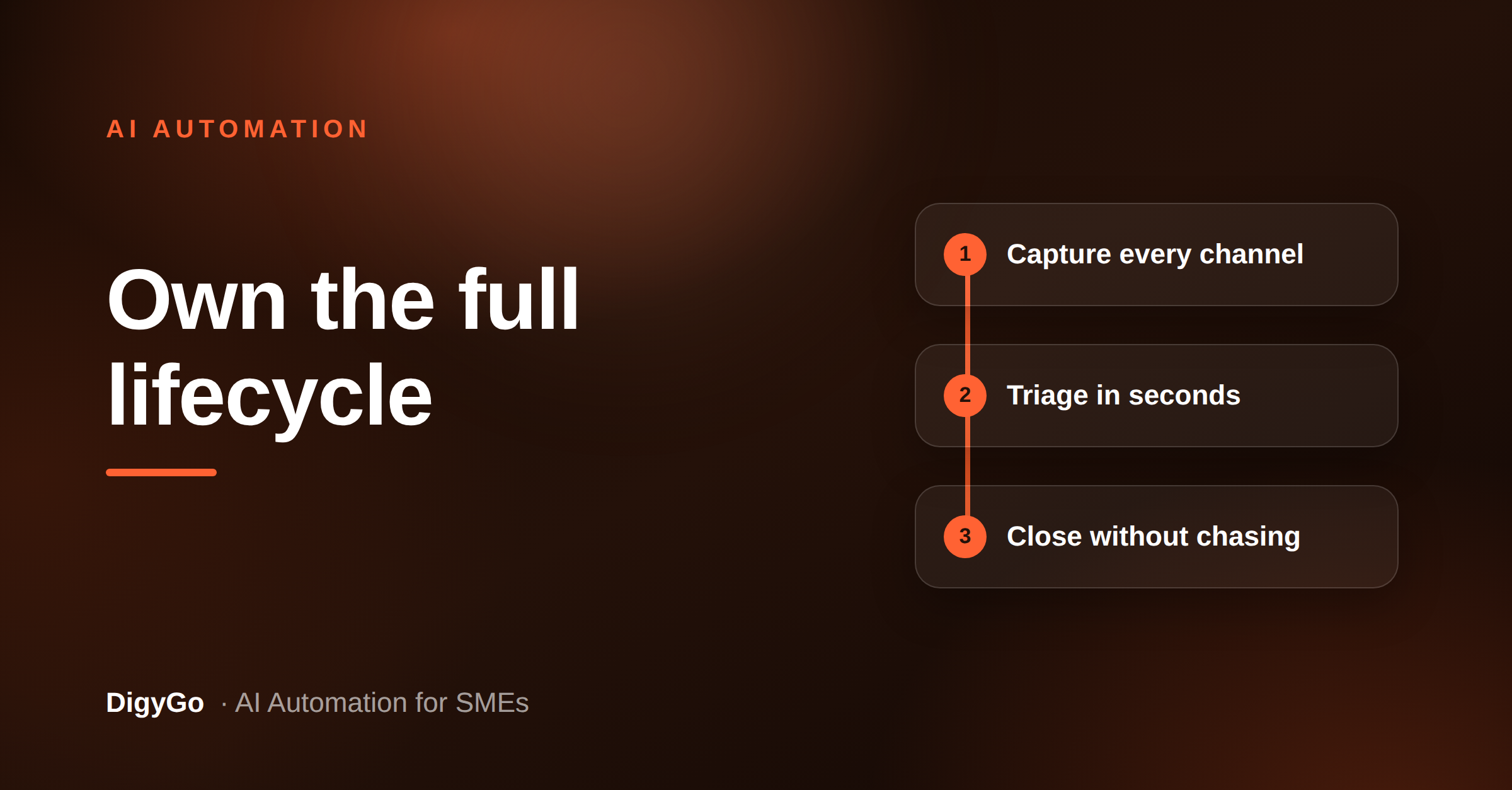
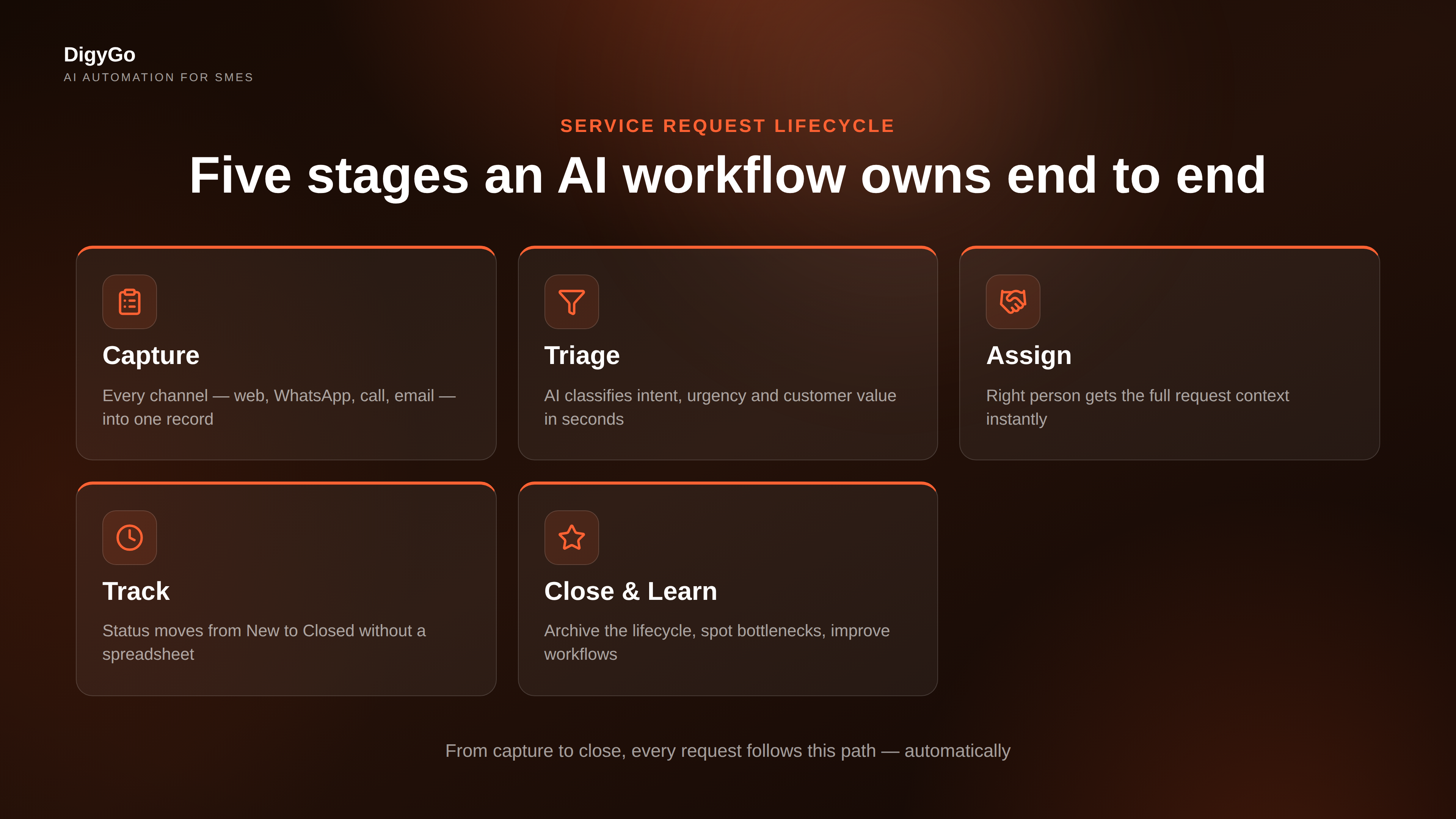
A workflow-driven service request system works like an assembly line for information. Each stage of the request's life — capture, triage, assign, execute, follow-up, close — is a station on that line, and the AI moves the request forward without anyone having to push it manually.
1. Capture — one inbox, every channel
Whether the request arrives by web form, WhatsApp, phone call, email, or Google review, the AI captures it into a single structured record. No more checking three different inboxes to assemble a complete picture. The record includes the channel, time, customer name, contact, and any unstructured message text.
2. Triage — classify before a human sees it
The AI reads the request and categorises it: is this a new service enquiry, a support issue, a pricing question, or a complaint? It also scores urgency (same-day, next-day, this week) and flags high-value customers. A support request from a repeat client gets priority over a general pricing query from an unknown visitor — automatically, before anyone has read it.
3. Assign — the right person gets it instantly
Based on the category and urgency, the workflow assigns the request to the right team member or team queue. The assignment carries the full context — no handoff summary needed. The assignee gets a notification with exactly what they need: customer name, request type, context, and any relevant history. If the right person is unavailable, the workflow escalates after a configurable wait.
4. Track — status that updates itself
Once assigned, the workflow tracks the request through status stages — New → Assigned → In Progress → Follow-up → Closed. The team doesn't update a spreadsheet; the workflow updates the status based on actions taken. If a job is marked complete in the system, the workflow automatically moves the request to Follow-up and triggers a satisfaction or feedback message to the customer after the right interval.
5. Close and learn — every request leaves a trail
When a request is closed, the workflow archives the full lifecycle: how it came in, how long each stage took, who handled it, and whether the customer was satisfied. Over a few weeks, that trail becomes a dataset you can use to spot bottlenecks — which category takes longest, which team member is overloaded, which channel generates the most support requests vs new business.
What the numbers say
SMEs that shift from manual request chasing to workflow-driven handling report measurable improvements within the first 30 days:
The first response improvement is the easiest to achieve — because the triage step happens in seconds, not hours. The drop in forgotten requests comes from the simple fact that no request can fall through the cracks when every request has an owner and a status that can't be lost.
How to build this without a ticket system
Most SMEs hear "workflow" and imagine a complex CRM or a helpdesk platform that requires weeks of setup. The reality is simpler. An AI workflow for service requests can run on a lightweight automation layer that connects your existing communication channels to a shared log — no new software, no heavy implementation.
DigyGo builds exactly this kind of workflow: the AI layers over your existing phone, WhatsApp, web form, and email, captures every request into one record, triages and routes it, and tracks it through to closure. Your team keeps working the way they already do — the AI handles the chasing, the handoffs, and the follow-ups.
Frequently asked questions
Does my team need to learn a new system to use workflow-driven service handling?
No. The workflow operates in the background. Your team interacts through their existing tools — WhatsApp, phone, email — while the AI captures and routes requests automatically.
How long does it take to set up an AI service request workflow?
For an SME with fewer than 20 team members, a basic capture-triage-assign workflow can be operational in under a week. The setup involves connecting your communication channels and defining the categories that matter for your business.
What if a request doesn't fit any category?
The workflow flags uncategorised requests to a designated "general" queue, where a team member handles it and the AI learns from the resolution. Over time, the triage model improves.
Can this work for a small team where everyone wears multiple hats?
Yes. The workflow doesn't assume a fully departmentalised team. You define assignment rules that match your actual structure — for example, "anyone in the service group picks up the next unassigned request."
What happens if a request sits too long without action?
The workflow escalates. After a configurable delay (say 4 hours for urgent requests, 24 hours for standard ones), it notifies the assigned person again and copies a supervisor. After a second threshold, it re-assigns the request.
Stop chasing. Start closing.
Every service request that arrives today follows the same arc. The question is whether your team will chase it manually across three inboxes and a spreadsheet, or whether an AI workflow will own it from first touch to final follow-up. The difference is not complexity. It's a decision to let the invisible work become automatic.
Talk to the DigyGo team about setting up your first AI workflow →