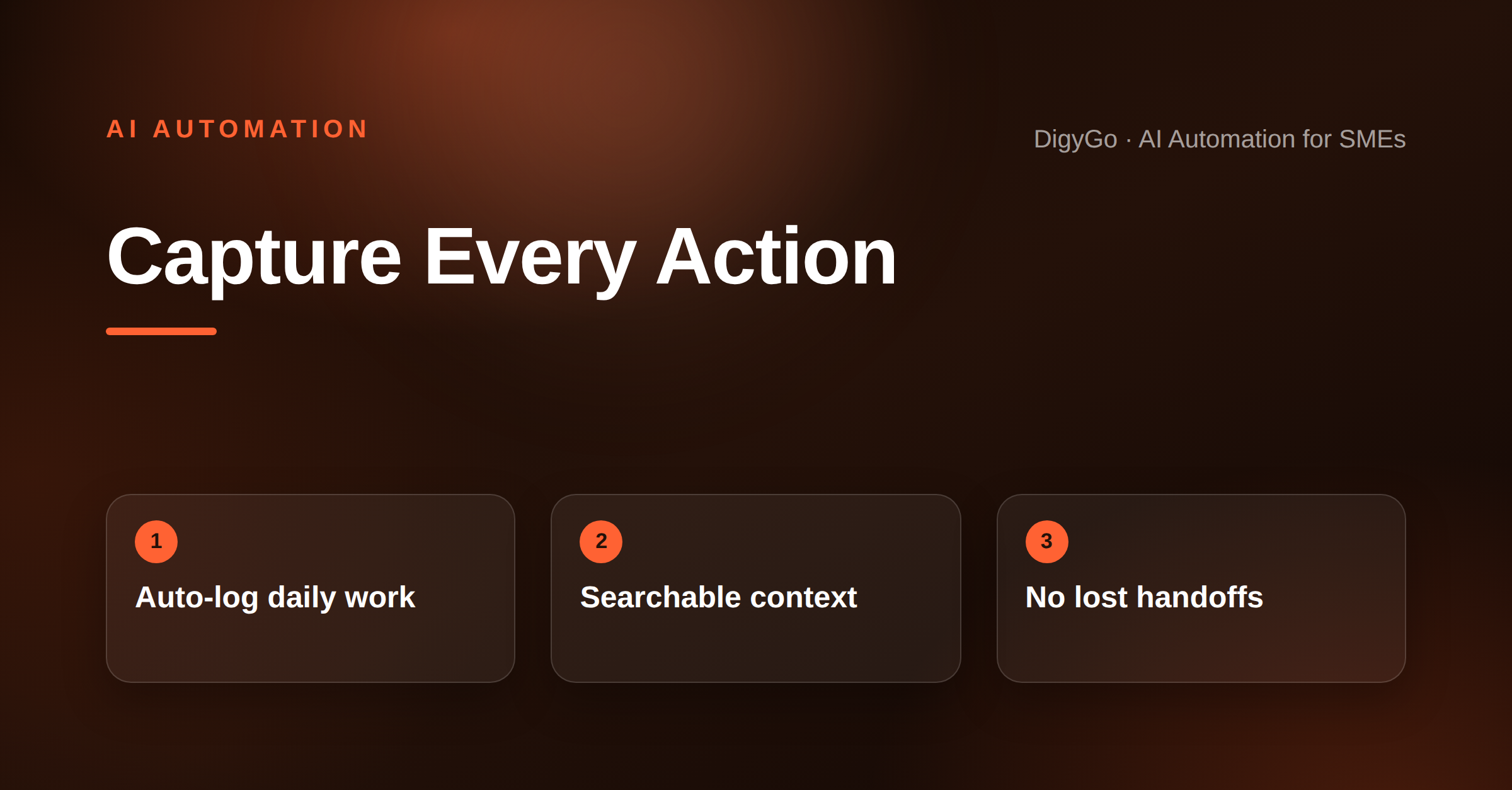
Every SME team has the same problem: information lives in scattered WhatsApp messages, email threads, sticky notes, and people's heads. When someone is out sick or a handoff happens, context gets lost — and the customer has to repeat themselves. An AI operations logbook fixes this by capturing every daily action, decision, and handoff into one searchable record that any team member can pick up at any time.
An AI operations logbook captures every daily action, decision, and handoff into a searchable record so SME teams never lose customer context between conversations.
- Why scattered context is costing your team time and trust
- How an AI operations logbook captures the daily trail automatically
- The five key things every SME logbook should record
- How to set it up without adding data-entry work to anyone's day
Every Lost Context Is a Friction Point
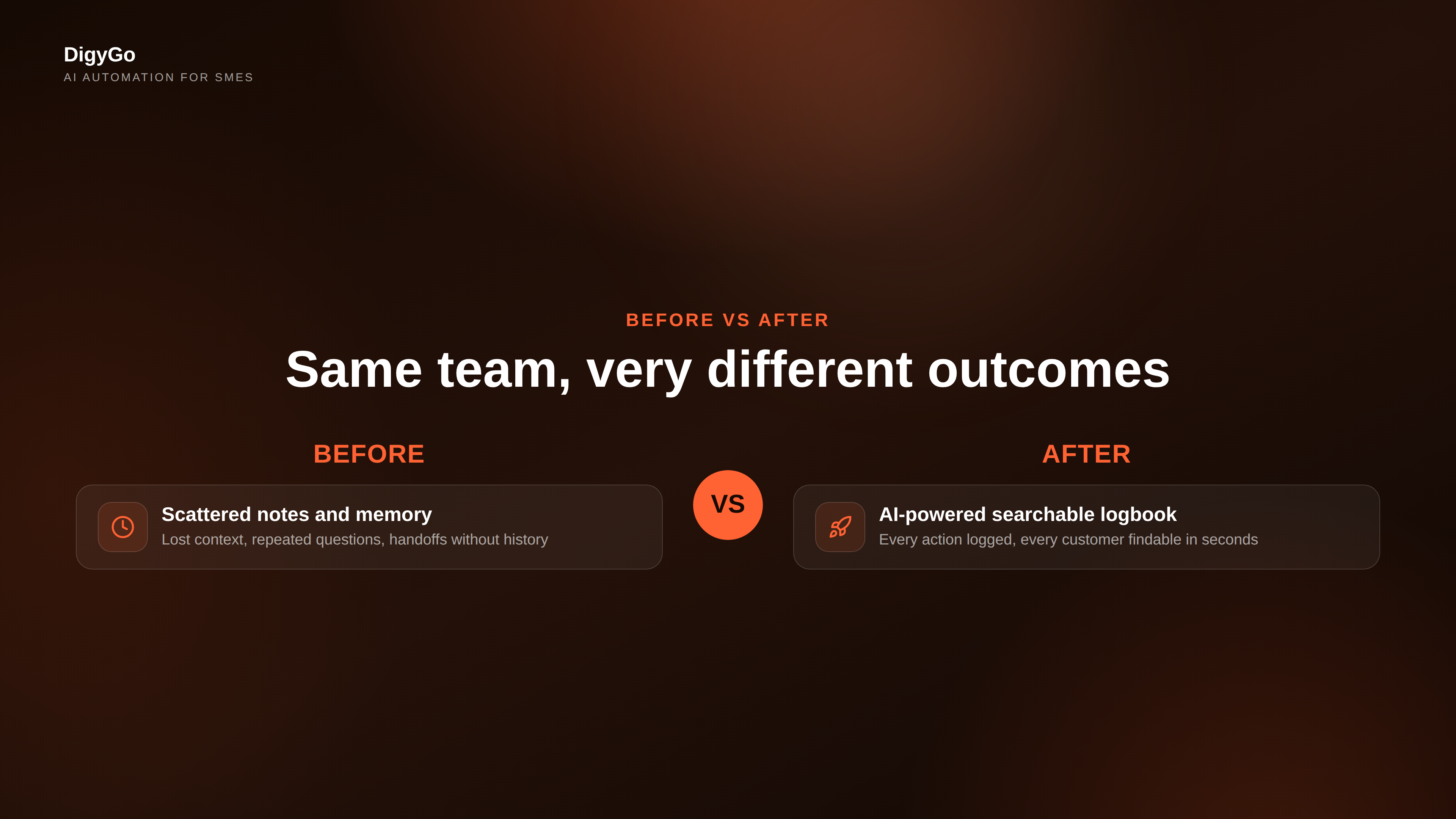
When a customer calls back and the person who handled their enquiry is unavailable, someone else has to dig through chats, emails, and notes to figure out what was said, what was promised, and what the next step is. Most of the time, that context is incomplete or simply missing.
The result: the customer repeats their story, the team wastes time gathering information, and the brand looks disorganised. For an SME that competes on speed and personal attention, that is a real disadvantage. The fix is not a bigger CRM or more process — it is a lightweight AI layer that automatically records and organises every action as it happens.
What an AI Operations Logbook Actually Does
Instead of asking team members to write notes or update a shared spreadsheet at the end of the day, an AI operations logbook captures the trail automatically. It listens to the channels your team already uses — WhatsApp, email, call records, web forms — and extracts the key facts from each interaction.
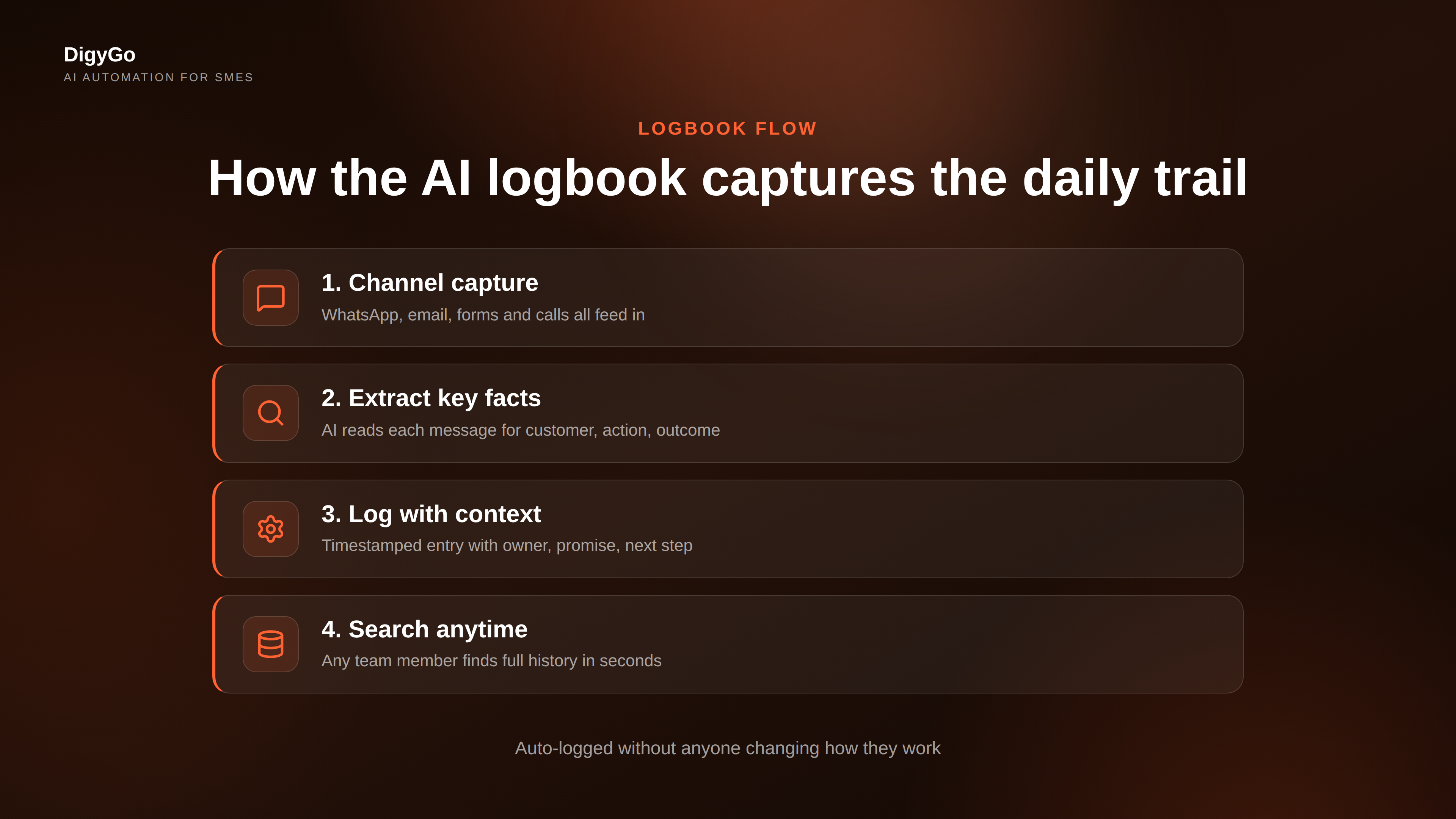
Here is what a good AI logbook captures:
1. Every enquiry and its resolution
When a lead comes in through any channel, the AI logs the enquiry details, who handled it, what was discussed, and how it was resolved — without anyone typing a note. The next time that customer reaches out, the full history is available in seconds.
2. Internal handoffs with preserved context
When a task moves from one person to another — for example, a qualified lead goes from the owner to a technician — the AI captures the handoff, attaches the relevant conversation history, and flags what the next person needs to do. No more "can you forward me that WhatsApp from yesterday?" requests.
3. Decisions and commitments made during calls
After a customer call, the AI extracts key points — what was agreed, what was promised, and what the next step is — and logs them to the customer's timeline. The team can search "promised delivery by" and find every commitment across every customer in seconds.
4. Recurring tasks and their completion status
If someone needs to send an invoice every Monday or follow up on unpaid estimates every Friday, the AI logs each occurrence and tracks whether it was completed. At a glance, the owner can see what recurring work is on track and what is slipping.
5. Time-stamped action trail for every customer
Every touchpoint — form fill, WhatsApp message, call, email, quote sent, payment received — gets a timestamp and a brief summary. This builds a complete timeline that answers "what happened with this customer?" without anyone having to reconstruct it from memory.
The Manual Logbook Problem SMEs Need to Escape
Most SMEs that try to log daily work end up with a shared Google Sheet or a WhatsApp group chat that serves as the "log". The sheet gets abandoned after two weeks because no one has time to update it. The WhatsApp log scrolls past and becomes unsearchable. The team goes back to relying on memory and individual inboxes.
An AI-powered logbook works differently because it does not ask anyone to change their behaviour. The team keeps working the way they always have — WhatsApp, email, phone — and the AI captures the output automatically in the background.
How to Set Up an AI Operations Logbook Without Adding Work
The key is to connect the channels your team already uses. Here is the practical setup:
Step 1: Connect your communication channels
Start with the channels where most of your daily work happens — WhatsApp Business, your shared email inbox, and your web form system. The AI reads each new message or form submission and creates a log entry automatically with the sender, timestamp, channel, and key content.
Step 2: Define what matters to log
Not every "thanks" needs to be logged. Configure the AI to capture high-signal actions: new enquiries, status changes, commitments made, quotes sent, payments received, and handoffs between team members. Start with five event types and expand as the team gets comfortable.
Step 3: Set up a daily logbook review
The owner or team lead opens the logbook each morning. It shows what happened yesterday — every customer interaction, every handoff, every pending next step. This five-minute review replaces the need for a morning standup or a manual status round.
Step 4: Use the search when context is needed
When a customer calls back and the original handler is unavailable, anyone on the team can search the logbook by customer name, date, or keyword. The full interaction history appears in seconds, with timestamps and ownership clearly marked.
Why This Matters for SME Team Continuity
The biggest risk for a growing SME is that day-to-day operations depend on what individual team members carry in their heads. When someone takes a day off — or worse, leaves — the knowledge walks out with them. An AI operations logbook turns individual knowledge into shared institutional memory. The team becomes more resilient because any member can pick up any customer relationship with full context.
FAQ
Do team members need to log anything manually?
No. The AI captures the trail from the channels your team already uses. No new tools or workflows to learn.
Is the logbook secure?
Yes. The logbook is accessible only to authorised team members. Customer data stays within your business environment and is not shared outside your organisation.
How long does it take to set up?
Connecting WhatsApp, email, and web forms takes about an hour. Configuring which events to log and setting up the morning review takes another session. Most SMEs are running their logbook within half a day.
Can the logbook work alongside a CRM?
Yes. The AI operations logbook is complementary to a CRM — it captures the informal daily interactions that rarely get entered into a CRM because they feel too small or too fast to log.
Stop Losing Context Between Handoffs
Your team already generates the information you need to stay on top of every customer relationship. The missing piece is a system that captures it automatically, keeps it organised, and makes it searchable in seconds. An AI operations logbook turns the scattered trail of daily work into shared institutional memory — without adding a single extra step to anyone's day.
If you want to see how this works inside your own SME, start a conversation with the DigyGo team. We will help you connect your channels and set up an AI logbook that fits your team's actual workflow — no manual logging required.