Every SME team knows the moment a customer issue arrives and no one is quite sure whose job it is. The message sits in a shared inbox, gets forwarded once, then again, and by the time a person actually owns it the customer has already followed up twice. An AI escalation agent changes that by routing every issue to the right person with the full conversation history before a human even opens the thread.
A practical guide for SME teams on using an AI escalation agent to capture full context, classify issue types, assign the right owner, and deliver a structured brief so no customer issue stalls between handoffs.
Why escalations break down in SMEs
In a small or mid-size business, there is rarely a dedicated support team. The person who takes the enquiry might also handle delivery, billing, and operations. When a customer issue arrives that they cannot resolve themselves, the natural reaction is to forward it — and that is where the breakdown begins.
A forwarded message typically contains only what the first person remembers to include: maybe a screenshot, maybe a paraphrase, often just a name. The new owner has to chase context, ask what has already been tried, and piece together the history from scattered threads. By the time they understand the issue, the customer has already waited long enough to be frustrated.
- Forwarded issues lose context with every handoff
- No single owner means no accountability
- Customers feel ignored when replies stall between teams
- Scattered conversation history wastes the resolver's first 10 minutes
What an AI escalation agent actually does
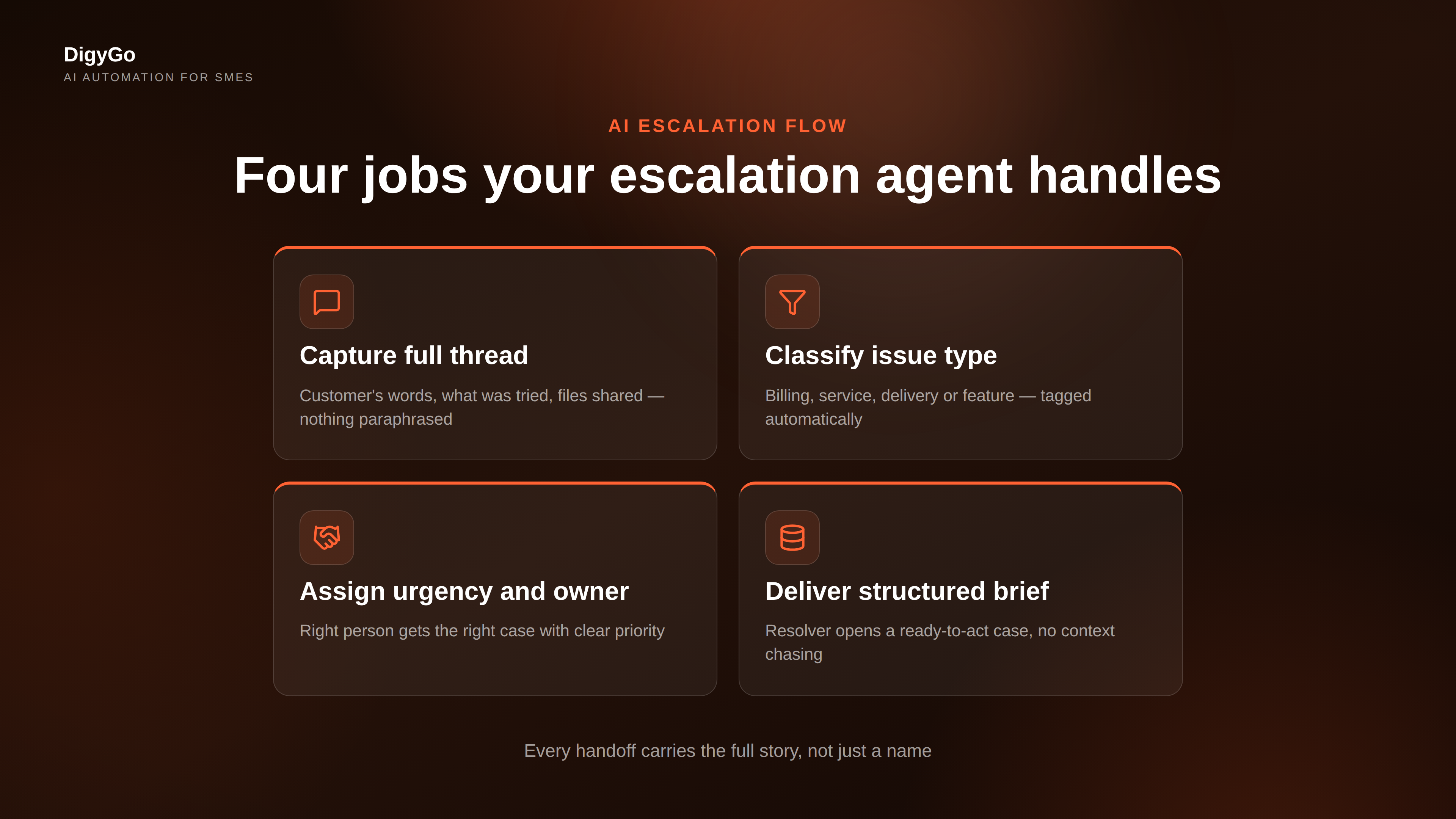
An AI escalation agent sits between the first response and the resolver. Its job is not to answer the customer — it is to capture everything known about the issue and deliver it to the right person in a structured, ready-to-act format. Here is how it works in practice:
1. Capture the full thread. When the first responder flags an issue for escalation, the AI agent collects every message in that conversation — the customer's original words, what has already been tried, the products or services involved, and any files or links shared. Nothing gets lost in a paraphrase.
2. Classify the issue type. The agent reads the conversation and tags it with an issue category: billing error, service complaint, feature request, delivery delay, or something else. This tag tells the resolver what kind of problem they are walking into before they open the thread.
3. Assign urgency and owner. Based on the issue type, the customer's history, and the team's availability rules, the AI assigns both an urgency level and the right owner. Urgent billing issues go straight to the finance lead. A delivery delay lands with the operations manager. A feature request routes to the product person. No one gets an issue they cannot act on.
4. Deliver a structured brief. The resolver receives not a forwarded message but a brief that includes the customer's name and account, the issue summary, what has already been tried, the conversation history, the assigned urgency, and the next recommended action. They can start working immediately without asking the first responder for context.
What changes when every escalation carries full context
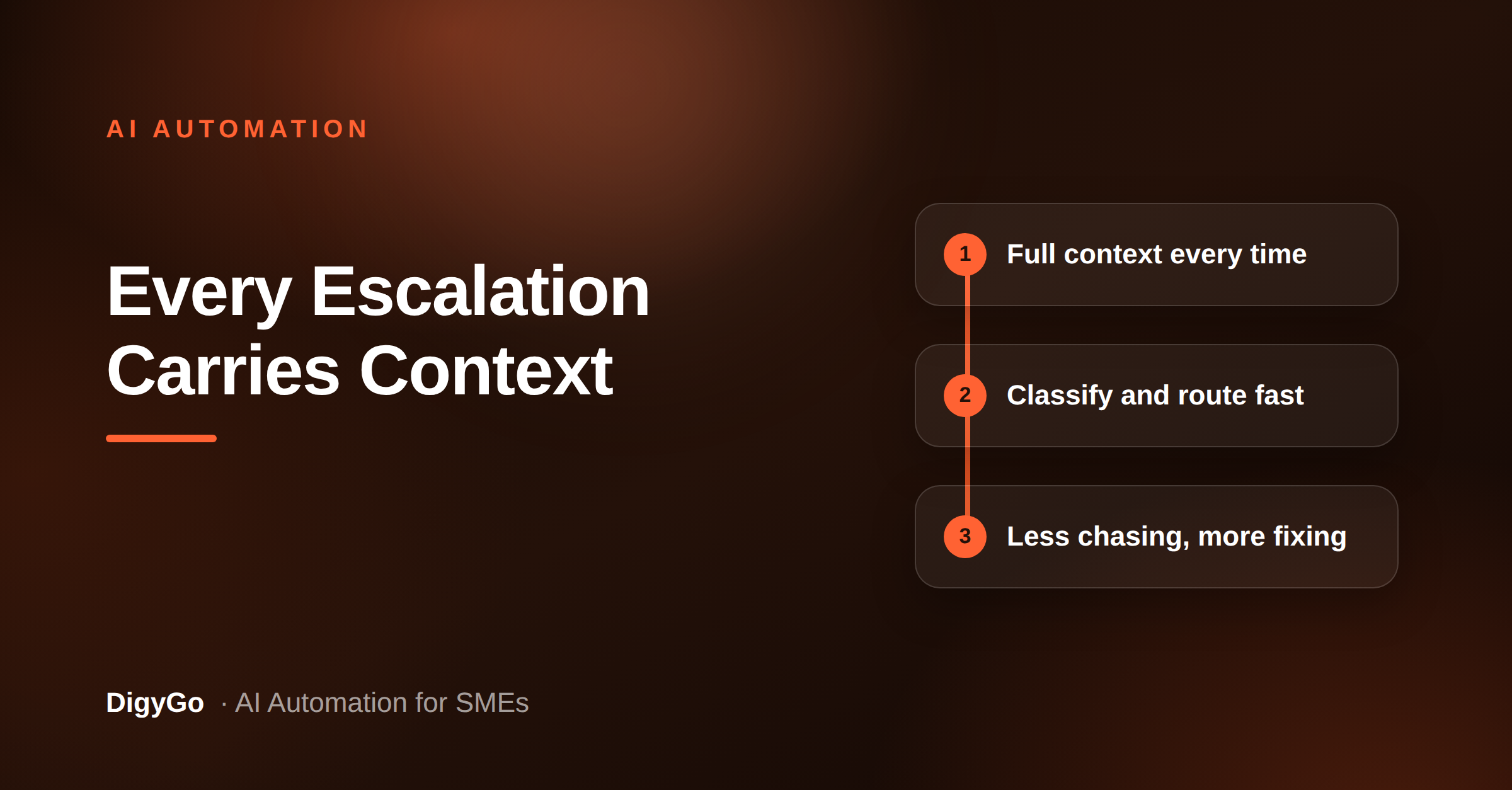
The difference is not subtle. When an AI agent handles the handoff, the resolver never has to ask "what did the customer say?" or "has anyone looked at this yet?" The context arrives with the assignment, and the first action is always productive.
Here is what shifts in practice:
- Response time to the customer drops. Instead of waiting for the resolver to hunt for context, the reply goes out minutes after the assignment. The customer hears back from someone who already knows the issue.
- First-contact resolution improves. Because the resolver has the full history, they solve the issue in one reply instead of going back and forth to clarify. That saves the customer's time and the team's time together.
- Blind forwards stop. No more "can you handle this?" messages with no context. Every escalation has a clear owner, a clear category, and a clear next step from the moment it leaves the first responder.
- Bottlenecks become visible. When every escalation is logged with its type and owner, patterns emerge. If billing issues keep getting escalated, that signals a process gap. If one person receives every escalation, the team can redistribute load.
Manual vs AI-driven escalation
To make the difference concrete, here is how the same issue plays out under each approach:
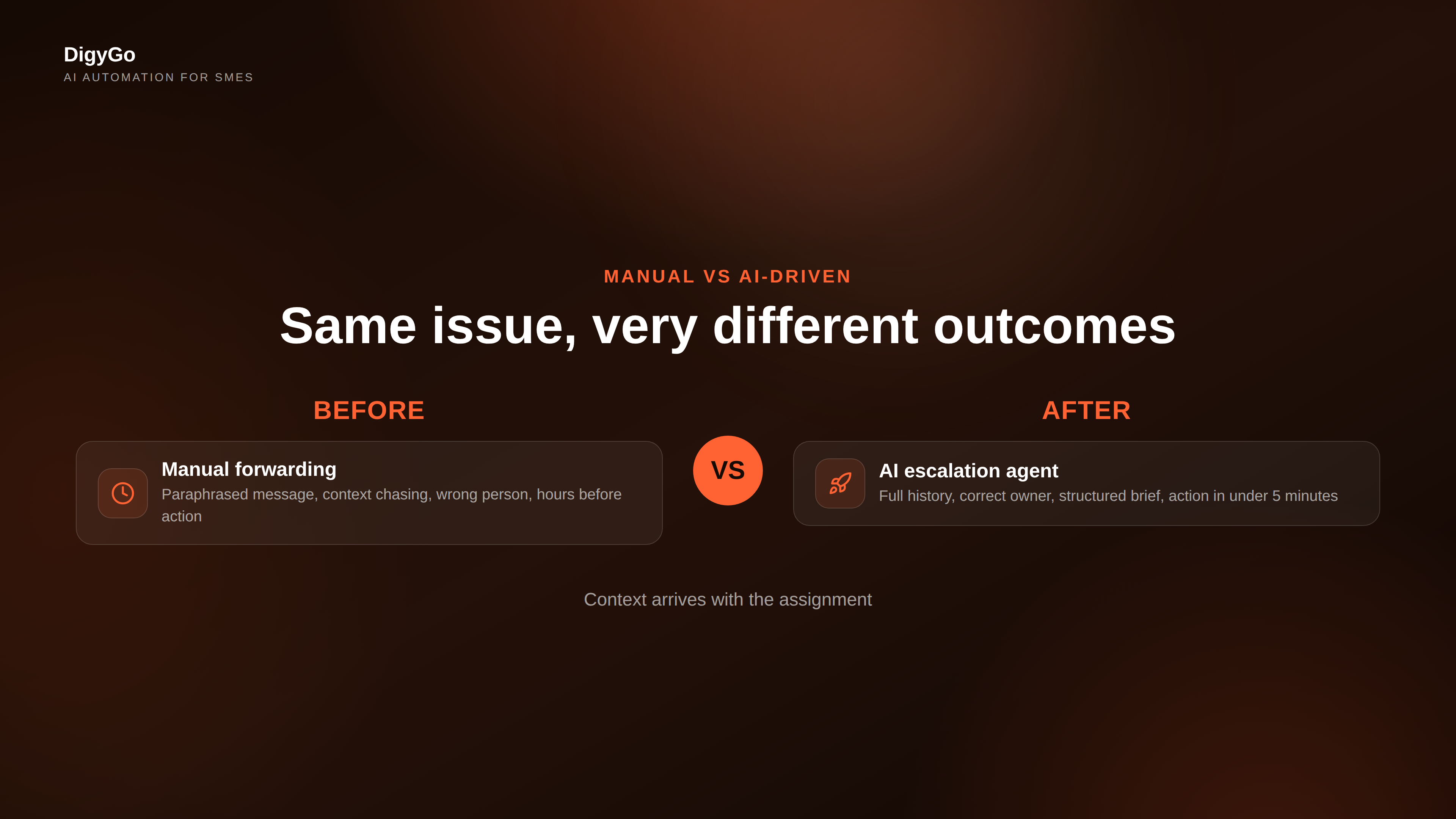
Manual escalation: The first responder reads the message, forwards it to what they think is the right person with a note like "can you check this?" The recipient may be busy, may be the wrong person, and has to read the entire thread to understand what is needed. Average time before a productive first action: 45 minutes to several hours.
AI-driven escalation: The first responder flags the issue. The AI captures the thread, classifies it, assigns urgency and the correct owner, and delivers a structured brief. The resolver opens a ready-to-act case. Average time before a productive first action: under 5 minutes.
Building the escalation rules for your team
The AI escalation agent is only as good as the rules it follows. Setting those rules does not require technical configuration — it requires thinking through how your team already handles issues and encoding those patterns.
Start with the categories that matter. List the five to seven issue types your team handles most often. For a service SME, those might be: billing dispute, service complaint, schedule change, product defect, urgent request, general enquiry. Each category gets a default owner and a response time target.
Define urgency tiers. Not every issue needs an immediate response. Define three tiers: urgent (response within 15 minutes), normal (within 2 hours), and low (within 24 hours). The AI assigns urgency based on the issue type plus any customer-specific flags such as high-value account or repeat complaint.
Name the fallback owner. Every SME has a day when the primary owner is unavailable. Set a fallback for each category so the AI never gets stuck. If billing is the finance lead and they are out sick, the issue routes to the operations manager instead of sitting unassigned.
Review the pattern monthly. Once the AI is logging every escalation with its type, owner, and resolution time, review the data monthly. Are billing issues being escalated more than other types? That is a process problem, not a people problem. Are certain owners overloaded? Redistribute categories.
When automation is not the answer
An AI escalation agent handles structured, repeatable handoffs well. It is not a replacement for human judgement. Some issues need a conversation, not a brief. A long-standing client relationship or a sensitive complaint may benefit from a direct call from a senior team member rather than a routed case.
The goal is not to automate every escalation. It is to automate the ones that follow predictable patterns so the team has more time for the conversations that actually need human attention.
Getting started is simpler than it sounds
You do not need a complex platform to build an AI escalation agent. The core pieces are: a shared inbox that captures every incoming issue, a set of classification rules based on the categories your team already uses, and a routing engine that assigns ownership based on those rules plus availability. Many CRM and helpdesk tools already have the foundation — the missing piece is often just the structured brief that carries context through the handoff.
For SMEs that want a faster start, DigyGo's AI operations layer includes escalation routing as part of its request triage system. Issues are captured from WhatsApp, email, and web forms, classified by type, and routed to the right owner with the full conversation history attached.
FAQ
What kind of businesses benefit most from AI escalation routing?
Service SMEs, agencies, and product companies that handle customer enquiries across multiple channels — WhatsApp, email, social media, and web forms — and need a reliable way to route issues to the right person without context loss.
Does the AI need to be trained on my data?
Minimally. The classification rules can be set up using your existing issue categories. The AI learns from patterns over time, but you get value from day one with clear category definitions and owner assignments.
Will the AI replace my support team?
No. It replaces the manual forwarding and context-chasing that wastes time. The actual resolution still requires human judgement, empathy, and domain knowledge.
Can I set different urgency rules for different customers?
Yes. The urgency tier can be adjusted per account. High-value clients, repeat customers, or flagged accounts can get faster routing without changing the default rules for everyone else.
What happens if the assigned owner does not respond?
The escalation agent can be configured with an escalation timeout. If the assigned owner does not acknowledge the issue within a set window — say 30 minutes for an urgent case — the issue routes to the fallback owner automatically.
Ready to stop losing context every time an issue gets handed off? Talk to the DigyGo team about setting up AI escalation routing for your SME.