You built a sales pipeline. Deals enter, you follow up, they stall. The CRM holds everything — stage logs, activity history, next steps — but nothing happens unless someone opens it. The simple fix is not more discipline. It is a CRM sales workflow that nudges, reminds, and escalates automatically so no deal sits longer than it should.
A practical sales guide for SMEs on building a CRM sales workflow that uses automation triggers, stage timeouts, and smart follow-ups to keep every deal moving through the pipeline.
- Why deals stall even inside a CRM
- The four stages of a CRM-driven deal workflow
- How automation triggers keep every stage moving
- A practical 3-step build sequence for your team
Why Deals Stall Inside the CRM
Most SME CRMs are storage, not engines. A contact sits at "proposal sent" for ten days. The rep meant to follow up on day three but got pulled into a service call. Nobody noticed until the weekly review, and by then the prospect had gone dark.
This is not a people problem. It is a process gap. The CRM knows the deal is overdue — it has the date fields, the stage history, the last activity log. But nothing happens automatically because there is no workflow wired to those data points.
The businesses that close consistently are not the ones with the most disciplined sales people. They are the ones whose CRM acts on its own data — sending reminders, escalating stalled deals, notifying the right person when a stage has gone cold.
What a CRM Sales Workflow Looks Like
A sales workflow is a set of rules that connect CRM data to real actions. When a condition is met — a deal sits in a stage for three days, a lead opens a proposal, a follow-up task is marked overdue — the workflow triggers a response: an internal alert, an email to the prospect, a task assignment, or a stage progression.
Done right, it turns the CRM from a passive database into an active deal manager. The workflow runs in the background, the sales team focuses on conversations, and nothing falls through the cracks.
The Four Stages of a CRM-Driven Deal Workflow
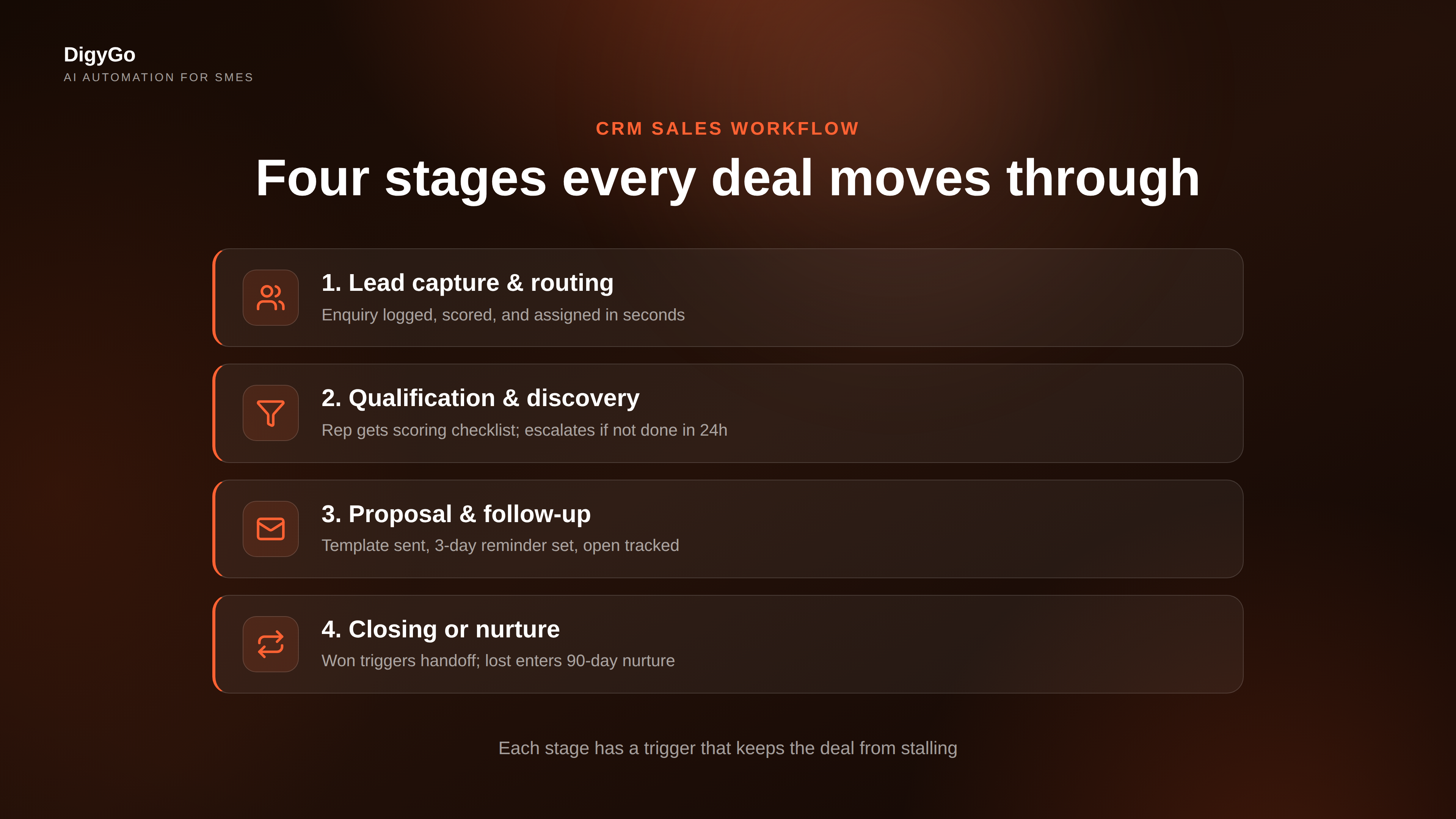
1. Lead Capture and Routing
The moment an enquiry lands — from a web form, a missed call, a DM — the workflow should log it, assign a score, and route it to the right person. Speed-to-lead is the metric that correlates most directly with close rates, and automation at this stage eliminates the gap between enquiry and action.
2. Qualification and Discovery
Once a lead is assigned, the workflow triggers a discovery task with a checklist of qualification criteria. The reps get a notification with the prospect's details, source, and score. If the lead is not qualified within 24 hours, the workflow escalates to the team lead. The deal either advances to the next stage or returns to nurture.
3. Proposal and Follow-Up
When a deal reaches the proposal stage, the workflow sends the rep a template, sets a three-day follow-up reminder, and logs a task to send a value-recap email after the proposal is delivered. If the prospect opens the proposal (tracked via link click), the workflow notifies the rep immediately — that is the moment to call, not to wait.
4. Closing or Nurture
If the deal closes, the workflow auto-populates the order confirmation and triggers a handoff to delivery. If it does not, the workflow does not delete it — it moves the deal to a nurture pipeline and schedules a series of gentle check-ins over the next 90 days. Many deals close months later when the timing is right.
Automation Triggers That Keep the Pipeline Moving
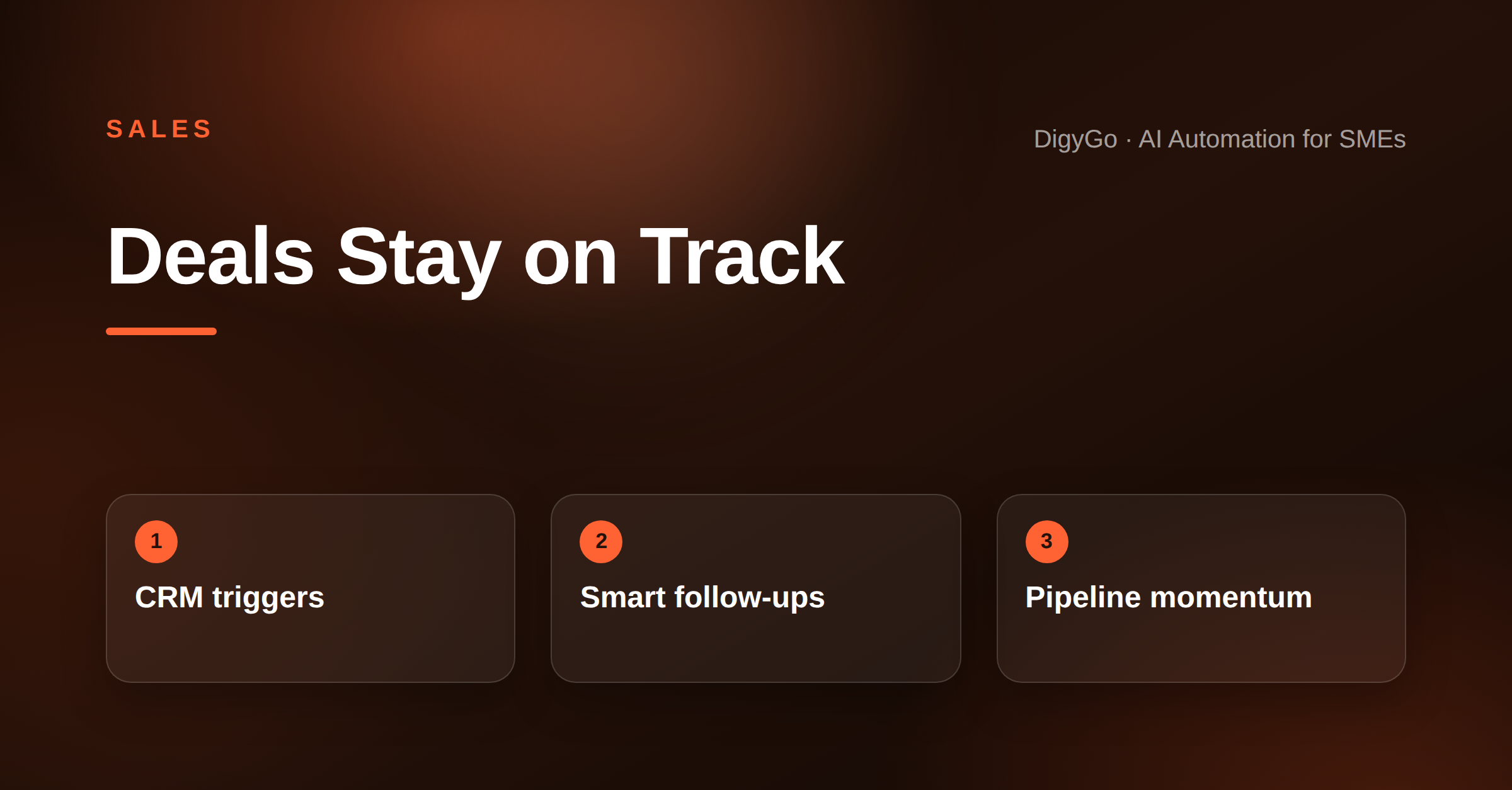
The real power of a CRM workflow is not the stages — it is the triggers that fire between them. Here are the three most impactful triggers an SME can set up today:
Stage Timeout Alerts
Every stage gets a maximum dwell time. When a deal sits past that threshold, the workflow sends an alert to the rep and copies the manager. No waiting for a weekly review to discover a stalled deal.
Activity Gaps
If no activity has been logged on a deal for five days, the workflow creates a follow-up task and sends the rep an email with the last three notes and a suggested next step. The CRM remembers what the last conversation was about — the workflow puts that memory to work.
Buyer Signal Detection
When a prospect reopens an old proposal, visits the pricing page, or replies to a nurture email, the workflow bumps the deal back to active and assigns a call task within the hour. Timing a follow-up to a buyer signal can double the chance of a conversation.
Manual vs Automated CRM Workflow
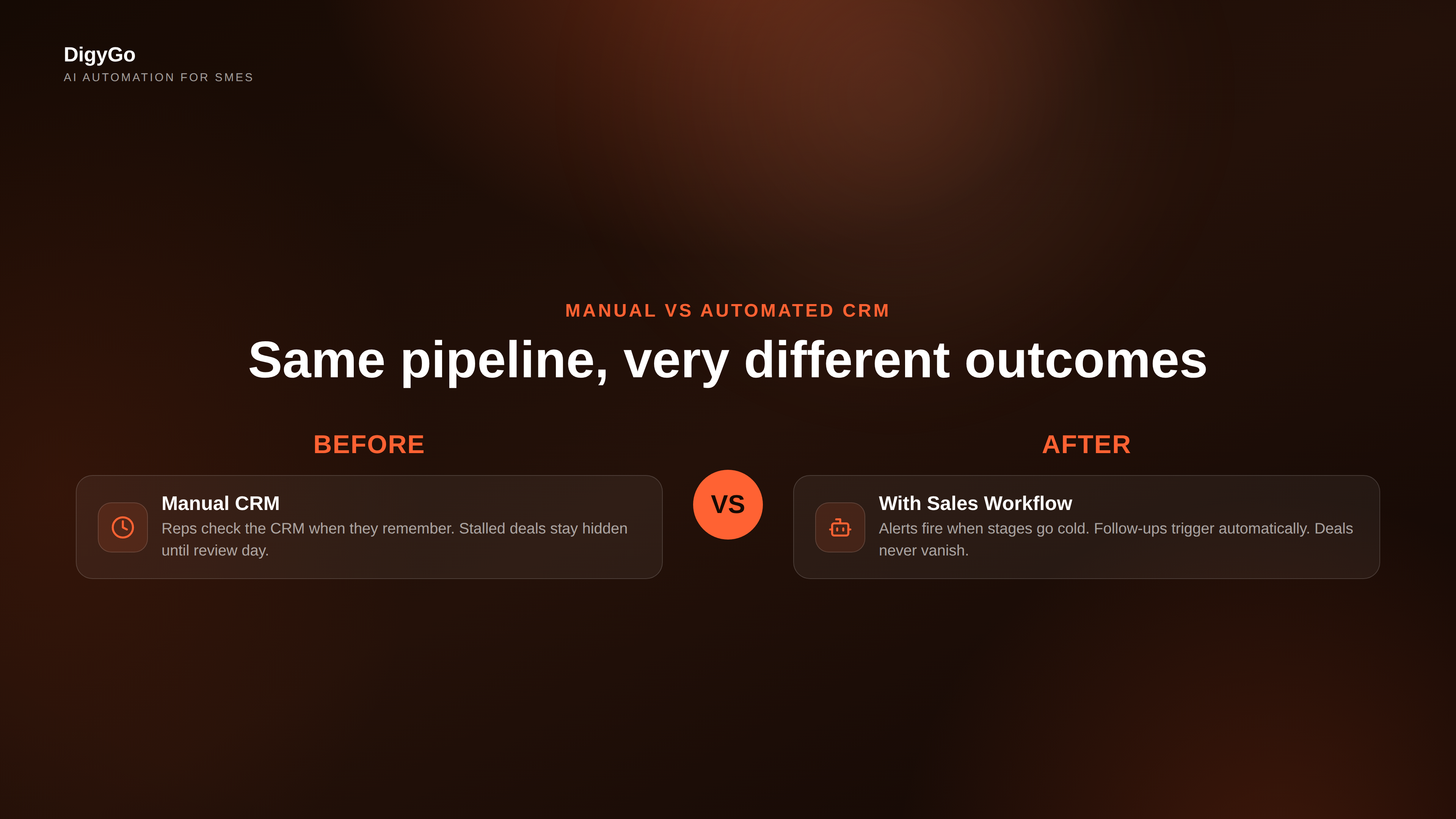
The difference between a manual CRM and one with active workflows is not subtle. Manual management depends on the rep remembering to check, log, and follow up. An automated workflow handles the timing, the escalation, and the data routing. The rep only shows up for the conversation.
For an SME with a team of three to ten sales people, this shift can mean the difference between closing four deals a month and closing eight — not because the team got better at selling, but because nothing got lost in the gap between stages.
How to Build Your CRM Workflow in Three Steps
Step 1: Map Your Current Pipeline Stages
Write down every stage a deal passes through from first contact to closed won or lost. Be specific — "proposal sent" is a stage, but so is "proposal reviewed" and "negotiation." The more granular the stages, the easier it is to attach triggers to each one.
Step 2: Set Dwell Time and Trigger Rules
For each stage, decide how long a deal should reasonably stay there. Then set a trigger that fires one day after that dwell time expires. Start with the three trigger types above — stage timeout, activity gap, and buyer signal detection.
Step 3: Assign Ownership and Escalation Paths
Every trigger needs an owner. A stage timeout alert goes to the rep first, the manager on day two. An activity gap creates a task for the rep and a notification to the lead. A buyer signal creates an urgent call task. Define who does what before you turn the workflow on.
Frequently Asked Questions
Do I need an expensive CRM to build sales workflows?
No. Most SME CRMs — including affordable options like HubSpot, Zoho, Pipedrive, and even Google Sheets with automation tools — support basic workflow triggers. Start with what you have. The system matters less than the discipline of attaching actions to data.
Will automation make my follow-ups feel robotic?
Only if every message is automated. Use workflows for timing, alerts, and data routing — not for writing the whole email. A workflow that tells you when to call and gives you context for the conversation actually makes the follow-up feel more personal, because you call at the right moment with the right information.
How long does it take to set up a sales workflow?
A basic pipeline with three triggers can be set up in a few hours. The real time goes into defining the stages and rules, not configuring the CRM. Most SMEs overthink this — a first version in one afternoon, then refine over the next four weeks as you see what actually stalls.
What if my sales team resists the workflow?
Frame it as a support tool, not a surveillance tool. Show them that the workflow catches what they would normally miss — stalled deals, forgotten follow-ups, leads that went quiet. Teams that try it for two weeks rarely want to go back to manual pipeline management.
Can I automate CRM workflows without a dedicated IT team?
Yes. Modern CRMs are designed for non-technical setup. Most use simple if-then rules with dropdown menus. If your CRM does not support workflows natively, tools like Zapier or Make bridge the gap between your CRM and email, calendar, and communication tools.
Your Pipeline Deserves More Than a Spreadsheet
A CRM without workflow is a box of data. A CRM with workflow is a deal-closing machine that works whether you are in a meeting, on a call, or asleep. The SMEs that build this early gain a compounding advantage — every deal is tracked, every follow-up is timed, every stage has a trigger that keeps things moving.
The best time to set up your sales workflow was three months ago. The second best time is today.
See how DigyGo connects your CRM with automated sales workflows →